
Metallic Wonderfoil and Lenticular Printing


Five premium special finishes, and the file prep rules that make each one print perfectly. Read these guidelines before ordering metallic foil, WonderFoil, 3D lenticular, Spot UV, or 5th color white products from 4OVER4.COM.
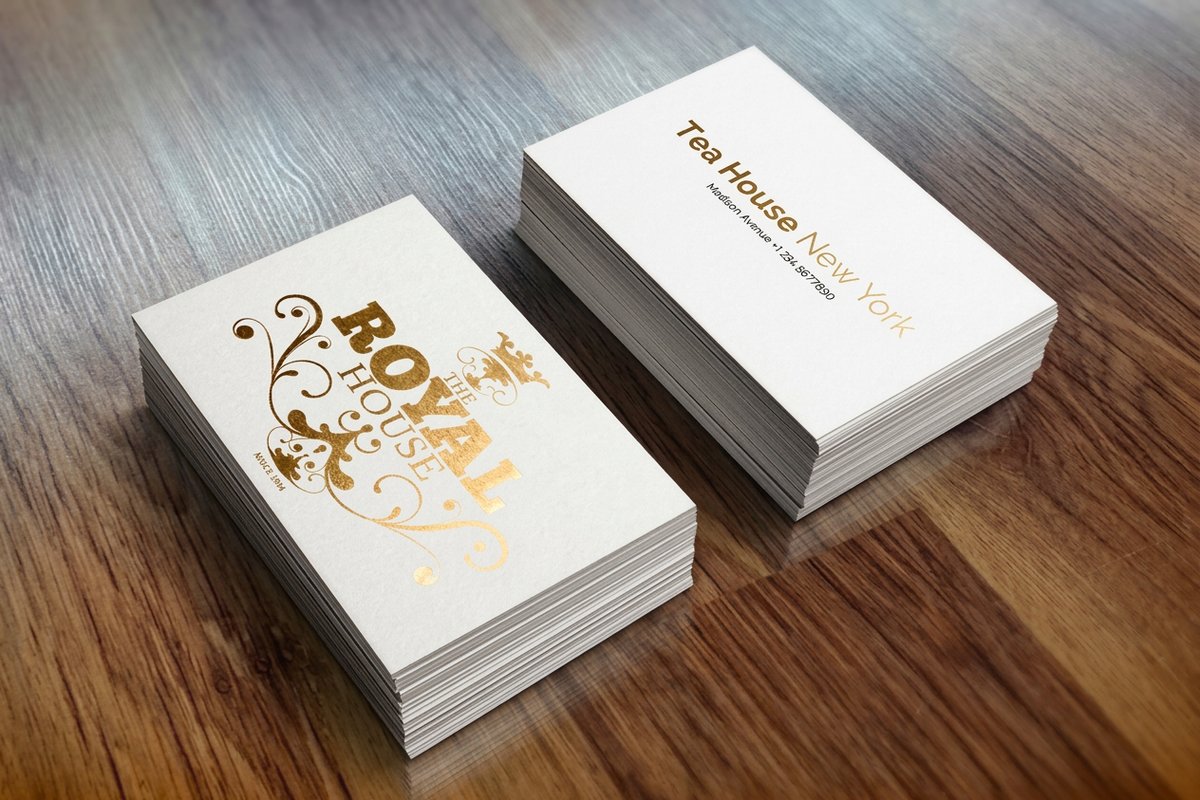
4OVER4.COM offers five premium special finishes. Metallic Foil puts gold or silver on 16 point silk, WonderFoil turns CMYK art into multi color foil, 3D Lenticular adds flip and motion effects on a 21 point lens, Spot UV lays a raised glossy coating, and 5th Color White prints opaque white ink on clear substrates. Each one needs a separate mask file for precise finish placement, and this page walks through every rule.
Start here
The five special finishes in one paragraph
4OVER4 offers five premium special finishes, and every one of them follows the same discipline, a separate mask file that tells the press exactly where the effect goes. Metallic Foil stamps gold or silver on 16 point silk cardstock. WonderFoil converts full color CMYK artwork into multi color foil on high gloss stock. 3D Lenticular puts a flip or motion effect on a 21 point lens at 75 LPI. Spot UV raises a glossy coating over chosen areas. 5th Color White prints opaque white ink behind color on clear substrates. The sections below carry the complete file prep instructions for each finish, with the original setup images, so your order comes out right the first time.
Metallic foil, gold or silver on silk cardstock
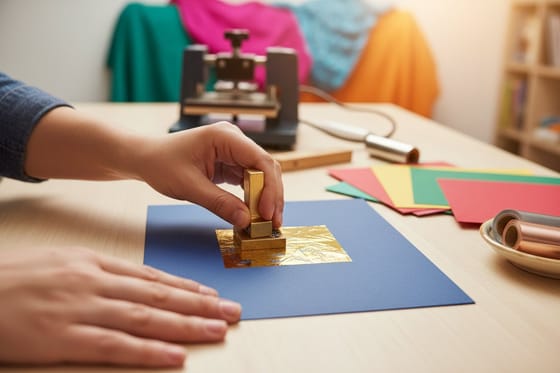
Metallic foil is the classic of the five finishes. Your card prints on 16 point cardstock, gets silk laminated, and then a gold or silver foil layer is stamped onto the areas your mask marks out. The foil can go on the front, the back, or both sides, but each project runs one foil color only. Gold on the front and silver on the back is not possible, so choose the metal that suits your brand and let the design do the rest on our metallic foil business cards.
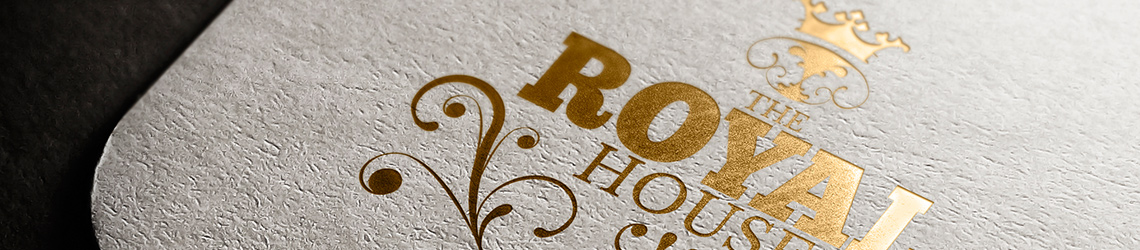

A few rules keep the result sharp. Avoid small or fine text in the foil areas, since thin strokes lose definition under the metal. Keep foil coverage under 50 percent of the artwork area for the best results. And remember the placement can shift up to 1/16 inch in production, so do not build a design that depends on the foil landing exactly against another printed element.
The mask file is where most orders go right or wrong. Alongside your full color file you upload a foil mask that is black and white only, with 100 percent black in the areas you want foiled and white everywhere you do not. The three frames below show the sequence, the CMYK art, the mask, and the stamped result.
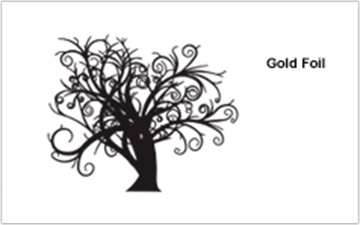
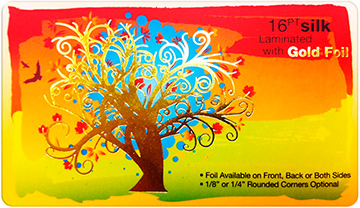
Prepare the mask precisely and position it exactly where the foil belongs, because 4OVER4.COM cannot be held responsible for mask files saved to the wrong position. For a printed sample of the example above, email support@4over4.com and ask for samples, or order free samples to feel the silk laminated finish in hand.
WonderFoil, full color artwork turned into multi color foil
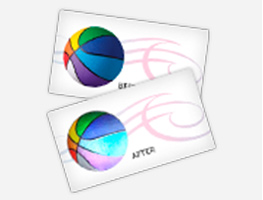
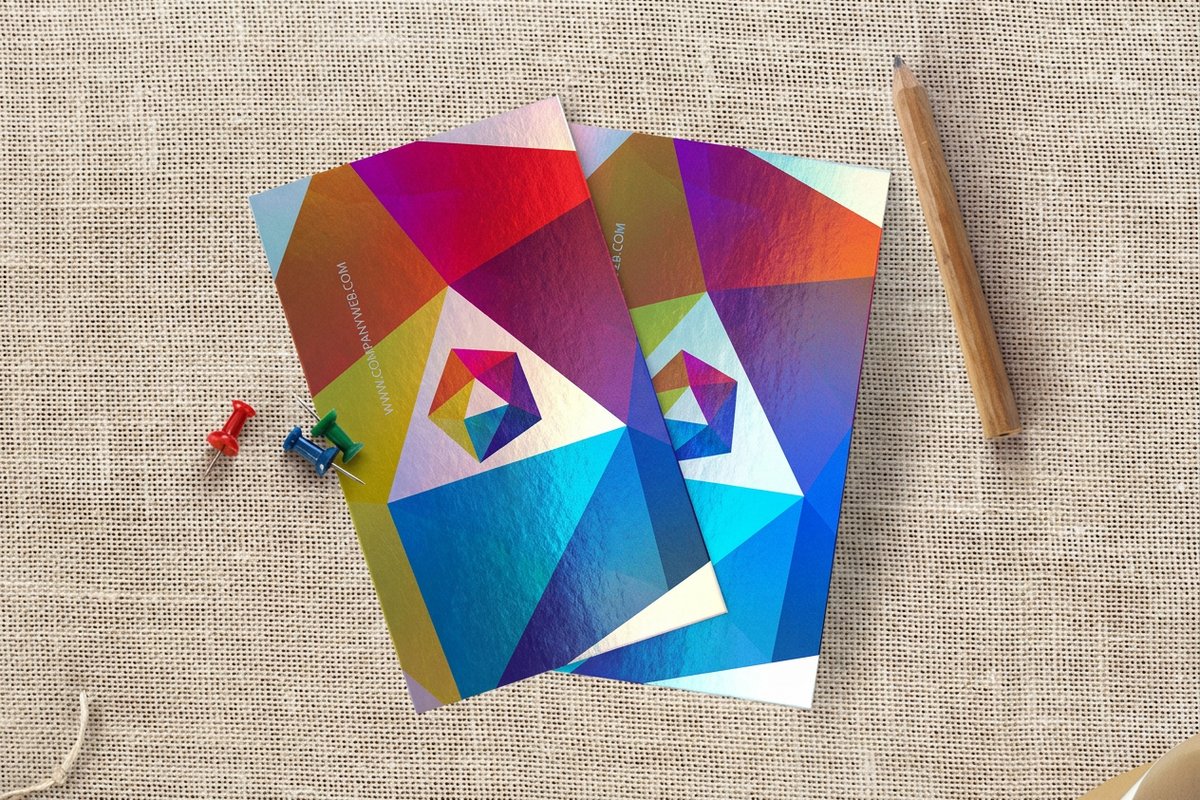
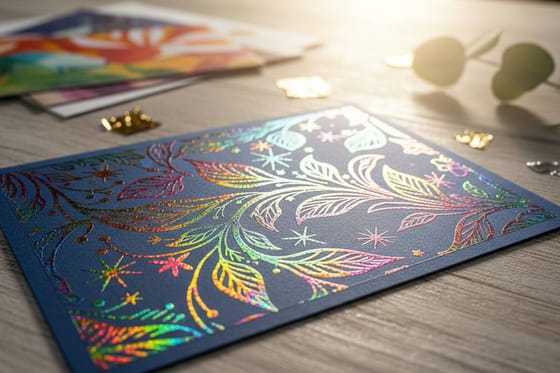
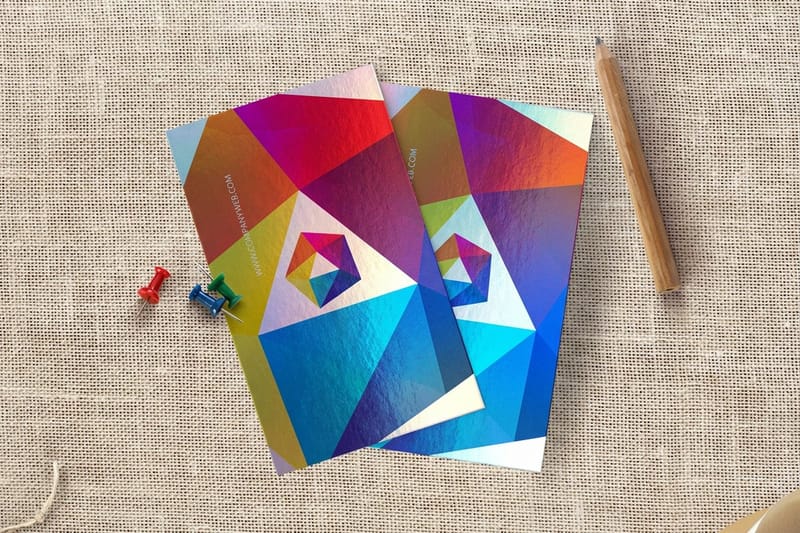
WonderFoil is where the finish gets ambitious. Instead of one metal, it transforms a wide range of CMYK colors into multi colored foils, turning large solid areas, halftones, gradients, and reversed out areas into a radiant, sparkling finish. Our equipment runs multiple foil colors on the same design, which no single color stamp can do, and it does it at a price that makes the effect practical rather than precious. Cards print on 16 point gloss cardstock with a hi gloss UV coating, with WonderFoil available on the front, the back, or both sides.
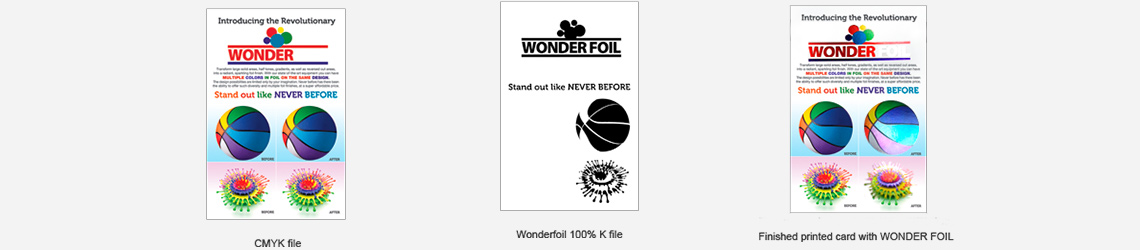
The mask works the same way as metallic foil. Upload a black and white file with 100 percent black where your full color artwork should become foil, and make sure the mask and the CMYK print file align and match up properly. Two quirks are worth knowing. White in the CMYK file that sits under 100 percent black in the mask comes out as metallic silver foil. And WonderFoil works best on lighter colors, so the darker the CMYK color, the less the foil effect shows.
Keep the type bold. Do not run WonderFoil on very thin or small text and art, and stick to sans serif fonts above 12 point. The one trap to design around is the halo, a rim of white that can appear around knockout areas in the mask or the CMYK file.
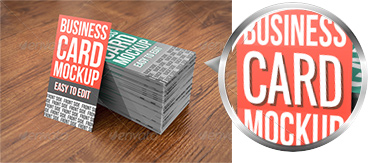
To prevent it, grow or stroke the WonderFoil area in the mask by 12 pixels so the foil bleeds into the CMYK area, and fill the knockout with a color to reduce the effect further. For a printed sample of 16 point high gloss UV WonderFoil cards, email support@4over4.com, then browse the full WonderFoil collection when you are ready to order.
3D lenticular, cards that flip and move as they tilt

3D lenticular cards hold two or three pictures in one. We take your images and create a swapping effect, each image vanishing and reappearing as the card tilts up and down. The lens sheets are 21 point and run 75 LPI, which means lenticules per inch, the tiny ridges that direct light to a different view at each angle. The two classic effects are the flip, the most popular way to show two or three distinct images one after another, and the motion effect, a short video style action sequence or product demonstration on the card itself. A flip can sell multiple products, make a card bilingual or trilingual, or simply earn a second look.

Lenticular rewards bold design. Dark solid colors and textured backgrounds work well, while white backgrounds should be avoided where possible, because white and light areas are transparent and other views show through them as ghosting. Light areas only behave when every view has the same light color in the exact same spot. Use bold sans serif fonts and skip small text, since fine type distorts through the lens, and make sure text that changes from view to view sits in a different position on each frame rather than overlapping.
File prep is a matter of counting views. A two image transition with no printed back uploads 2 files, a three image transition with no printed back uploads 3, a two image transition with a printed 4/4 back uploads 3, and a three image transition with a printed back uploads 4. Name them Front1, Front2, Front3 when you have a third view, and Back. An optional backside prints in regular four color process, and at the moment only a vertical transition or flip is available.
These cards are guaranteed attention grabbers. People look at the effect over and over, show the card around, and keep it handy to show others, which is exactly what a business card is for. Order 3D lenticular business cards, or email support@4over4.com for a printed 21 point sample first.
Spot UV, a raised glossy coating exactly where you want it
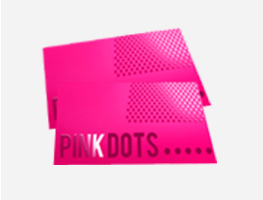
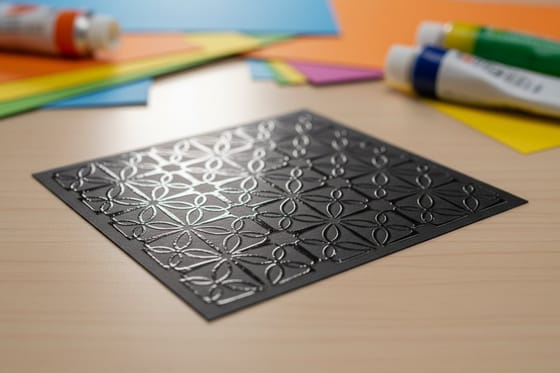
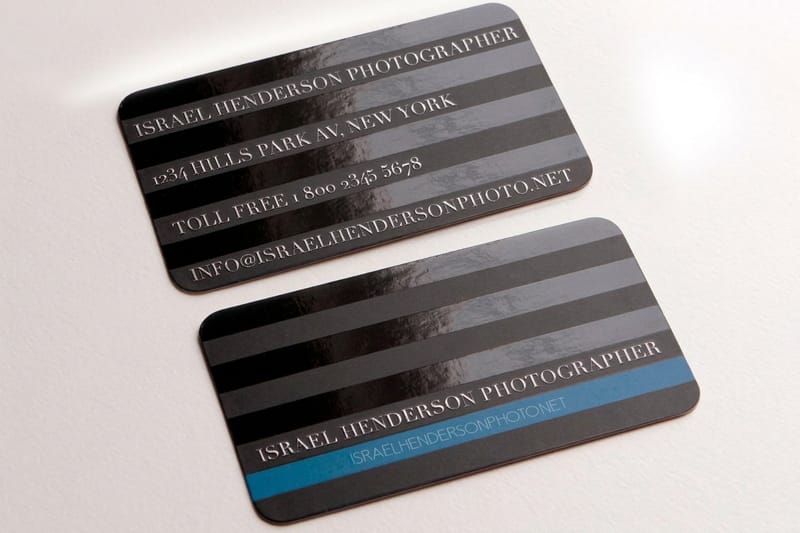
Spot UV lays a raised, glossy coating onto specific areas of a printed piece, so a logo, a pattern, or a line of type catches the light against a matte field. It is available on business cards, postcards, and pocket folders, and it follows the same mask discipline as the foils. You upload a Spot UV mask with your full color file, black and white only, 100 percent black where the gloss goes and white where it does not.
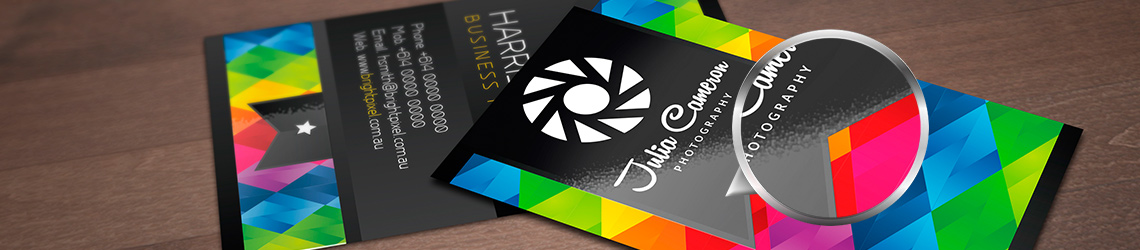
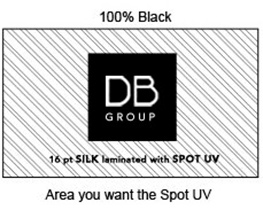
As with foil, there may be up to a 1/16 inch shift on the placement of the Spot UV, so keep that in mind if you are trying to align the gloss with other printed artwork on the card. The mask must be prepared precisely and positioned exactly where the effect belongs, and the three stages below show what a correct setup looks like from art to finish.
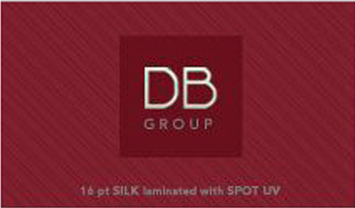
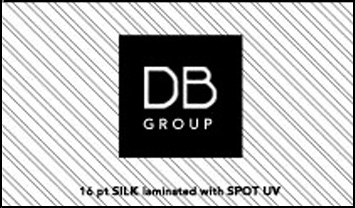
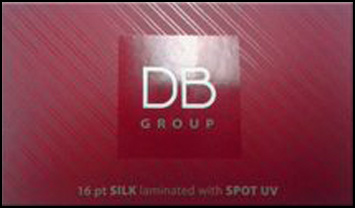
For a printed sample of 16 point silk laminated Spot UV cards, email support@4over4.com, or configure Spot UV business cards, Spot UV postcards, and Spot UV pocket folders directly.
5th color white, opaque ink on clear substrates
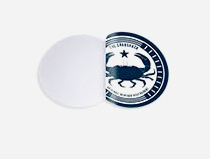
5th color white solves the problem every clear material has. Print color straight onto a transparent substrate and it reads translucent, because there is no white paper behind it. The fix is a layer of opaque white ink printed behind your artwork, available for Clear Labels, Aluminum Signs, and Clear Clings. We use clear clings as the example here, but the file prep and the color mask work the same for every product with the 5th color white option.



The white mask is a separate file from your artwork, and black indicates where the white ink prints. Build it at the same size as your color art file to prevent alignment issues, make it in vector format, save it as EPS or PDF, and use pure 100 percent K, meaning 0 percent C, 0 percent M, 0 percent Y, and 100 percent K, or preflight will not recognize it. Use vector paths and shapes for the black areas, and leave the rest of the file empty to represent the clear stock.
The logic of the result is simple. White ink prints behind any color in your artwork layer. Color without a white mask prints directly on the material and reads somewhat transparent. Color with a white mask prints opaque and solid. And a white mask with no color over it prints as clean white.
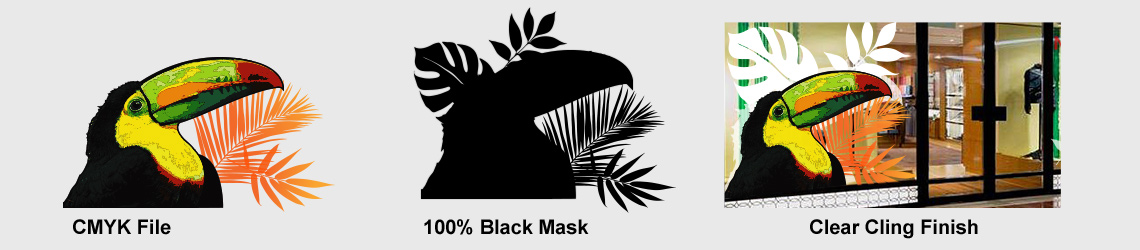
Once the mask is right, the substrate stops being a constraint and becomes the design. Order clear clings with the white base and watch flat color sit solid on glass.
Choosing between foil, WonderFoil, lenticular, and Spot UV
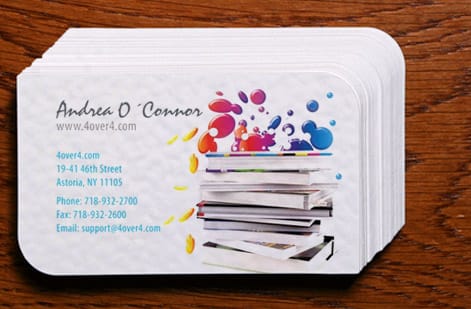
The five finishes solve different problems, and the differences are easy to hold onto. Standard metallic foil applies a single layer of gold or silver to flat areas of your design. It looks sharp and professional, but it stays static. WonderFoil takes the same masking idea and multiplies it, converting your full color artwork into multiple foil colors on one piece, so gradients and halftones shimmer instead of a single logo.
Lenticular is the odd one out because it is not a coating at all. A ribbed plastic lens creates depth, animation, or an image flip through pure optics, motion without any metallic shine. Spot UV sits at the quiet end of the scale, a raised gloss that adds touch and light play without changing the color underneath. And 5th color white is the enabler, the ink that makes any of your color art read solid on clear material.
Budget and drama both scale in the same order. Spot UV is the most affordable way in, metallic foil adds the metal, WonderFoil adds the color range, and lenticular adds the motion. If you want the full sensory stack, pair a foil order with dual raised printed products, where raised ink and metallic foil combine into a card you feel before you read. Still undecided? Order free samples, hold each finish, and let your thumb make the call, or browse the whole fantastic finishes collection.

Specs and pricing
A product that carries the finish: metallic foil card specs and live pricing
Every special finish rides on a printed product, so start by configuring the piece. Here are the live specs and price per unit for metallic foil business cards at 4OVER4.COM, straight from the configurator.
| Quantity | Price Per Unit | Total |
|---|---|---|
| 500 | 44.4¢ | $222.13 |
| 1,000 | 26.9¢ | $269.14 |
| 2,500 | 20.2¢ | $504.19 |
| 5,000 | 19.7¢ | $986.04 |
| 10,000 | 16.4¢ | $1,644.19 |
| 15,000 | 14.4¢ | $2,161.30 |
| 20,000 | 13.5¢ | $2,701.94 |
| 25,000 | 13.0¢ | $3,242.54 |
Print it
Products that take the special finishes
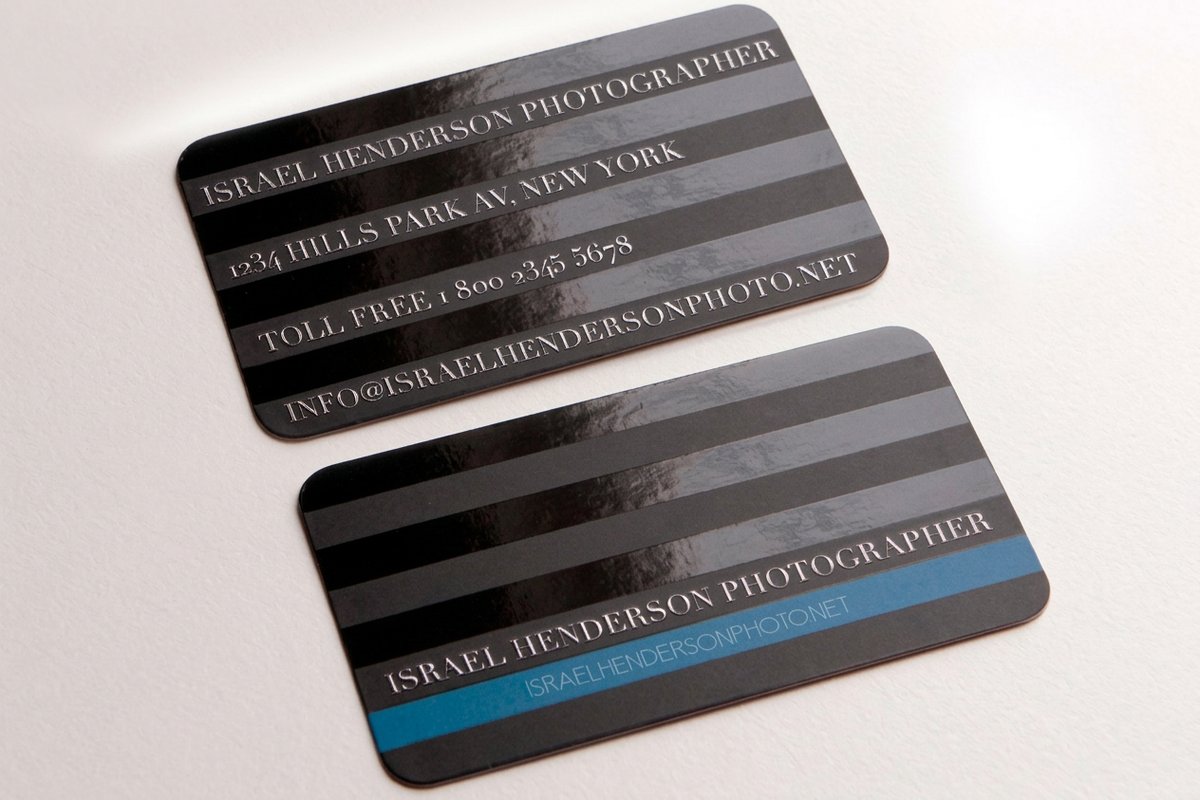

Wally shows you the shimmer
Why a Wonderfoil card earns the double take a flat card never will
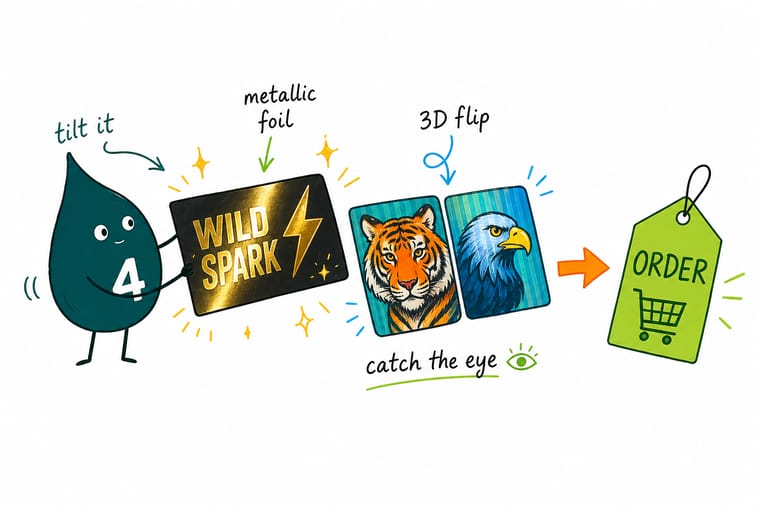
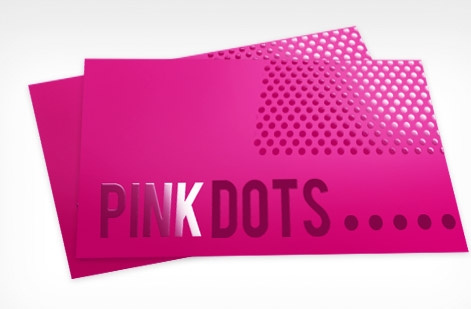
Hand someone a flat card and they pocket it. Tilt a Wonderfoil card and the metallic foil catches the light while the lenticular image flips, so they stop and ask where you got it. That is the whole point. Prepare a clean 100 percent black mask file, keep the type bold, and the press does the rest. Start with metallic foil business cards and add the lenticular lens when you want the motion too.
Order foil business cards →See it in use
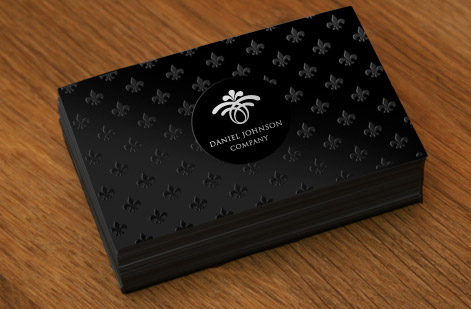
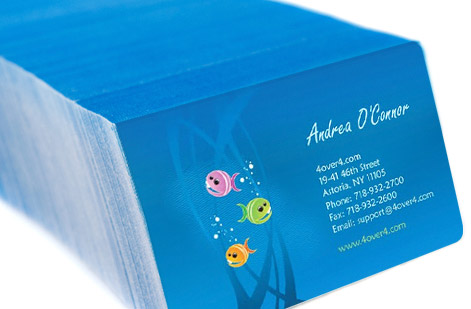
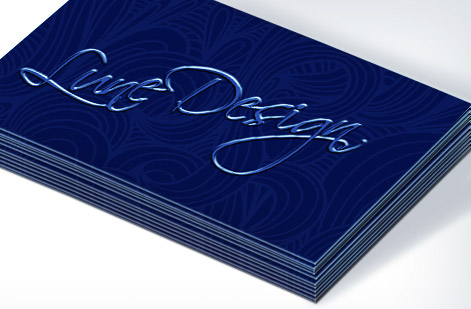
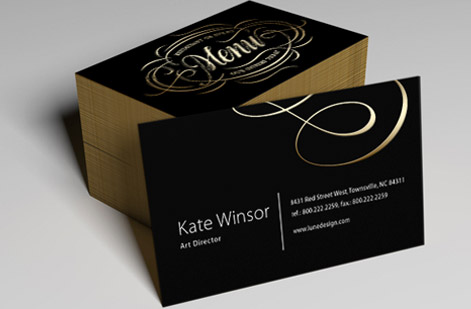
Real cards, real finishes, printed in-house
Get Started
Make your print stand out. Every time.
Metallic foil, WonderFoil, 3D lenticular, Spot UV, and 5th color white, premium finishes on 1,000+ products since 1999. Prep your mask file, pick your product, and print it.
Explore more
Where to go next

By the numbers
Finishing you can count on at 4OVER4
Common Questions
Common questions about the special finishes
What types of metallic foil finishes are available?
We offer Gold and Silver metallic foil finishes on 16 point cardstock with silk lamination. Each order can use only one foil color, Gold or Silver, and that color can be applied to the front, the back, or both sides of your print. An order with Gold foil on the front and Silver on the back is not possible, so pick the one color that carries your design.
How do I create a foil mask file?
Your foil mask file must be black and white only. Fill the areas you want foiled with 100 percent black and leave everything else white, then upload the mask alongside your full color CMYK file. Make sure both files are the same size and aligned precisely, because the mask is the map the press follows when it stamps the foil.
What is WonderFoil and how is it different from metallic foil?
WonderFoil transforms your full color CMYK artwork into multi colored foil. Standard metallic foil is a single color overlay in gold or silver, while WonderFoil lets you run multiple foil colors in the same design, turning large solid areas, halftones, gradients, and reversed out areas into a radiant, sparkling foil finish printed on 16 point gloss cardstock with a hi gloss UV coating.
What is 3D Lenticular printing?
3D Lenticular printing creates a swapping or flip effect where images transition as you tilt the card up and down. You can use two or three images for the effect, and cards are printed on 21 point lenticular sheets at 75 LPI, which stands for lenticules per inch. An optional backside printed in regular four color process is also available, and transitions currently run in the vertical direction only.
How many files do I upload for a lenticular card?
It depends on the transition and the backside. A two image transition with no printed back needs 2 files, a three image transition with no printed back needs 3, a two image transition with a printed back needs 3, and a three image transition with a printed back needs 4. Name them Front1, Front2, Front3 if you have a third view, and Back.
How does Spot UV work?
Spot UV adds a raised, glossy UV coating to specific areas of your print. Like foil masking, you create a separate black and white mask file with 100 percent black marking where the coating goes. It is available on business cards, postcards, and pocket folders, and placement may shift up to 1/16 inch, so avoid tight registration between the gloss and the art.
What is 5th Color White used for?
5th Color White is for clear or transparent materials like Clear Labels, Aluminum Signs, and Clear Clings. White ink prints behind your color artwork to make it opaque and solid on the clear substrate. Without the white base, colors appear somewhat transparent, and areas with a white mask but no color print as clean white.
Can I get printed samples before ordering?
Yes. Email support@4over4.com and ask for samples of any special finish product. We can send printed samples of metallic foil, WonderFoil, 3D lenticular, and Spot UV cards so you can feel the finish in hand before you place a run.
Legal Disclaimer
Special finish placement may shift up to 1/16 inch during production. Foil mask files must be prepared precisely, 4OVER4.COM is not responsible for incorrectly prepared mask files. 3D Lenticular transitions are currently available in vertical orientation only. Color intensity of WonderFoil varies based on underlying CMYK color density. Pricing reflects current configurator rates and may change. All products subject to standard production and shipping timelines. Contact support@4over4.com for specifications and samples.
