
What CMYK Means And Why Print Uses It Instead Of RGB


"CMYK is the color system every commercial press uses. Here is exactly what the letters mean, why print relies on CMYK instead of the RGB on your screen, and how to set files up so your colors print the way you designed them."
CMYK stands for Cyan, Magenta, Yellow, and Key, and Key means black. It is the four-ink system commercial presses use to reproduce color on paper. Screens build color with red, green, and blue light, but presses layer C, M, Y, and K ink, so designing in CMYK makes your on-screen preview match what actually prints and prevents color surprises.

What CMYK stands for
CMYK is an abbreviation for the four inks used in full-color commercial printing: Cyan, Magenta, Yellow, and Key. Cyan is a bright blue-green, magenta is a vivid pink-red, yellow is yellow, and Key is the printing world's name for black. The term Key comes from the black plate that holds the fine detail and keeps the other colors aligned, or keyed, on press.
A press reproduces every color in your design by layering tiny dots of these four inks in different amounts. Combine cyan and yellow and you get green; combine magenta and yellow and you get orange; combine all four and you approach a deep black. This four-ink process is how a printer turns a flat design into the full spectrum you see on a finished catalog or flyer.
If you have only ever thought in screen colors, this is the mental shift: print color is made of ink, not light, and ink behaves differently. Understanding that is the whole foundation of getting color right, and it connects to every other file-prep decision covered in our print-ready files guide.
CMYK vs RGB: two different ways to make color

Your screen makes color with light. It starts black and adds red, green, and blue light to build every shade, which is called an additive system. A press does the opposite. It starts with white paper and lays down ink that subtracts, or absorbs, light to create color, which is a subtractive system. Because one adds light and the other subtracts it, the two cannot reproduce the exact same range of colors.
RGB can hit brilliant, glowing colors that ink simply cannot match, especially vivid blues, greens, and neon tones. When those colors are converted to CMYK for printing, they shift to the closest ink mix, which can look duller or slightly different from the screen. That gap is the source of most color surprises. To go deeper on the trade-offs, our companion guides on CMYK vs RGB color mode and the best color profile for printing map it out in detail.
None of this means RGB is wrong. It is right for screens. It just means that anything destined for paper needs to be judged and finalized in CMYK, so what you approve is what the ink can actually deliver.
Why printing uses CMYK

Presses use CMYK because four process inks can reproduce a huge range of colors efficiently and consistently. Instead of stocking a separate ink for every possible shade, a printer loads four and mixes them on the sheet in tiny dot patterns. That is both economical and repeatable, so the thousandth piece in a run matches the first. It is the practical engine behind almost all full-color commercial printing.
When a brand needs one exact, unwavering color that process inks cannot nail, printers reach for a spot color, a single pre-mixed ink matched to a standard. That is a separate tool from CMYK, used alongside it. For most work, though, the four-color process is what reproduces photos, gradients, and full designs. Our explainer on why printing uses CMYK and the guide to matching Pantone to CMYK cover the edge cases.
The takeaway is that CMYK is not a limitation the printer imposes on you; it is the reliable system that makes consistent, affordable full color possible on paper.
Setting up your files in CMYK
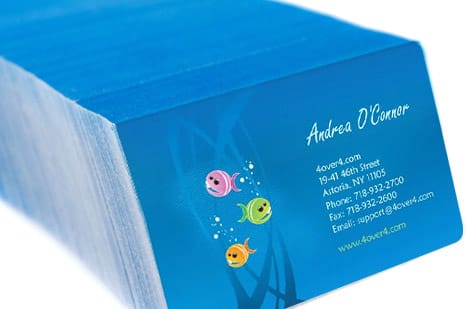
The single best habit is to start your document in CMYK color mode. When you design in CMYK from the beginning, your on-screen preview approximates the ink result, so you make color decisions you can actually get on paper. If your artwork came from a camera, a stock site, or the web, it is almost certainly RGB, so convert it to CMYK before you export and re-check the colors that shift most.
Watch the usual suspects after conversion: bright blues can drift toward purple, and vivid greens and oranges tend to lose punch. For large areas of black, build a rich black like C60 M40 Y40 K100 so the ink lays down deep and even instead of looking washed. If you would rather not manage this by hand, our online design tool and design templates keep files in the right color space, and the guides on formatting artwork for CMYK and converting RGB to CMYK walk the exact steps.
When exact brand color matters, do not trust a monitor alone. Order a free proof or free samples so you can judge the ink on the real stock before you run the full job.
Proof it, then print with confidence

Even a perfectly built CMYK file benefits from a real-world check, because color is affected by the paper it prints on. The same ink looks slightly different on a glossy coated stock than on an uncoated one, since the surface changes how light reflects. If precise color is critical to your brand, judging it on the actual stock removes the last bit of guesswork.
That is what proofs and samples are for. A free proof lets you review your file before it runs, and free paper samples let you feel and see the stock in advance. Together they turn color from a hope into a decision you can verify. When you are confident, use the live specs and pricing panel below to configure your job on the exact stock and finish you tested.
Get the color right in the file, confirm it on paper, and your print comes back looking the way you designed it, on the first run.
Wally mixes four inks to match your screen
Cyan, magenta, yellow, and key make every color
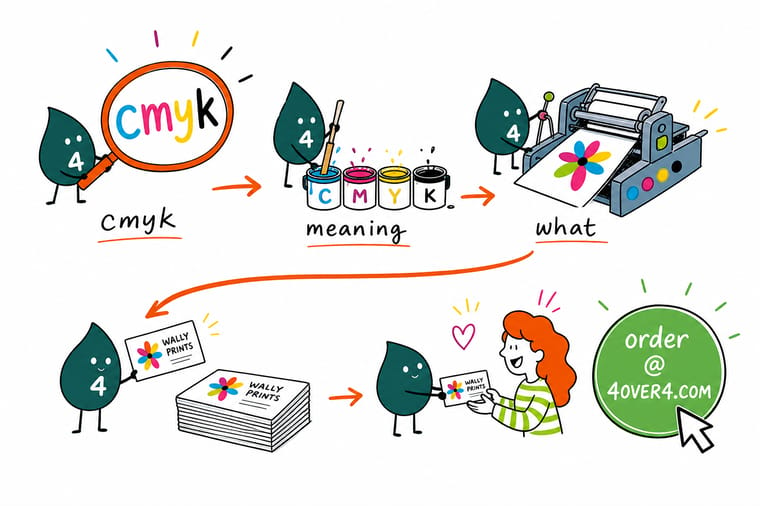
Wally trades the glowing red-green-blue of a screen for four little pots of ink: cyan, magenta, yellow, and key, which is black. Layered in tiny dots, they build every color on paper. Design in CMYK from the start and your preview matches the print, so no bright blue comes back dull. Build it right, proof it on real stock, and 4OVER4 prints the color you actually chose.
Print your CMYK-ready files →Quick reference
The key details, at a glance
| Detail | What to know | Why it matters |
|---|---|---|
| What CMYK means | Cyan, Magenta, Yellow, Key | Key is the printing term for black; four process inks. |
| Color model | Subtractive (ink on paper) | Ink absorbs light, unlike a screen that adds RGB light. |
| Design mode | Start in CMYK | Your preview reflects ink so you avoid color surprises. |
| RGB assets | Convert before export | Photos and web art are RGB and must be converted. |
| Watch colors | Bright blues, greens, neons | These shift most when moving from RGB to CMYK. |
| Rich black | C60 M40 Y40 K100 | Deeper, more even than plain 100 percent K. |
| Verify | Free proof or samples | Judge ink on the actual stock before a full run. |
Step by step
How to do it in 7 steps
- Set your document to CMYKStart the file in CMYK color mode so your on-screen preview approximates real ink on paper from the beginning.
- Convert any RGB assetsChange photos, logos, and web graphics from RGB to CMYK before you export, since imported art is usually RGB.
- Re-check shifting colorsInspect bright blues, greens, and neons after conversion and adjust them to the closest ink mix you are happy with.
- Build rich black correctlyUse a mix like C60 M40 Y40 K100 for large solid blacks so they print deep and even instead of washed.
- Keep small text pure blackSet fine text and thin lines to 100 percent K only so they stay crisp and do not blur across four inks.
- Export a print-ready PDFFlatten and export in CMYK with fonts embedded and bleed included, following the print-ready file rules.
- Proof on real stockOrder a free proof or samples to confirm the color on your chosen paper before running the full job.
Specs and pricing
Live specs and pricing
Once your file is ready, the print decisions come down to size, stock, and finish. Here are the live specs and price per unit at 4OVER4.COM, straight from the configurator.
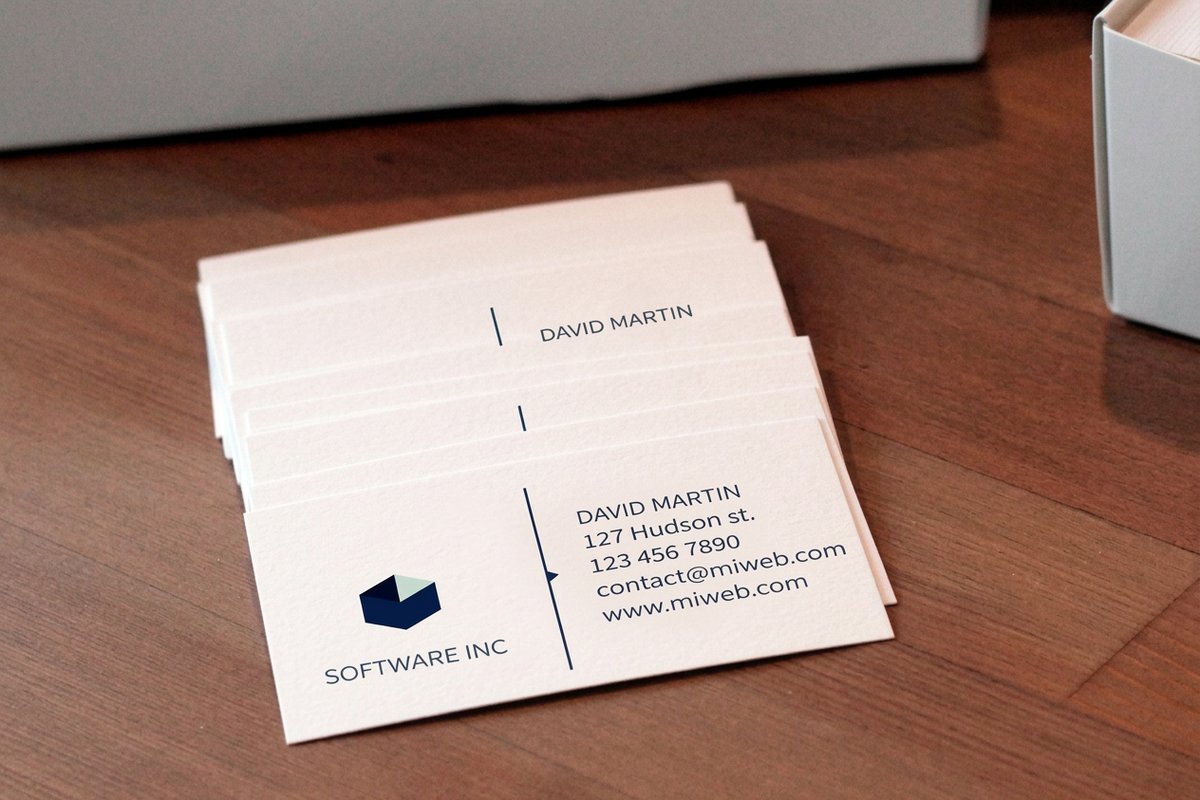
| Quantity | Price Per Unit | Total |
|---|---|---|
| 100 | 17.6¢ | $17.57 |
| 200 | 11.5¢ | $23.07 |
| 300 | 9.15¢ | $27.46 |
| 400 | 7.96¢ | $31.86 |
| 500 | 7.25¢ | $36.26 |
| 600 | 6.77¢ | $40.64 |
| 700 | 6.43¢ | $45.04 |
| 800 | 6.18¢ | $49.43 |
Order it
Bring your project to 4OVER4


Explore more
Where to go next

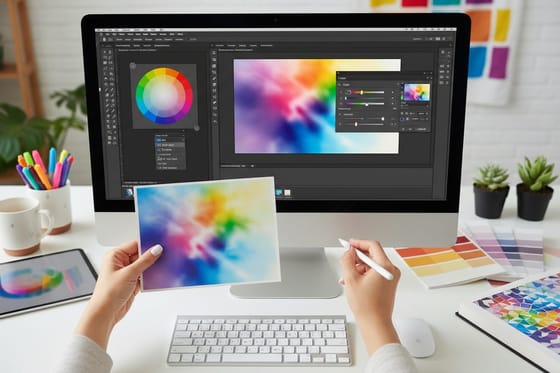


By the numbers
Printing you can count on at 4OVER4
Common Questions
Common questions
What does CMYK mean in printing?
CMYK stands for Cyan, Magenta, Yellow, and Key, where Key is the printing term for black. These are the four process inks a commercial press layers in tiny dots to reproduce full-color images on paper. Combining them in different amounts creates the whole spectrum, which is why almost all full-color commercial printing, from business cards to catalogs, is produced in CMYK rather than the RGB used by screens.
What is the difference between CMYK and RGB?
RGB is an additive system that builds color with red, green, and blue light on a screen, while CMYK is a subtractive system that builds color with cyan, magenta, yellow, and black ink on paper. Because one adds light and the other absorbs it, they cannot reproduce exactly the same colors. Vivid RGB blues, greens, and neons often shift duller when converted to CMYK, which is why print files should be finalized in CMYK.
Why does print use CMYK instead of RGB?
Presses use CMYK because four process inks can reproduce a wide range of colors efficiently and consistently, mixing on the sheet in dot patterns instead of stocking a separate ink for every shade. That keeps full color both affordable and repeatable across a long run. RGB is designed for light-emitting screens, not ink on paper, so anything printed needs to be built and judged in CMYK to match what the press can deliver.
How do I set up a file in CMYK?
Start your document in CMYK color mode so your preview reflects ink, and convert any RGB photos or graphics before export. Re-check bright colors that shift, build large blacks as a rich black like C60 M40 Y40 K100, and keep small text as pure 100 percent K so it stays crisp. Then export a flattened, press-ready PDF with fonts embedded and bleed included, and confirm the result with a proof on your chosen stock.
Will my CMYK colors print exactly like my screen?
Not exactly, and that is expected, because a screen emits light while print reflects it off paper. Designing and finalizing in CMYK gets your preview much closer to the ink result and removes the biggest surprises. The last variable is the paper itself, since the same ink looks slightly different on coated versus uncoated stock. Ordering a free proof or samples lets you verify the color on your actual stock before the full run.
Get Started
Ready to print colors that match what you designed?
Build your file in CMYK, confirm it with a free proof on your chosen stock, and configure the job below with the price updating live as you go.
Legal Disclaimer
Gold Standard guarantees apply to all standard orders placed through 4over4.com. Price match requires verifiable proof of a competitor's published price for an equivalent product with matching specifications and turnaround time. Satisfaction guarantee covers manufacturing defects and print quality issues. Contact support with order number and documentation. On-time delivery rate based on tracked orders 1999 to 2026. Individual results may vary based on shipping carrier performance.
