
How to Make a Flyer That Gets Noticed


A flyer that gets noticed keeps one goal front and center. Here is how to set that goal, build a hierarchy and call to action people act on, then design and print your run fast.
To make a flyer that gets noticed, design around a single goal. Lead with a benefit headline, build a clear hierarchy from headline to details, and end on a call to action tied to a date, address, or QR code. Build the file in CMYK at 300 DPI with bleed, then print it fast on the right stock. Do that and your flyer reads in seconds and drives one clear action.
Start here
Making a flyer, in one paragraph
A flyer that gets noticed is built around one goal. Lead with a benefit headline, order the page so the eye reads headline, then subhead, then details, and finish on a call to action a reader can act on instantly. Build the file in CMYK at 300 DPI with bleed so it prints clean, then run it on a stock that fits the job. The diagram below maps the anatomy of a flyer that works.
Start with the goal, not the graphics

A flyer that gets noticed almost never starts in a design tool. It starts with one sentence: what do you want a reader to do after they see it. Come to the grand opening. Call for a free estimate. Scan a code for twenty percent off. When that goal is clear, every later decision gets easier, because each element either drives toward the action or gets cut.
The most common flyer mistake is trying to say everything at once. A page crammed with five offers, three phone numbers, and a wall of body copy gives the eye nowhere to land, so it lands nowhere. Pick the single most important message, make it the star, and let the supporting details play a quiet backup role.
This holds whether you are printing a stack of club flyers for a weekend event or a run of event flyers for a community fundraiser. Decide the one action first, and the rest of this guide walks you from that goal to a printed piece in hand.
Build a hierarchy the eye can read in seconds
Visual hierarchy is the order in which a reader takes things in, and on a flyer you control it with size, weight, and space. The headline should be the biggest, boldest thing on the page, readable from across a room. The subhead sits below it, smaller, adding the one detail the headline needs. Body copy comes third, and the call to action stands out on its own near the bottom.
Space is not empty, it is a tool. Open room around the headline makes it feel important and gives tired eyes a place to rest. Resist the urge to fill every corner. A flyer with breathing space reads as confident and clean, while a flyer packed edge to edge reads as noise, no matter how good the individual pieces are.
Keep the palette tight, usually two or three colors plus black, and use one strong image rather than a scatter of small ones. If you want a deeper look at these layout decisions, our companion guide on how to design flyers breaks the type and color choices down further.
Write a call to action nobody can miss
The whole flyer exists to trigger one action, so the call to action cannot be an afterthought tucked in a corner. Name the next step in plain, direct words. Not marketing fog, but the literal thing to do: Come Saturday at noon. Scan to save. Call today for a free quote. Then make acting on it effortless by pairing it with the how: a date, a street address, a phone number, or a QR code that jumps straight to the offer or the map.
Give the call to action visual weight too. Put it in a contrasting color block, a bordered box, or bold type so it pulls the eye once the headline has done its job. Placement carries as much as weight: the bottom third is where the eye lands after the headline and the image, so a call to action sitting there gets read in the natural order instead of competing for attention at the top. A QR code is especially powerful on printed flyers because it closes the gap between paper and phone in one tap, turning a passerby into a click.
Give the code room to work. Leave a clear border of white around it, keep it off a busy photo, and scan it from arm length at the size it will actually print before you send the file, because a code that fails to scan takes the whole call to action down with it.
Making the flyer itself costs nothing: the designer is free to use, the templates are free to start from, and you pay only when the run goes to press. Before you finalize anything, our free design tool lets you drop a QR code and lock the layout with the print rules already handled, so your flyers come out press-ready. You can start that in our online designer in a few minutes.
Design it right with our online tool

Once the message, hierarchy, and call to action are set, the build should be the easy part, and it is when the print rules are handled for you. Our online designer starts your file at the correct trim size with bleed and safe margins already in place, so you cannot accidentally run text off the edge or forget to extend a background to the bleed line.
Work in the tool with a single strong image, your headline and subhead, and the call to action, and the layout stays inside the guides that keep a flyer press-ready. If you would rather begin from a proven structure, our free design templates give you a head start you can make your own. Either path lands you at the same place: a flattened, correctly built file ready for press.
If you prefer to design in your own software, set the document to CMYK at final size with 0.125 inches of bleed, place images at 300 DPI, outline or embed the fonts, and export a flattened PDF before you upload.
Print fast on a stock that fits the job
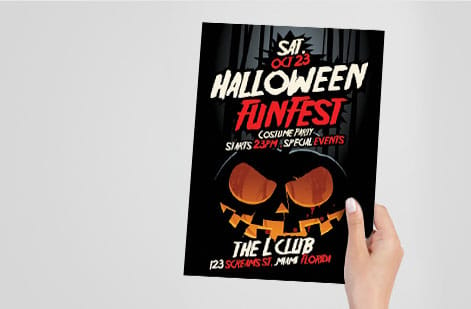
The stock you print on changes how a flyer feels in the hand and how the color reads. A 100 lb gloss text makes photos and bright colors pop, which is why event, retail, and club flyers so often use it. A matte or uncoated text reads cleaner for copy-heavy or informational flyers and takes a pen if someone needs to jot a note. When a flyer has to survive weather or heavy handling, a cover-weight stock holds up far better. Text weights fold, stack, and mail cheaply at volume, while cover weights cost more per piece and earn it on a flyer that has to last a month on a pole or a week in a pocket. Every weight and finish we run is listed with live pricing on our flyer printing page.
Timing matters as much as stock when a promotion is now. With same-day printing at 4OVER4.COM, a press-ready order placed early can ship the same business day, so a last-minute event or opening still gets professional flyers in hand. Press-ready is the part you control: a flattened CMYK PDF at final size with 0.125 inches of bleed goes straight to press, while a file that needs fixing costs you the very day you were trying to save. For big runs, bulk discounts pull the unit price down as the quantity climbs.
Not sure which stock suits your piece? Compare weights and finishes in our guide on the best paper weight for flyers, then use the live specs and pricing below to lock the exact size, stock, and turnaround for your run. For a nightlife run where the photo is the whole message, start from club flyers; for everything else, flyer printing holds the full size, stock, and quantity list in one place.
Free flyer templates to start from
If you would rather edit a finished layout than face a blank sheet, our free design templates cover the six flyer jobs that come up most. Each one opens at the final trim size with 0.125 inches of bleed and the safe margin already set, so you swap the headline, the image, and the call to action and the file stays press-ready.
- Event flyer, 8.5 by 11: headline, date, venue, and a QR code to tickets, sized to hold a wall or a bulletin board from across the room.
- Half-page handout, 5.5 by 8.5: a letter sheet cut in half, two out of every press sheet, built for handing out at a door.
- 4 by 6 handbill: the pocket size for street distribution and counter stacks, where quantity matters more than surface area.
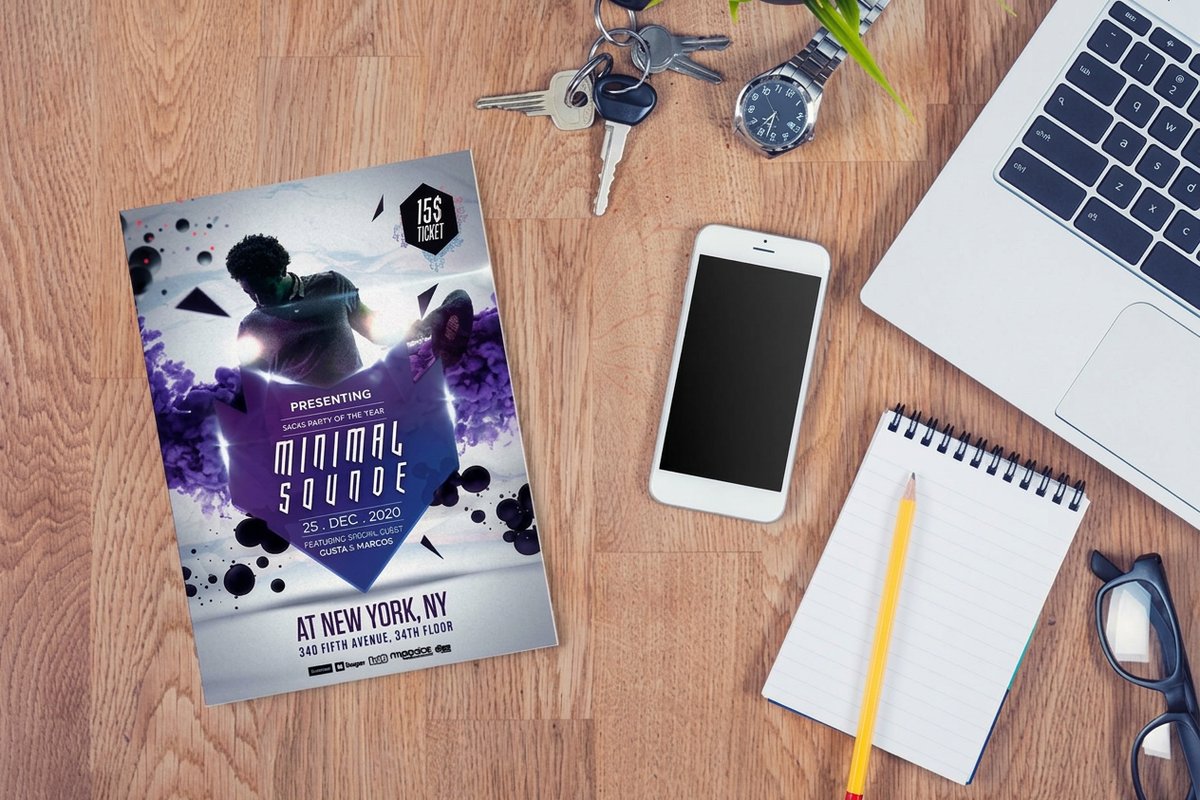
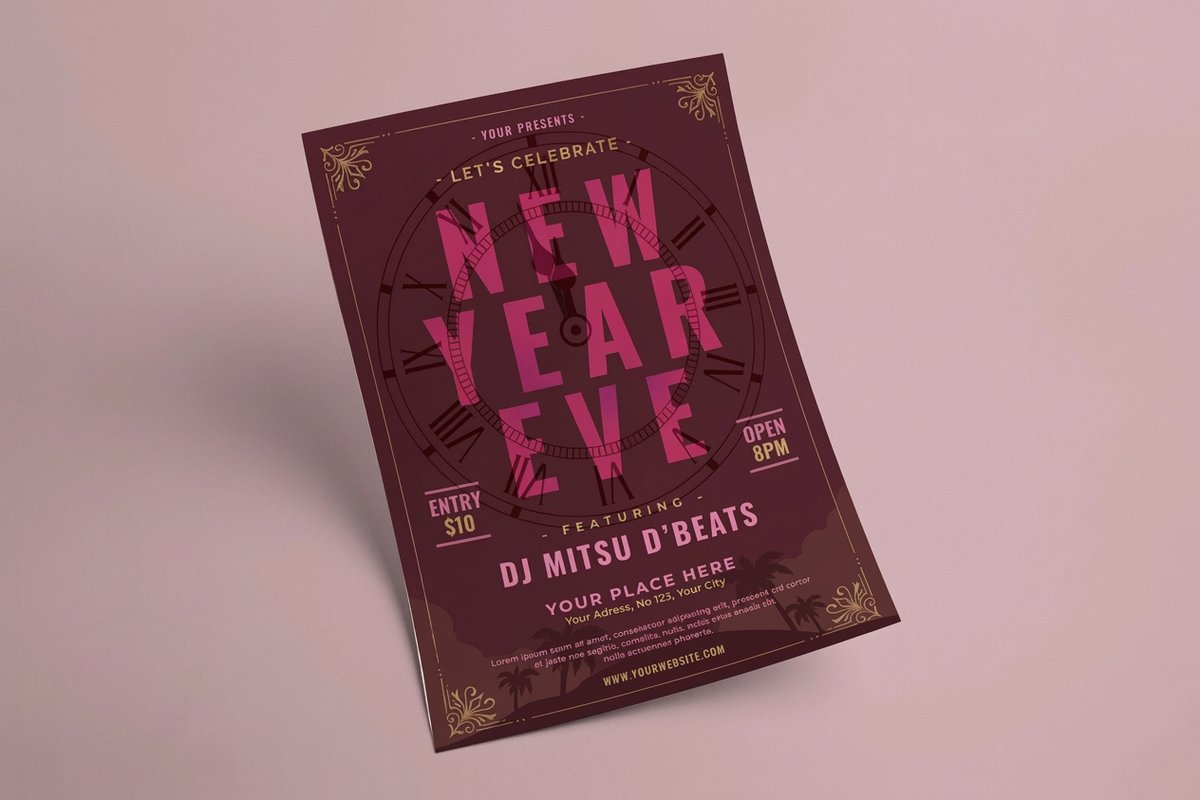
- Club flyer: one full-bleed photo and one line of type on 100 lb gloss text so the color still carries under bar lighting. Start at club flyers.
- Menu or price list: a copy-heavy grid on matte or uncoated text that stays readable at small sizes and takes a pen.
- Open house or sale flyer: one strong image up top, address and hours in the bottom third, and a clean outer margin so tape never lands on the copy.
Pick the template closest to your job, edit it in the online designer, then send the finished file straight to flyers and choose your size, stock, and turnaround. The full set of free design templates is there if none of the six is the shape you need.
Wally makes your flyer impossible to ignore
One goal, one headline, one clear next step
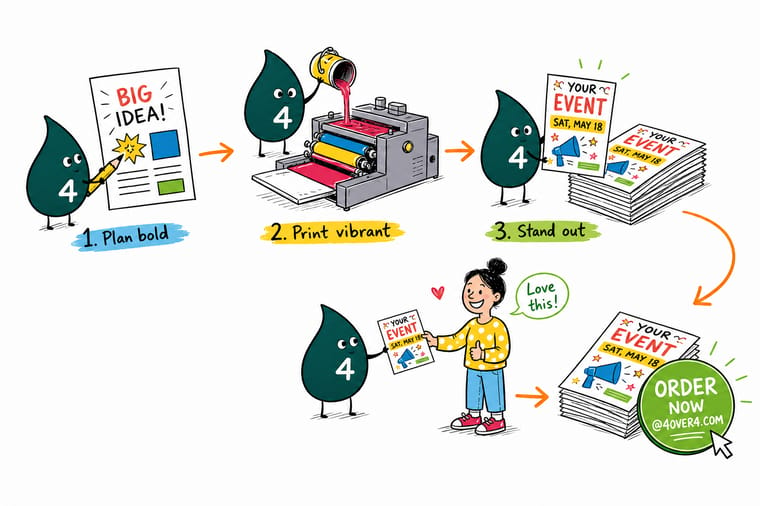
Wally treats a flyer like a single question: what do you want a reader to do next. Give it one bold headline, one strong image, and a call to action tied to a date or a QR code, and the message lands in seconds. Build it clean in the online designer, then let 4OVER4 print it fast on the stock that fits your event.
Print your flyers →Quick reference
Flyer setup and print specs at a glance
A flyer that prints clean comes down to the same handful of settings. Match these and your artwork is ready for almost any flyer run.
| Setting | Get it to | Why it matters |
|---|---|---|
| Common sizes | 8.5 x 11, 5.5 x 8.5, 4 x 6 in | Full-page flyers command a bulletin board, half-page and quarter-page cut cost for handouts and mailers. |
| Color mode | CMYK | Build in process color so the vivid blues and reds on your screen print true on paper. |
| Resolution | 300 DPI at final size | Full-resolution art keeps photos and logos crisp instead of soft or pixelated in print. |
| Bleed | 0.125 in past every edge | Run backgrounds to the bleed so a slight cut shift never leaves a white sliver. |
| Safe margin | 0.125 in inside the trim | Keep the headline, CTA, and contact details clear of the blade. |
| Stock | 100 lb gloss or matte text | Gloss pops color for events, matte reads cleaner for copy-heavy flyers. |
| File format | Flattened PDF | A single press-ready PDF prints predictably every time. |
Step by step
Make a flyer that gets noticed in 7 steps
- Name the one action first Before you open a design tool, write the single thing you want a reader to do: come to the show, call for a quote, scan for a discount. That goal decides every choice that follows.
- Draft the headline that stops a scroll Lead with a benefit or a hook in the fewest words possible. The headline is the biggest thing on the page and the one line most people will ever read.
- Set a clear visual hierarchy Size and weight tell the eye what matters. Headline largest, subhead second, body third, and the call to action bold and unmissable near the bottom.
- Add one strong image A single high-resolution photo or illustration beats a cluttered collage. Give it room to breathe and let it carry the mood.
- Write the call to action in plain words Tell people exactly what to do next and make acting easy: a date, an address, a phone number, or a QR code that jumps straight to the offer.
- Build the file to print Set the document to final size with bleed, work in CMYK, place images at 300 DPI, and keep text inside the safe margin so nothing gets clipped.
- Design online, then print fast Lay it out in our online designer where the print rules are built in, upload the flattened PDF, and pick same-day flyer printing when the promotion cannot wait.
Specs and pricing
Flyer specs and live pricing
Once your design is ready, the print decisions come down to size, stock, and quantity. Here are the live specs and price-per-unit for flyers at 4OVER4.COM, straight from the configurator.
| Quantity | Price Per Unit | Total |
|---|---|---|
| 50 | 79.1¢ | $39.54 |
| 100 | 57.1¢ | $57.11 |
| 200 | 37.3¢ | $74.69 |
| 300 | 28.6¢ | $85.68 |
| 400 | 24.4¢ | $97.76 |
| 500 | 21.8¢ | $108.75 |
| 600 | 18.7¢ | $112.03 |
| 700 | 16.5¢ | $115.33 |
Print it
Print flyers that get noticed at 4OVER4

See it in use
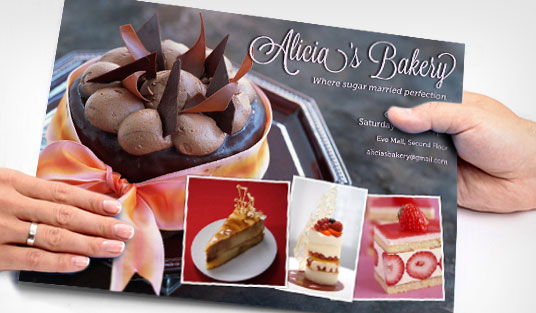
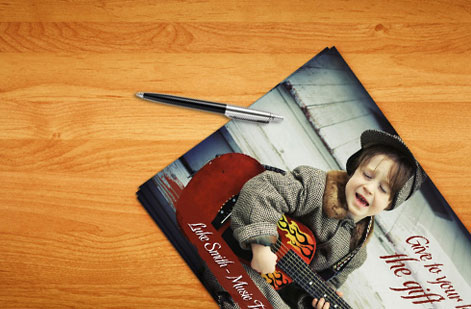
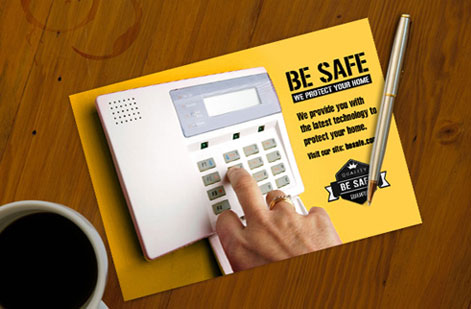
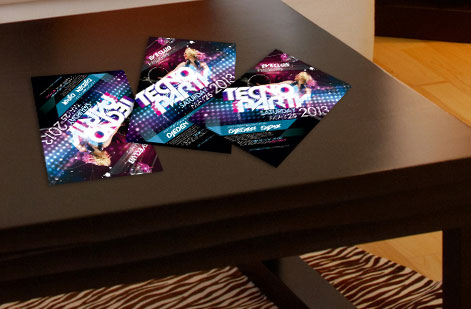
Real flyers, printed in-house
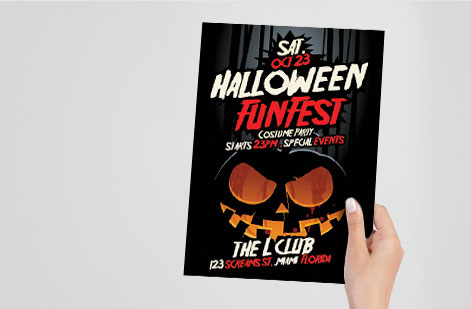
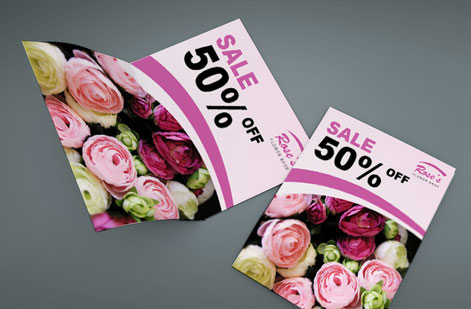
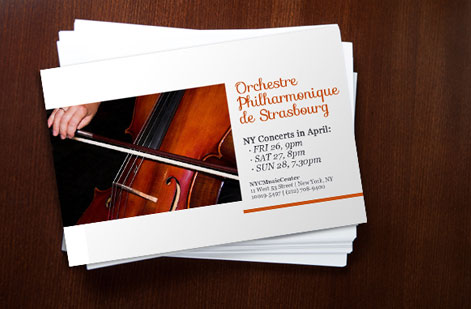
Explore more
Where to go next



By the numbers
Flyer printing you can count on at 4OVER4
Common Questions
Common questions about making a flyer
Can I make a flyer for free?
Yes, designing one costs nothing. Our online designer is the flyer maker: it runs in the browser with nothing to install, opens the document at the final trim size in CMYK with 0.125 inches of bleed and a 0.125 inch safe margin already in place, and lets you set a headline, one strong image, the details, and a call to action or QR code. If you would rather not start from a blank page, our free design templates hand you a finished layout to edit. You pay only when the print run goes to press, and because the file leaves the tool press-ready there is no design fee and no rework for a bad setup.
What is the best size for a flyer?
The workhorse flyer size is 8.5 by 11 inches, the same footprint as a sheet of letter paper, which gives you room for a headline, an image, and full details while still fitting a bulletin board or a countertop. When you are handing flyers out or mailing them, a 5.5 by 8.5 half-page or a 4 by 6 handbill costs less per piece and is easier to carry. A 5.5 by 8.5 is a letter sheet cut in half, so the same press sheet yields two pieces and the unit cost drops without changing the stock, and a 4 by 6 handbill is the size people actually keep in a pocket, which is why street teams and counter stacks live on it. Match the size to how the flyer will be seen: bigger for posting at a distance, smaller for one-to-one distribution.
How do I make a flyer stand out?
Standing out comes from focus, not decoration. Pick one goal and one headline, give them the most visual weight, and let plenty of open space frame them so the message reads in a second from across a room. Use a single strong image instead of many small ones, keep the color palette tight, and make the call to action impossible to miss. One type family carries a whole flyer: a bold weight for the headline, a regular for the body. Print a test in black and white before you add color, because if the hierarchy still reads without it, color only makes the flyer louder in the right places. A clean flyer with a clear hierarchy will always beat a busy one crammed edge to edge.
What should a flyer include?
Every effective flyer answers four questions fast: what is happening, why should I care, what do I do next, and how do I do it. That means a benefit-led headline, a short supporting line, one clear image, and a call to action tied to a date, address, phone number, or QR code. Put those four answers in that order down the page and cut anything that serves none of them: a logo, a QR code, and one line of fine print is usually the whole supporting cast. Include only the details a reader truly needs to act. Anything extra competes with your message and slows the decision down, and any detail that only matters after someone has decided belongs on the landing page or the phone call instead.
How do I set up a flyer file for printing?
Start a document at the final trim size, add 0.125 inches of bleed on every side, and pull margins in 0.125 inches for a safe zone. Work in CMYK so colors print true, place every image at 300 DPI at the size it appears, and run any background art all the way to the bleed. Outline or embed your fonts, then export a flattened PDF. Keep live text and logos inside that 0.125 inch safe zone so nothing important sits in the cutting tolerance, upload one flattened PDF rather than layered native files, and on a two-sided run name the pages so front and back cannot be swapped. Our online designer bakes these rules in, so your layout is press-ready without the manual setup.
What paper is best for flyers?
A 100 lb gloss text stock makes colors pop and photos shine, which suits event, club, and retail flyers that live or die on visual punch. A 100 lb matte or uncoated text reads cleaner for copy-heavy or informational flyers and takes a pen if people need to write on it. Gloss also shows fingerprints and resists pen ink, while uncoated absorbs a little ink, so photos read softer and small text looks crisper. For a flyer that has to survive handling or weather, step up to a heavier cover stock. Order free options first if you want to feel the difference before a full run.
How fast can I get flyers printed?
With same-day flyer printing at 4OVER4.COM, an order placed with a press-ready file early in the day can ship the same business day, which is what you need when a promotion, opening, or event lands on short notice. Turnaround depends on the quantity, stock, and finish you pick, and the configurator shows the available production speeds as you build the order so you can balance how fast you need it against cost.
How much do flyers cost to print?
Flyer pricing scales with a few levers: quantity, size, paper stock, and finish. Larger runs drop the unit price sharply, so a bulk order of handbills costs far less per piece than a short run of full-page flyers. You set each option in the configurator and the price updates live as you adjust it, so you can see exactly what a heavier stock or a bigger quantity does to the total before you commit.
Get Started
Ready to print a flyer that turns heads?
Bring your design to 4OVER4.COM and print it on the size, stock, and finish your promotion calls for. Adjust every option and watch your price update live.
Legal Disclaimer
Gold Standard guarantees apply to all standard orders placed through 4over4.com. Price match requires verifiable proof of a competitor's published price for an equivalent product with matching specifications and turnaround time. Satisfaction guarantee covers manufacturing defects and print quality issues. Contact support with order number and documentation. On-time delivery rate based on tracked orders 1999 to 2026. Individual results may vary based on shipping carrier performance.
