
How to Design and Print a Mini Pamphlet That Gets Read


A mini pamphlet packs a whole message into a piece that fits in a pocket. Here is how to pick the right size, choose a fold, and lay out copy that people actually finish reading.
A mini pamphlet is a small folded print piece, usually one sheet folded into two, three, or four panels, that carries a focused message. Start from the flat sheet size, choose a fold (bi-fold, tri-fold, or z-fold), give each panel one job, keep art past the trim with bleed, and order it as a folded brochure. The right size and fold do most of the work before a single word is written.

Start here
What a mini pamphlet is in one paragraph
A mini pamphlet is a compact folded leaflet built from a single sheet. Fold that sheet once for a bi-fold, twice for a tri-fold, or into an accordion for a z-fold, and you get a pocket sized piece with several panels to work with. It is the format behind menus you tuck into a bag, event handouts, product one-sheets, and mailer inserts. Order it as a folded brochure and you control the size, the stock, and the fold.
What a mini pamphlet is, and when to reach for one
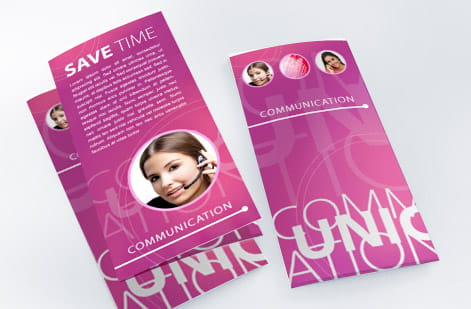
A mini pamphlet is a single sheet of paper folded down into a compact, multi panel piece. Because it starts flat and folds, it costs little to print and even less to mail, yet it holds far more than a flyer. That combination is why it shows up as a takeaway menu, a trade show handout, a product one sheet, an insert tucked into a package, or a quick how it works explainer.
Reach for a mini pamphlet whenever your message has a natural sequence or a few distinct parts. A flyer says one thing at a glance. A pamphlet lets a reader open it and walk through a short story, panel by panel. When you are ready to print, it lives in our lineup as a folded brochure, and the wider brochure printing range covers every size from pocket pamphlet to full letter.
Sizes and fold types, and how each one reads

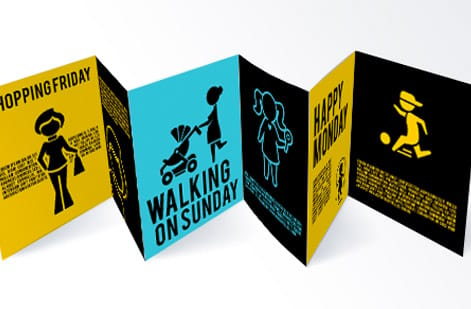
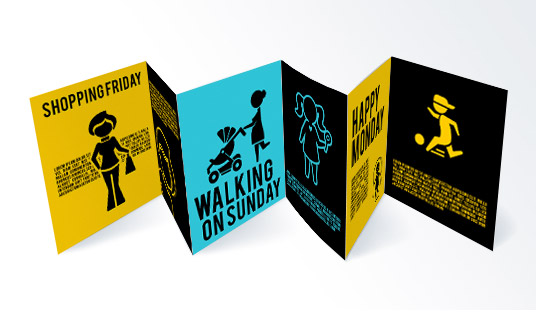
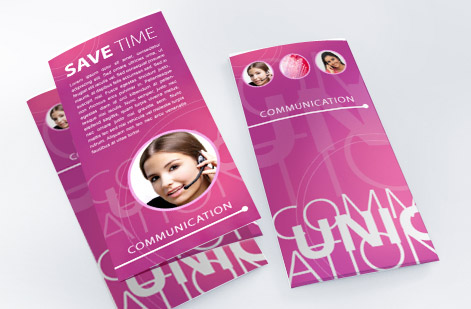
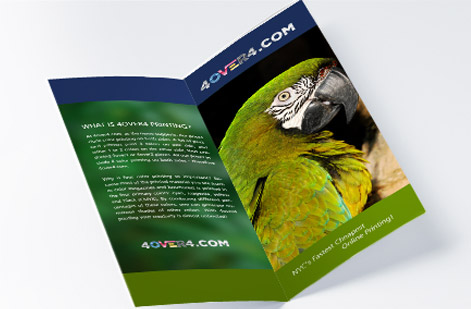
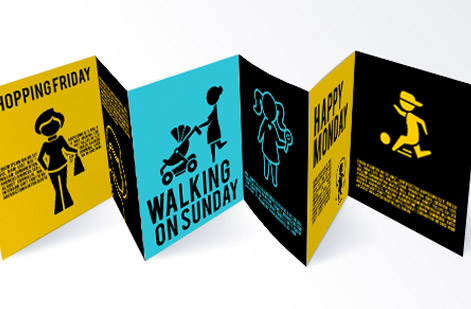
Every mini pamphlet begins with a flat sheet, usually 8.5 x 11 in or 8.5 x 14 in, and the fold turns that sheet into panels. A bi-fold folds once into four panels and gives you the largest faces, which suits big photos and short copy. A tri-fold folds twice into six panels, the classic pocket pamphlet, and reveals its inside panels one flap at a time. A z-fold folds in an accordion so the panels open in a clean left to right sequence, ideal for a step by step.
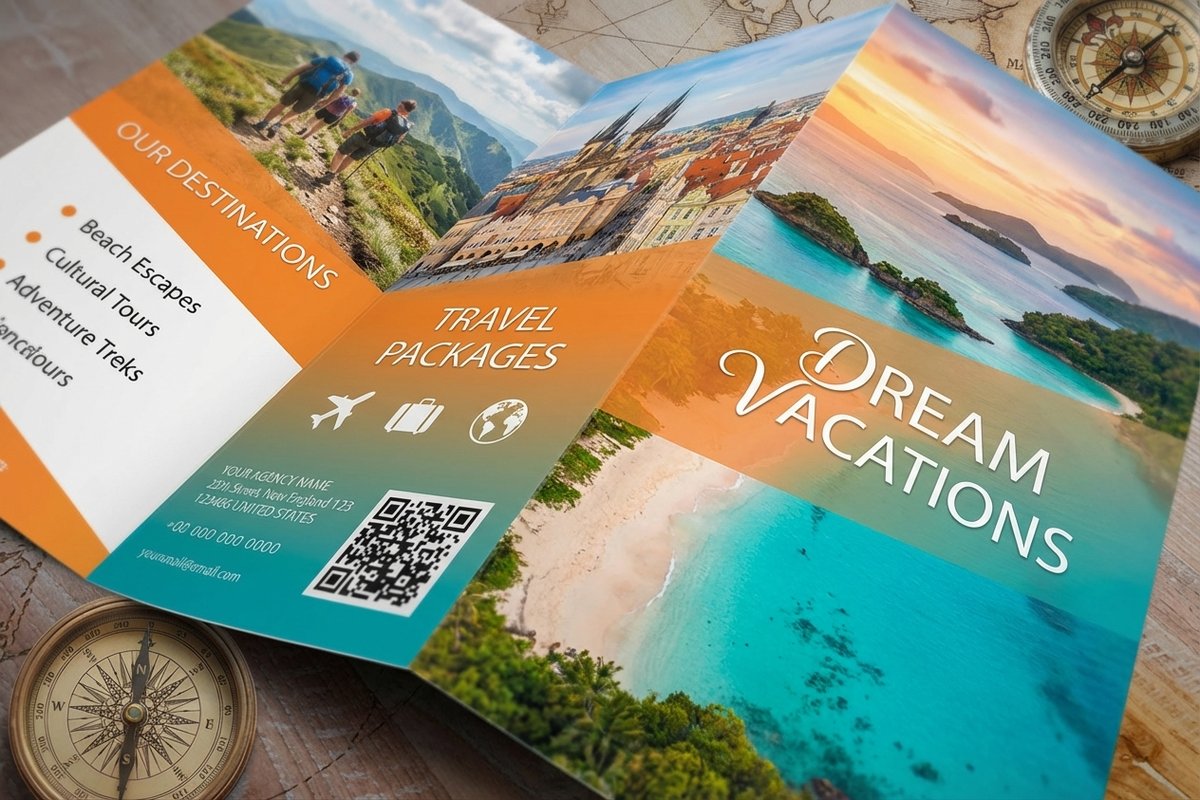
The detail people miss is that panels are not identical widths. On a tri-fold the panel that tucks inside is trimmed a little narrower so it folds flat without buckling against the others. Design three equal thirds and your centered art can creep across a crease. Build to the real fold layout instead, and if you want to compare finished shapes in hand, order travel brochures in a couple of folds or grab free proofs before a full run.
Laying out copy so every panel earns its space
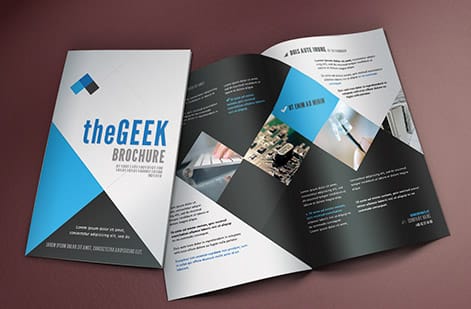
Treat each panel like its own tiny page with its own headline and its own safe margin. The cover panel has one job, earning the open, so lead with a benefit and a clean image rather than a wall of text. The inside panels carry the detail, and the back panel is the natural home for your contact information, a map, or the call to action a reader sees last.
Keep copy tight and scannable. Short headlines, a few strong lines of body, and clear labels beat dense paragraphs on a piece this small. Keep important text and logos off the fold lines, mind the reading order as the piece opens, and design in CMYK from the start. If you would rather not build the file by hand, our online design tool bakes the bleed and fold rules in for you, and our guide to making a brochure in Photoshop covers the manual setup.
Choosing a stock and finish that folds without cracking
A pamphlet gets folded, so the stock matters as much as the art. Text weight papers, like 100 lb gloss or matte text, crease crisply and lie flat, which is exactly what you want for a small folded piece. Heavier cover stocks look premium but can crack along a fold unless they are scored first, so save those for pieces that stay flat or ask about scoring.
Finish is where a pamphlet earns its feel. A gloss coating makes photos pop, a matte coating reads calm and modern and takes a pen if people write on it, and an uncoated stock feels natural and tactile. All of these live on the folded brochures configurator, so you can weigh them against your budget and see the price move as you switch.
Preparing a press ready file for a folded piece
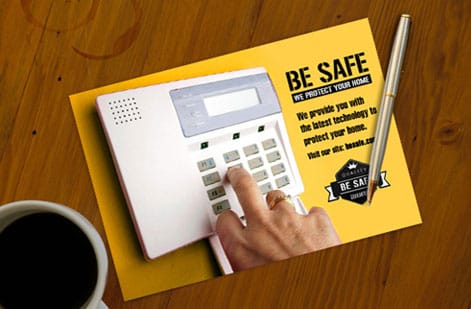
The file rules for a mini pamphlet are the standard print rules with folds added on top. Set the color to CMYK, place every image at 300 DPI at its printed size, run backgrounds past the trim with 0.125 in of bleed, and keep your text inside a safe margin that also clears the fold creases. Outline or embed the fonts so nothing reflows, then flatten and export a press ready PDF.
Before you upload, view the whole spread at 100 percent to catch soft images and stray text near a fold, then let our free file check give it a second look. When the file is settled, order it as a folded brochure and, if color accuracy is critical, pull free proofs so you can judge the ink on the real stock before the full run prints.
Ordering your mini pamphlet at 4OVER4
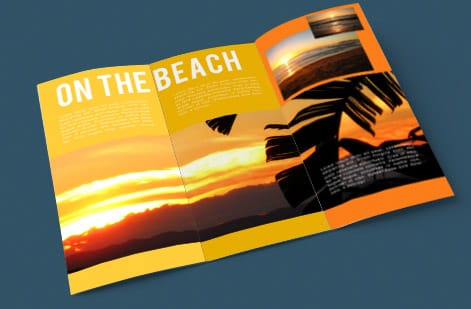
With the design done, ordering is quick. On the folded brochures page you set the flat size, the fold, the stock, the finish, and the quantity, and the price per unit drops as the run grows. The live specs panel above lists exactly what the press expects, so your file lines up with the product from the first click.
Not sure a pamphlet is the right format? A larger flat piece may suit a detailed sell, while a stack of standard brochures covers a broader campaign. Either way you print in the United States with a clear delivery date, and you can lean on our ready made products if you want a proven layout without starting from a blank page.
Wally folds the sheet so you do not have to guess
One sheet, a smart fold, a message that lands
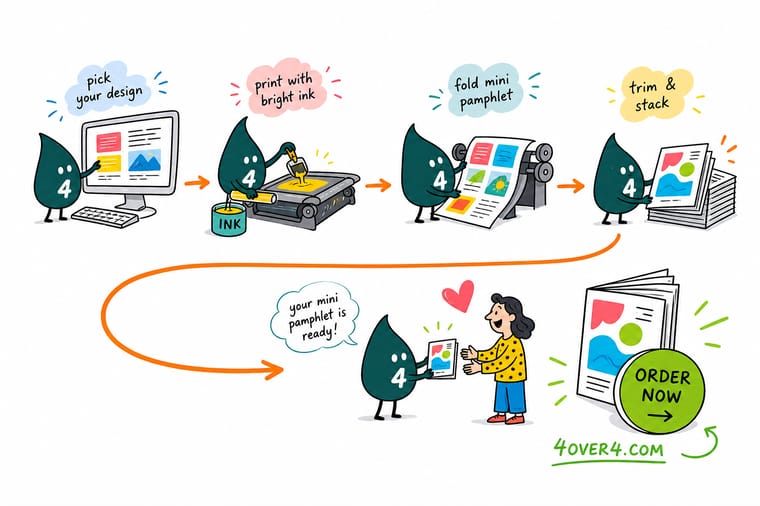
Wally treats a mini pamphlet like a tiny stage: pick the fold, hand each panel one job, keep art past the trim, and let the cover earn the open. Set it up clean, export one press ready PDF, and 4OVER4 prints and folds it exactly as drawn. Choose your size and stock and the price moves with you.
Print your mini pamphlet →Quick reference
Mini pamphlet setup at a glance
Match these settings and your pamphlet folds clean and prints exactly as designed.
| Setting | Common choice | Why it matters |
|---|---|---|
| Flat sheet size | 8.5 x 11 in or 8.5 x 14 in | The unfolded sheet determines how large each finished panel is once the fold is added. |
| Fold type | Bi-fold, tri-fold, or z-fold | Each fold changes the panel count and the order in which a reader uncovers your message. |
| Tri-fold panels | Two panels wider, one narrower | The inside tuck panel is trimmed slightly narrower so it folds flat instead of bowing. |
| Bleed | 0.125 in past every edge | Backgrounds that touch an edge run to the bleed so the cut never leaves a white sliver. |
| Safe margin | 0.125 in inside the trim and folds | Keeps headlines and logos clear of both the blade and the fold creases. |
| Paper stock | 100 lb gloss or matte text | Text weight stocks fold crisply without cracking, which is ideal for a small pamphlet. |
| Color mode | CMYK, press ready PDF | Convert from RGB and export a flattened PDF so color prints true across the whole run. |
Step by step
Build a mini pamphlet in 6 steps
- Pick the finished size and foldDecide how the pamphlet should feel in hand, then choose the flat sheet and fold that produce that size. A tri-fold on an 8.5 x 11 sheet is the classic pocket pamphlet.
- Map each panel to one jobSketch the panels in fold order. The cover earns the open, the inside panels carry the detail, and the back panel holds contact info or the call to action.
- Set your document with bleed and fold guidesBuild the flat sheet at final size, add 0.125 in bleed on all sides, and drop guides on the exact fold lines before placing art.
- Design in CMYK and place sharp imagesWork in CMYK and use images at 300 DPI at their printed size so photos stay crisp on a small panel.
- Keep copy tight and scannableShort headlines, a few strong lines of body, and clear labels beat dense paragraphs on a piece this small.
- Export and order the folded brochureFlatten to a press ready PDF, then choose your size, stock, and fold on the folded brochure product page and watch the price update live.
Specs and pricing
Folded brochure specs and live pricing
A mini pamphlet prints as a folded brochure. Here are the live specs and price per unit straight from the configurator.
| Quantity | Price Per Unit | Total |
|---|---|---|
| 50 | $1.14 | $57.11 |
| 100 | 82.4¢ | $82.38 |
| 200 | 53.3¢ | $106.55 |
| 300 | 41.0¢ | $123.02 |
| 400 | 34.9¢ | $139.49 |
| 500 | 31.2¢ | $155.97 |
| 600 | 26.7¢ | $160.36 |
| 700 | 23.5¢ | $164.75 |
Order it
Order your mini pamphlet at 4OVER4
See it in use
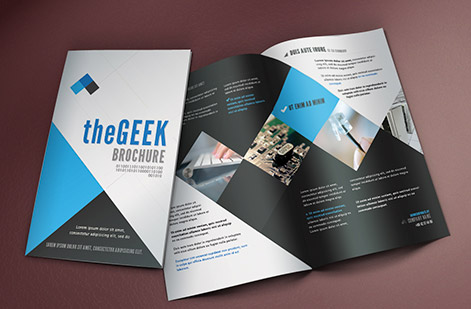
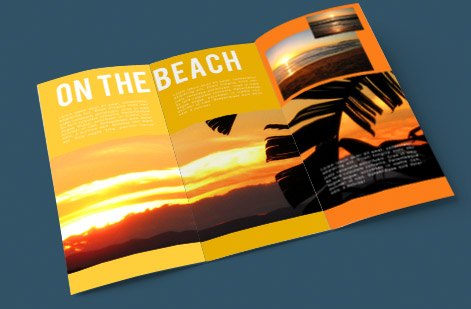
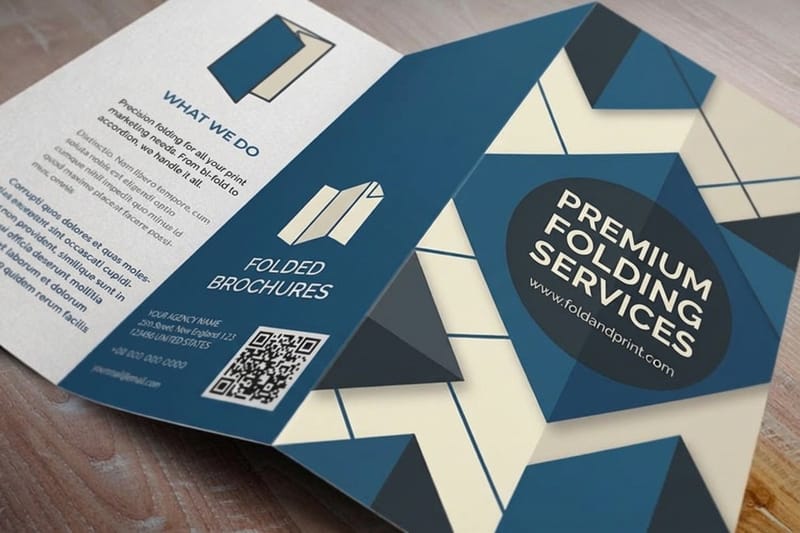
Real folded work, printed in house


Explore more
Where to go next



By the numbers
Folded printing you can count on at 4OVER4
Common Questions
Common questions about mini pamphlets
What is a mini pamphlet?
A mini pamphlet is a small folded leaflet made from a single sheet of paper. Fold that sheet into two, three, or four panels and you get a compact piece that holds a focused message, which is why it works so well for menus, event handouts, product one sheets, and mailer inserts. At 4OVER4 you print it as a folded brochure, choosing the flat size and the fold that give you the finished dimensions you want.
How do I choose the right mini pamphlet size and fold?
Start from how the piece should feel in hand and where it will live, a pocket, a table, an envelope, then work backward to the flat sheet and fold. A tri-fold on an 8.5 x 11 sheet is the everyday pocket pamphlet, a bi-fold gives you larger panels for photos, and a z-fold opens in an accordion for a step by step story. Remember that on a tri-fold the inside tuck panel is slightly narrower so it folds flat, so build to the real fold layout rather than three equal thirds.
What does a mini pamphlet cost and how are prices set?
Price scales with a few levers you set yourself: quantity, where larger runs lower the unit price, plus size, paper stock, and fold. You choose each option on the folded brochures page and the total updates live as you adjust it, so you can see exactly what a heavier stock or a bigger run does before you commit. Preparing the file yourself costs nothing beyond your design time.
What sizes, stocks, and finishes are available?
You can print mini pamphlets from compact pocket sizes up to larger flat sheets, on text weight stocks like 100 lb gloss or matte that fold crisply, with coating options for a smooth or velvety feel. Bi-fold, tri-fold, and z-fold folds are all available. The live specs panel on the product page lists every size, stock, and finish so your file matches what the press expects.
How long does a mini pamphlet take to print and ship?
Turnaround depends on the product, quantity, and finish you select, and the estimated production time shows on the product page as you configure your order. 4OVER4 prints in the United States and ships nationwide, and our on time delivery record sits at 99.8 percent, so you get a clear date before you check out.
Is a mini pamphlet the same as a brochure?
They are close cousins. A brochure is any folded marketing piece, and a mini pamphlet is simply a small one. Because the format is identical, you order both the same way at 4OVER4, as a folded brochure, and only the finished size differs. If you want the mechanics of folding, our guide on how to fold a brochure walks through every common fold.
Get Started
Ready to print a mini pamphlet that gets read?
Bring your press ready PDF to 4OVER4.COM and print it as a folded brochure in the size, stock, and fold your message calls for. Adjust every option and watch your price update live.
Legal Disclaimer
Gold Standard guarantees apply to all standard orders placed through 4over4.com. Price match requires verifiable proof of a competitor's published price for an equivalent product with matching specifications and turnaround time. Satisfaction guarantee covers manufacturing defects and print quality issues. Contact support with order number and documentation. On-time delivery rate based on tracked orders 1999 to 2026. Individual results may vary based on shipping carrier performance.
