
The Dos and Don'ts of Creating a Catalog That Sells


A printed catalog still closes sales when it is built with intent and quietly fails when it is not. Here are the dos and don'ts that separate a catalog people order from, from one they set down, plus the print specs that make it feel worth keeping.
A catalog that sells leads with a clear grid, high-resolution photography, honest white space, and a logical flow from hero products to details. The don'ts are just as important: never crowd the pages, never use low-resolution images, never bury prices or calls to action, and never skip a proof. Nail the layout and the print specs, page count, binding, and paper, and the catalog earns its place on a desk.
Start here
Creating a catalog that sells, in one paragraph
A catalog sells when the design gets out of the way and lets the product shine. The dos are a disciplined grid, high-resolution consistent photography, real white space, obvious prices and codes, and a flow that moves from hero items to the long tail. The don'ts are crowding, low-resolution images, buried calls to action, inconsistent styling, and skipping the proof. Wrap that in the right print specs, a page count in multiples of four, a binding matched to the thickness, and a paper that feels considered, and you have a catalog buyers keep. The grid map below shows the bones of a clean spread.
Why a printed catalog still sells

In a feed-scrolling world, a printed catalog is a rare thing: a focused, tactile experience your customer chooses to sit with. It does not compete with notifications, it does not need a login, and it stays on a desk or coffee table long after an email is deleted. That dwell time is exactly why catalogs still drive orders, especially for considered purchases where people want to compare and dream a little.
A catalog also signals seriousness. A well-made book tells a buyer you invested in showing your range properly, and that impression rubs off on the products inside. Whether you print a compact product catalog or a richer retail catalog, the physical object does work a web page cannot. The rest of this guide is about making sure that object actually converts.
Catalog design dos
Start with the habits that sell. Do build on a consistent grid so every product sits in a predictable place and the eye can scan fast. Do lead each section with your hero products, the ones that pull people in, then flow into the supporting range. Do give every item a clear price, a product code, and a way to order, so interest converts on the spot rather than evaporating.
Do keep styling consistent, one type system, one photo treatment, one color logic, so the book feels like one brand. Do use white space generously; it is not wasted space, it is what makes the product look premium and the page easy to read. And do plan the file for print from the start with our free online design tool or a proper layout app, so bleed and margins are handled before you ever export.
Catalog design don'ts

The failures are just as predictable. Don't cram every inch with products and text in the hope of showing more; a crowded page reads as cheap and buries the items that matter. Don't use low-resolution images pulled from a website, since anything under 300 DPI at final size will print soft and undercut the whole book. Don't bury the price or the call to action, because a beautiful page that hides how to buy is a dead end.
Don't mix fonts, photo styles, and layouts page to page, which makes even good products look disorganized. Don't ignore the fold, the spine, and the safe margins, or your carefully placed content will get trimmed or lost in the gutter. And don't skip the proof; the errors you miss on screen get multiplied across the entire run. Our bleed and trim guide covers the edges most first-time catalogs get wrong.
Layout, grid, and white space

Layout is where a catalog quietly wins or loses. A grid is the invisible scaffold that keeps products aligned across spreads: decide on columns and gutters once, and every page inherits the same rhythm. That consistency is what lets a shopper flip quickly and still find the price, the name, and the code in the same relative spot each time.
White space is the other half. Give products room to breathe and each one reads as more valuable; pack them tight and they compete and cancel out. Vary your spreads with a mix of full-bleed hero shots and tidy grid pages so the book has pace, but keep the underlying structure constant. If you are weighing a catalog against a lighter piece, our booklets vs catalogs guide helps you pick the right format before you design.
Product photography and images

In a catalog, photography does the selling. Shoot or source images at high resolution and confirm each one is sharp at 300 DPI at the size it actually prints, checked at 100 percent zoom. A photo that looks fine on a website will often fall apart across a full-page spread, so never scale small images up to fill space.
Consistency matters as much as quality. Keep lighting, angle, background, and color treatment uniform so the products look like a collection, not a scrapbook. If you shoot on white, keep the white identical page to page. Convert everything to CMYK before you export so colors print true, and if exact product color is critical, judge it against a printed proof rather than a monitor. Our print-ready files guide covers image resolution and color in depth.
Page count, binding, and paper
The physical build is a design decision, not an afterthought. Catalogs are assembled in signatures, so plan the page count in multiples of four. For thinner books, saddle stitching (folded and stapled at the spine) is economical and lies reasonably flat. As the page count grows, perfect binding gives you a squared spine you can print on and a more premium, book-like feel.
Paper sets the tone in the hand. A heavier gloss text stock makes photography vivid and feels substantial, while a matte or silk stock reads more upscale and reduces glare for text-heavy pages. Give the cover a heavier stock than the interior, and consider a protective coating since covers take the most handling. Our catalog sizes and formats guide lays out the common dimensions to plan around.
Proofing and print-ready files
Before a single copy prints, the whole book has to become one clean file. Export a flattened, CMYK, press-ready PDF at the correct size with bleed and crop marks, fonts outlined or embedded, and every image at full resolution. This is the format a commercial press can run without editing, which is what keeps color and cropping consistent from the first copy to the last.
Then proof it like it costs money, because it does. Read every price, code, and caption; check the reading order across spreads; and confirm nothing important sits in the gutter or past the safe margin. A mistake caught in a proof costs nothing to fix, while the same mistake caught after printing costs a whole run. When you order with 4OVER4, your file also runs through a check before it goes to press.
Wally lays the grid before he fills the page
A catalog sells when the layout gets out of the way
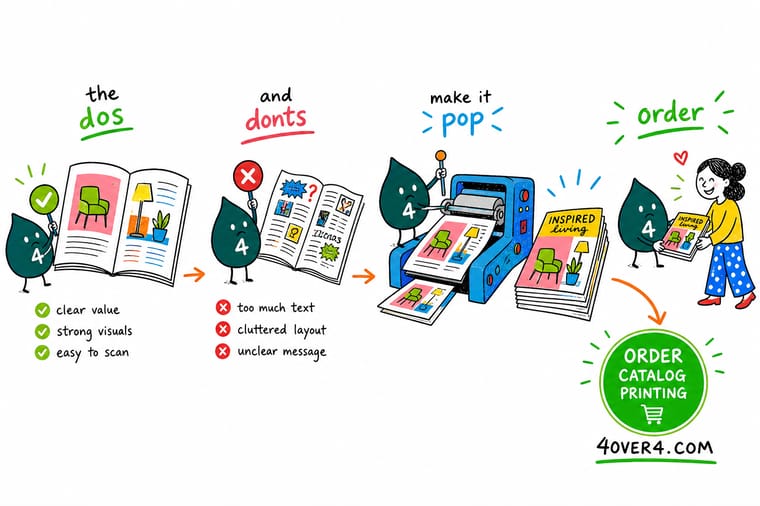
Wally builds every catalog the same way: one grid, sharp photos, real white space, and a price on every product so nothing stalls the sale. He plans the page count in fours, matches the binding to the thickness, proofs every spread, and exports a flattened CMYK PDF. Then 4OVER4 prints a book that lands on a desk and stays there.
Print your catalog →Quick reference
Catalog dos and don'ts, side by side
Run your draft against this list before you export. Each do has a matching mistake to avoid.
| Area | Do this | Avoid this |
|---|---|---|
| Layout | Build on one consistent grid with clear alignment. | Cramming products edge to edge with no breathing room. |
| Images | Use sharp 300 DPI photos with uniform lighting. | Pulling low-resolution images from a website. |
| Selling | Show a price, code, and way to buy on every spread. | Burying the price or the call to action. |
| Consistency | Keep one type system and one photo style throughout. | Mixing fonts, colors, and layouts page to page. |
| Build | Plan page count in fours and match binding to thickness. | Ignoring the spine, gutter, and safe margins. |
| Files | Export a flattened CMYK press-ready PDF and proof it. | Skipping the proof and sending native files. |
Step by step
Build a catalog that sells in 6 steps
- Plan the structure and page count Map your sections and hero products, then set a page count in multiples of four so the book binds cleanly.
- Set up a grid and master pages Define columns, gutters, and margins once, and reuse them so every spread shares the same rhythm and alignment.
- Gather high-resolution, consistent photography Shoot or source images at 300 DPI at final size with uniform lighting, angle, and background across the range.
- Lay out products with clear pricing Place each item on the grid with a name, price, code, and a way to order, leading with your hero products.
- Choose binding and paper Pick saddle stitch for thin books or perfect binding for thick ones, and give the cover a heavier, coated stock.
- Proof, export, and print Export a flattened CMYK PDF with bleed, proof every page carefully, then upload it to print at 4OVER4.
Specs and pricing
Catalog specs and live pricing
Once your layout is set, the print decisions come down to size, page count, binding, and stock. Here are the live specs and price-per-unit for catalogs at 4OVER4.COM, straight from the configurator.

| Quantity | Price Per Unit | Total |
|---|---|---|
| 25 | $9.62 | $240.55 |
| 50 | $6.04 | $302.06 |
| 100 | $3.61 | $361.37 |
| 200 | $2.22 | $444.85 |
| 300 | $1.65 | $495.38 |
| 400 | $1.29 | $515.14 |
| 500 | $1.06 | $531.61 |
| 600 | 91.5¢ | $549.19 |
Print it
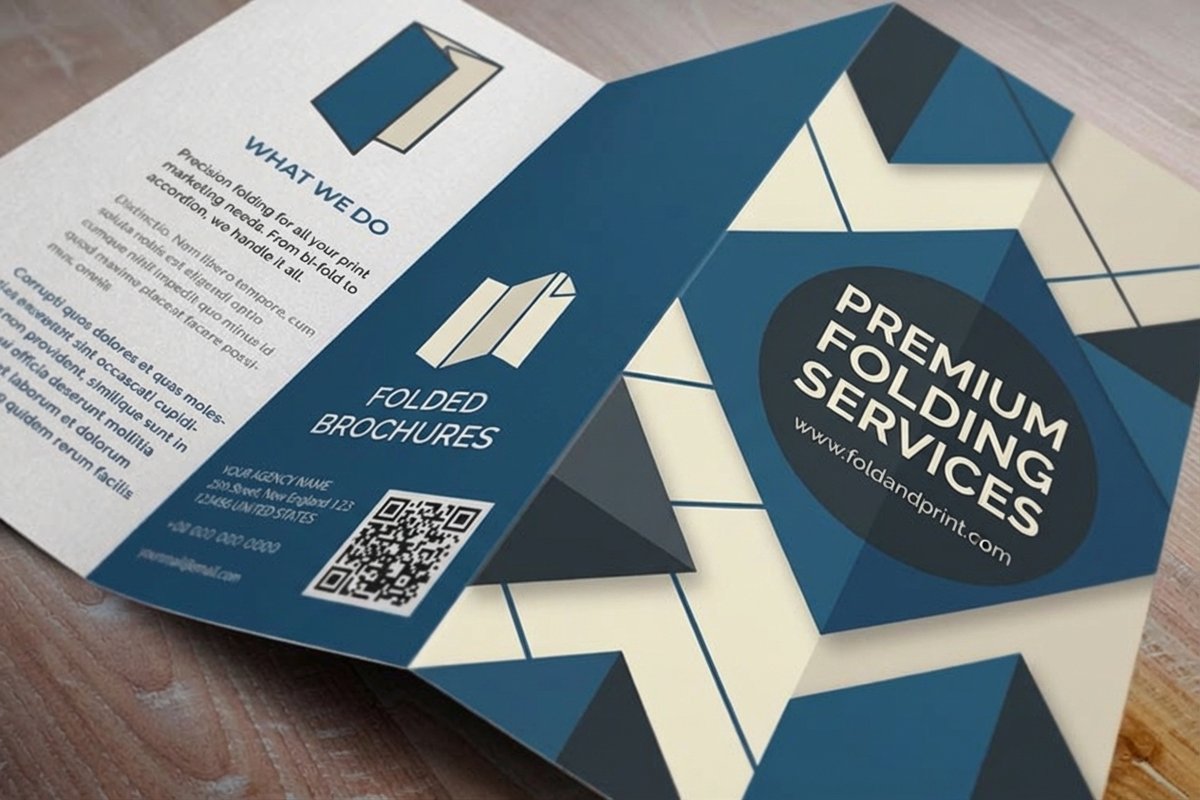
Print a catalog worth keeping

See it in use
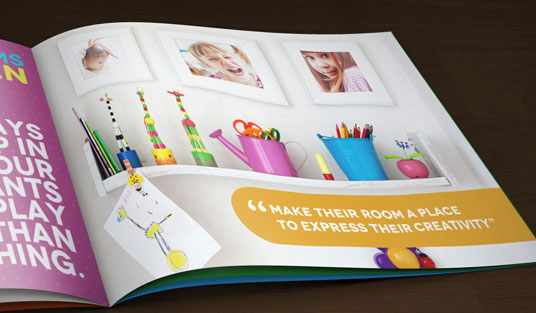
Real catalogs, printed in-house





Explore more
Where to go next





By the numbers
Custom printing you can count on at 4OVER4
Common Questions
Common questions about creating a catalog
What makes a catalog actually sell?
A catalog sells when the design makes products easy to scan and easy to buy. That means a consistent grid so items sit in predictable places, high-resolution photography at 300 DPI, generous white space so each product looks valuable, and a clear price, code, and call to action on every spread. Flow matters too: lead with hero products, then move into the range. The build reinforces it, with a page count in multiples of four, a binding matched to the thickness, and a paper that feels worth keeping.
How do I choose the right catalog format and size?
Match the format to your range and how buyers will use it. A compact size is easy to mail and browse, while a larger format gives photography room to impress for premium or design-led products. Decide the page count early in multiples of four, since catalogs bind in signatures. Thin books suit saddle stitching, while thicker ones call for perfect binding with a squared spine. Our catalog sizes and booklet formats guide lays out the common dimensions so you can plan the layout around a real size.
What does catalog printing cost and how are prices set?
Catalog price scales with a handful of levers: quantity, page count, size, binding, and paper stock. More copies lower the unit price, while more pages, a larger format, perfect binding, or a heavier coated stock add to it. At 4OVER4 catalogs start around $240.55 for a run, and you set each option in the configurator so the total updates live as you adjust it. That lets you see exactly what an extra signature of pages or an upgraded cover does to the number before you commit.
What sizes, stocks, and finishes are available for catalogs?
You can print catalogs in a range of standard sizes, page counts in multiples of four, and both saddle-stitch and perfect binding depending on thickness. Interior stocks run from vivid gloss text papers that make photography pop to matte and silk options that reduce glare for text-heavy pages, and covers take a heavier stock, often with a protective coating for durability. The live specs panel on this page lists the exact sizes, page-count ranges, binding, and stocks currently available.
How long does it take to print and ship a catalog?
Turnaround depends on the page count, quantity, binding, and finish, and the configurator shows the available production and shipping speeds for your exact order before checkout. Because 4OVER4 prints in-house in Queens, New York, most standard jobs move efficiently. To keep it on schedule, upload a flattened CMYK press-ready PDF with bleed and correct page order, and proof it carefully first, so the book needs no fixes before it goes to press.
Get Started
Ready to print a catalog that earns a spot on the desk?
Bring your proofed, press-ready catalog to 4OVER4.COM and print it on the size, page count, binding, and stock your range deserves. Design online for free or upload your file, and watch your price update live.
Legal Disclaimer
Gold Standard guarantees apply to all standard orders placed through 4over4.com. Price match requires verifiable proof of a competitor's published price for an equivalent product with matching specifications and turnaround time. Satisfaction guarantee covers manufacturing defects and print quality issues. Contact support with order number and documentation. On-time delivery rate based on tracked orders 1999 to 2026. Individual results may vary based on shipping carrier performance.
