
How to Design a Bookmark With Standout Examples


Design a bookmark that earns a permanent home in someone's book. Here is how to set the size and bleed, design both sides, and choose a finish, with examples along the way.
Design a bookmark by starting from a standard size, then building both sides to bleed. Pick a size like 2 by 6 inches, add 0.125 inch of bleed and keep text 0.125 inch inside the trim, design a hero front and a useful back, leave room at the top for a tassel, and choose a finish like soft touch, lamination, or lenticular. Export a press-ready PDF and print.
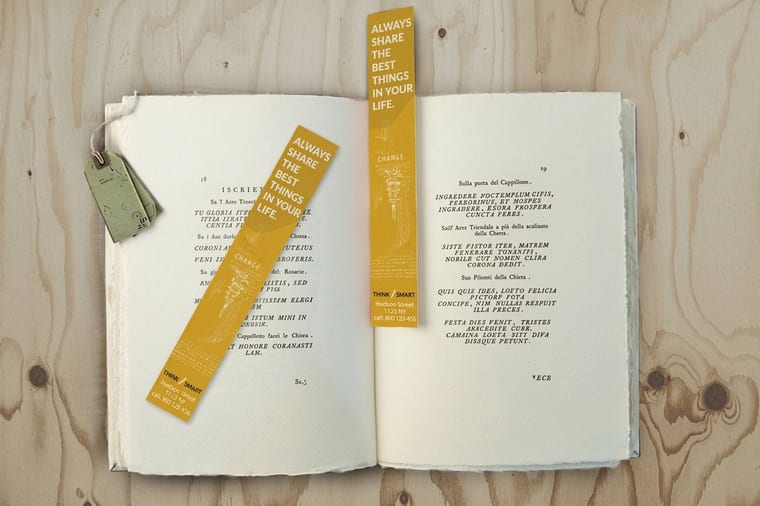
Start here
Bookmark design in one paragraph
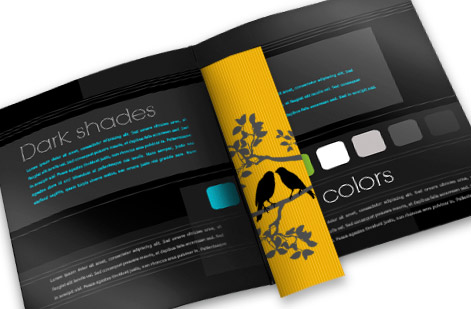
A great bookmark starts from a real size and is designed on both sides to bleed. Build to a standard cut like 2 by 6 inches, run edge art 0.125 inch past the trim, keep text 0.125 inch inside it, and give the back a job. Then let a finish, soft touch, lamination, or lenticular, carry the feel. The template below shows the trim, bleed, and safe zone on a bookmark.
Bookmark sizes and bleed

A bookmark is a tall, narrow rectangle, and the design goes better when you build to a real size from the start. The most popular cut is 2 by 6 inches, roomy enough for a hero image on the front and a message on the back, with 2 by 7 and 2 by 8 inches for taller layouts and a slim 1.5 by 7 inches when you want a low-profile marker. Set your canvas to the finished size before you place a single element so nothing gets scaled or cropped later.
Because the piece is long and thin, the edges matter more than usual. Run any background, photo, or color that reaches an edge 0.125 inch past the trim as bleed, so a slight shift in the cut never leaves a white sliver down a long side. Then pull all text, logos, and anything you cannot lose 0.125 inch inside the trim into the safe zone. If bleed and trim are new to you, our guide to bleed and trim covers the mechanics.
Ready-made stock helps too. Browse bookmark printing to see the exact sizes and stocks available, then match your layout to one so the design and the print agree from the first draft.
Design tips and examples
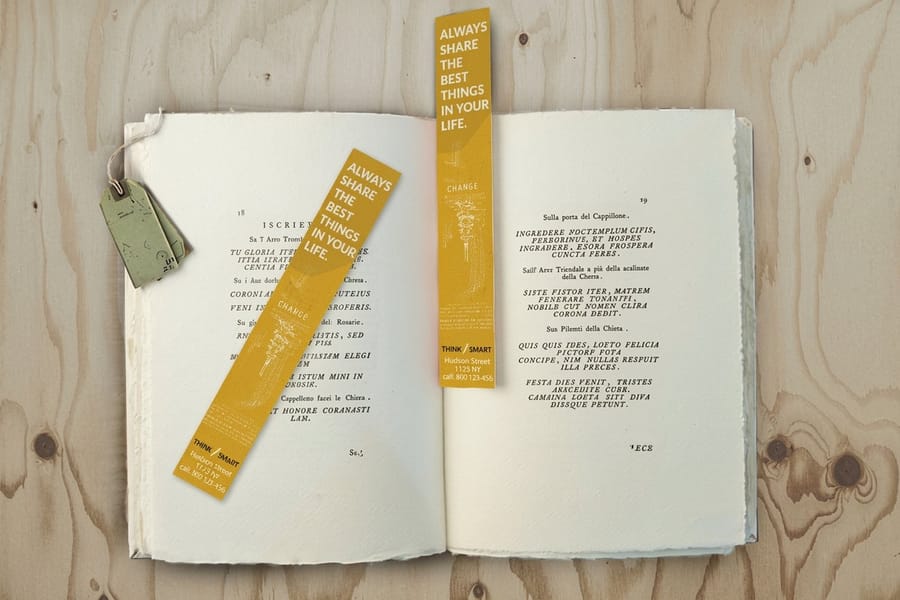
The best bookmarks earn a permanent home in someone's book, so design for keeping, not just handing out. Lead with one strong idea on the front: a single striking image, a bold typographic quote, or a clean brand mark, with plenty of breathing room rather than a crowded collage. On a shape this narrow, restraint reads as premium.
Give the back a job. An author's bookmark can carry the book title and a short review line, a shop's can add a logo and a QR code to the catalog, and a nonprofit's can print a mission line and a way to give. Because both faces show as the bookmark slides in and out, a blank back is a missed message. A quiet, useful back is what turns a giveaway into a keepsake.
For layout inspiration, our bookmark design showcase collects real printed examples across styles, and the how to make bookmarks guide walks the build end to end. When you are ready to lay it out, the free online designer lets you set both sides to size in the browser.
Finish options: laminated, soft touch, and lenticular

On a piece as small as a bookmark, the finish does half the design work, because it is the first thing a reader feels and the thing that makes them keep it. Three finishes cover most projects, and each sets a different tone.
- Soft touch gives a smooth, velvety hand that feels expensive the moment it is picked up. Soft touch bookmarks suit author and boutique brands that want a refined, tactile keepsake.
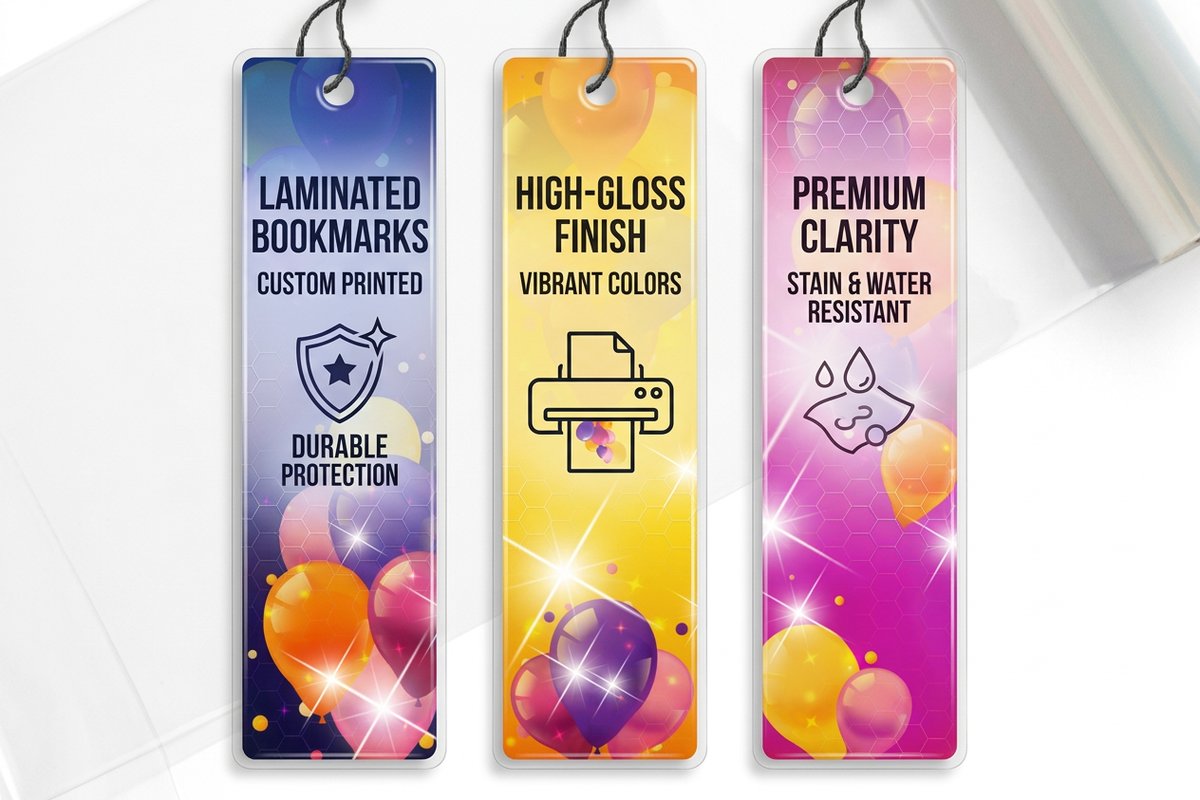
- Lamination protects the print and deepens color. Laminated bookmarks stand up to daily handling, so a gloss laminate makes photography pop while a matte laminate keeps things calm and readable.
- Lenticular adds motion. A lenticular bookmark shifts its image as it tilts, which turns a giveaway into a small spectacle for a launch or an event.
You can layer specialty touches too, from foil and spot UV to a drilled hole with a tassel. Whatever you choose, order the finish with the print so the whole run matches, and use the live specs panel below to see every option on standard bookmarks.
Order your bookmark
With the size set, both sides designed, and a finish chosen, ordering is the easy part. Standard bookmarks cover most projects on a durable stock, soft touch bookmarks add a premium hand, and laminated bookmarks protect the print for heavy handling. Pick the one that matches the feel you designed for.
Because bookmark pricing scales with quantity, they make an affordable giveaway at a book fair, a launch, or a checkout counter. Order enough to keep a stack by the register or in every review copy, and the per-unit price drops as the run grows. Browse the full range under bookmark printing to compare stocks and finishes side by side.
Use the live specs and pricing panel below to configure your bookmark, or start in the online design tool to lay out both sides before you print.
Wally designs to the size, then to the feel
Both sides, clean edges, a finish that stays
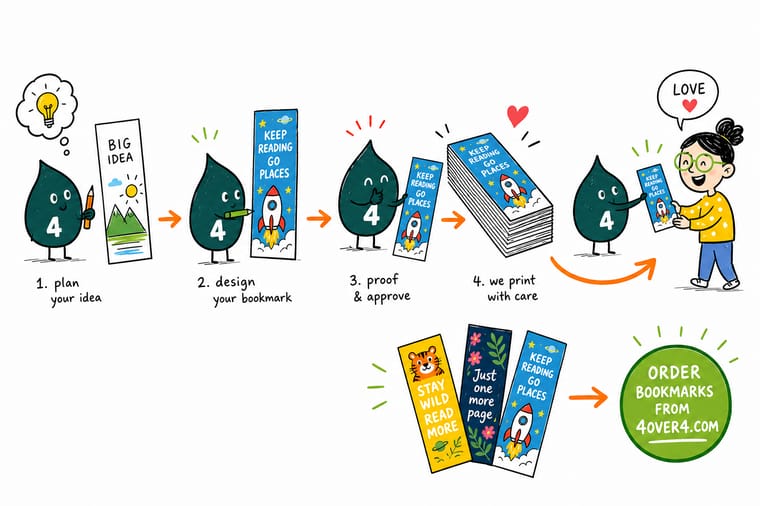
Wally builds the bookmark to a real 2 by 6 inch cut, runs the art past the trim, and keeps the words inside the safe zone. He gives the back a job, leaves room up top for a tassel, and picks a finish that makes the piece worth keeping, soft touch to feel, lamination to protect, lenticular to move. Then he prints the whole run so every one matches.
Print your bookmark →Quick reference
Standard bookmark sizes
Start your design from one of these common sizes so your layout matches the finished cut. Add 0.125 inch of bleed and keep text 0.125 inch inside the trim on every one.
| Size | Good for | Why |
|---|---|---|
| 2 x 6 in | Most popular | The classic bookmark shape, roomy enough for art on the front and a message on the back. |
| 2 x 7 in | Taller layouts | A little more height for longer quotes, a reading list, or a vertical illustration. |
| 2 x 8 in | Maximum impact | The tallest common size, great for bold single images and premium giveaways. |
| 1.5 x 7 in | Slim profile | A narrower cut that tucks between pages without adding bulk to the book. |
Step by step
Design a bookmark in 6 steps
- Choose a standard size Start from a real bookmark size such as 2 by 6 inches so your canvas matches what prints. Building to the finished dimensions from the first click keeps your art from being scaled or cropped later.
- Set bleed and the safe zone Add 0.125 inch of bleed on all four sides for any art that touches an edge, and pull text and logos 0.125 inch inside the trim. On a tall, thin piece the long edges are where a slight cut shift shows most.
- Design the front and the back Treat the front as the hero image and give the back a purpose: a logo, a quote, a QR code, or a call to action. Both faces are visible as the bookmark moves in and out of a book.
- Plan the top for finishing If you want a ribbon or tassel, leave clear space at the top and plan for a drilled hole so the hardware does not cut through your artwork.
- Choose the finish Match the finish to the feel you want: soft touch for a premium hand, gloss lamination to make color pop, or a lenticular print for motion. On a small piece the finish does a lot of the work.
- Export and order Export a flattened, press-ready PDF with bleed included, then upload it in the configurator or lay it out in the online designer, and pick your stock, finish, and quantity.
Specs and pricing
Bookmark specs and live pricing
Once your design is set, the print comes down to size, stock, and finish. Here are the live specs and price-per-unit for bookmarks at 4OVER4.COM, straight from the configurator.
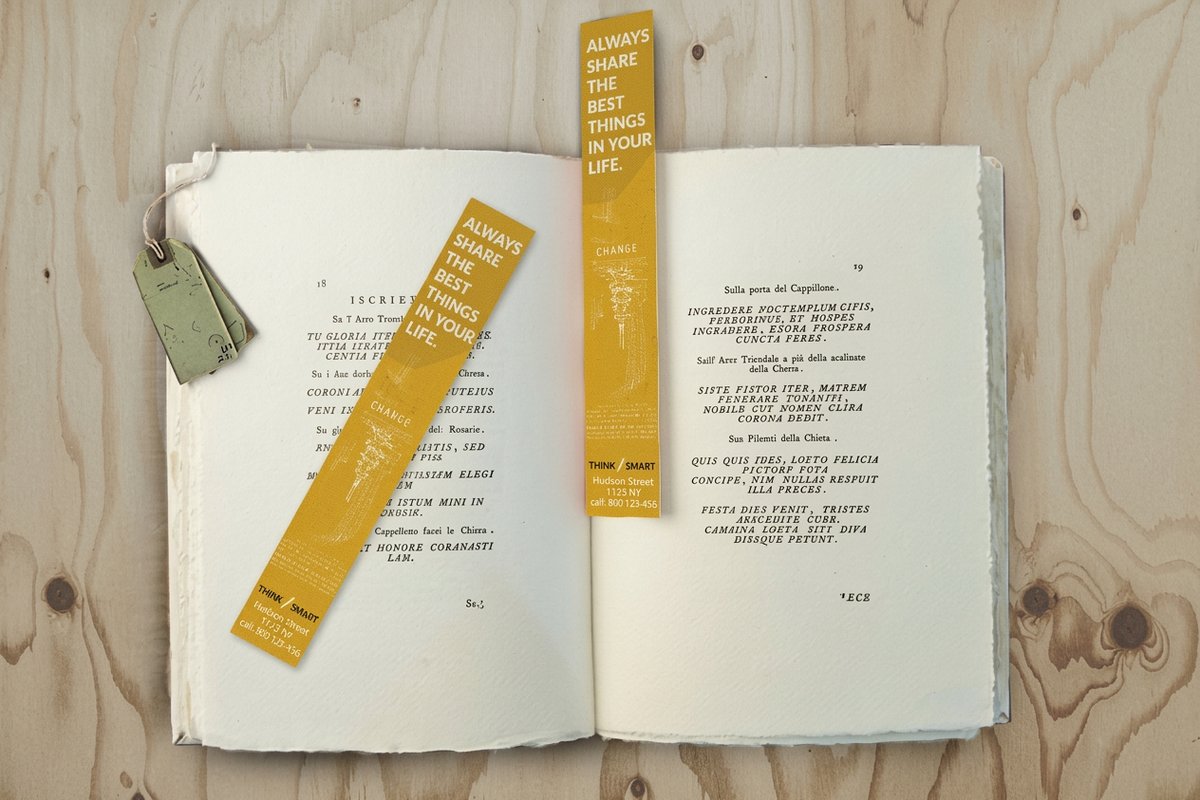
| Quantity | Price Per Unit | Total |
|---|---|---|
| 50 | 33.0¢ | $16.48 |
| 100 | 25.3¢ | $25.27 |
| 200 | 15.9¢ | $31.86 |
| 300 | 12.8¢ | $38.45 |
| 400 | 11.3¢ | $45.04 |
| 500 | 10.3¢ | $51.62 |
| 600 | 9.89¢ | $59.31 |
| 700 | 9.57¢ | $67.00 |
Order it
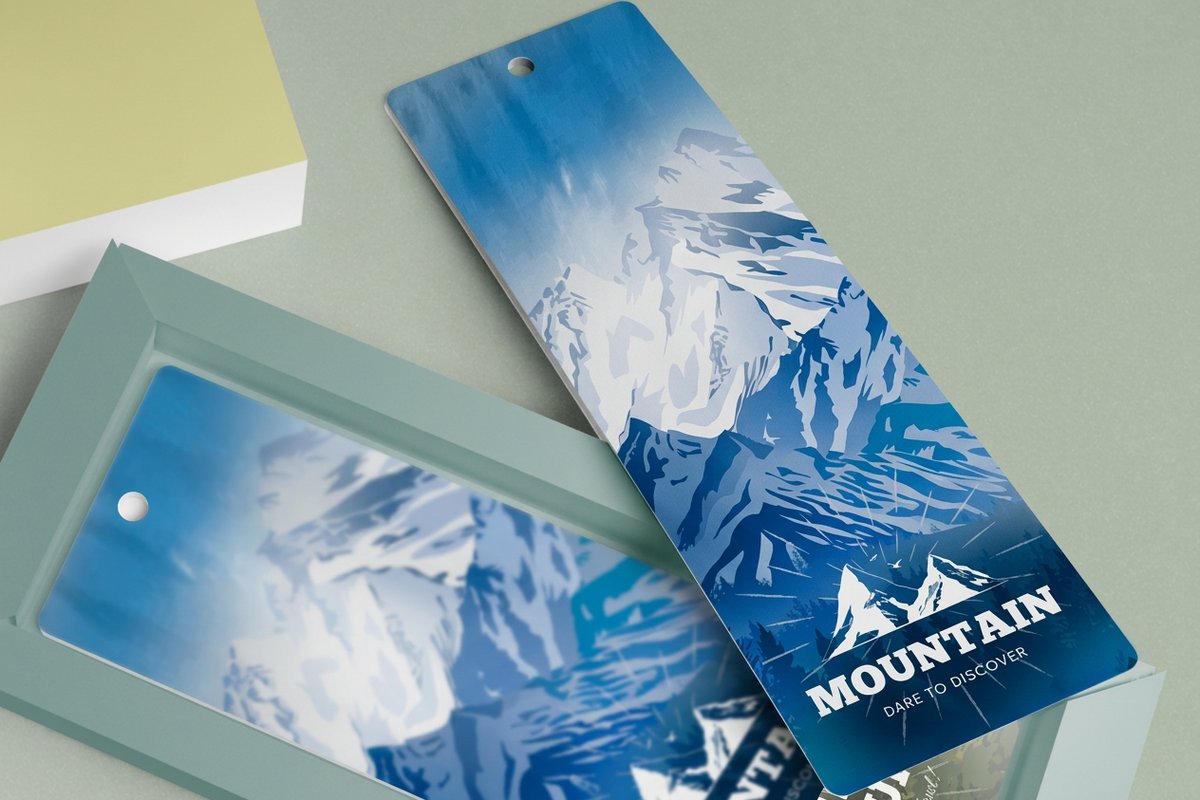
Bookmarks worth keeping, printed to order
See it in use
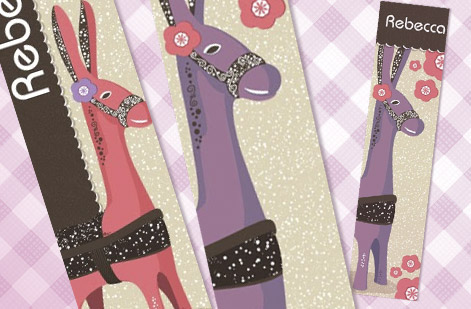
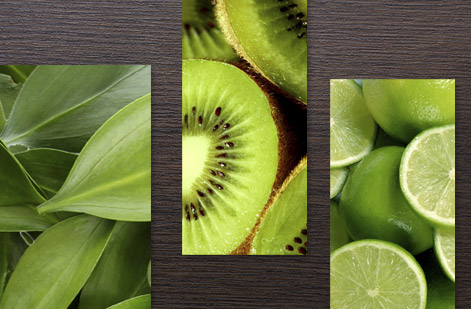
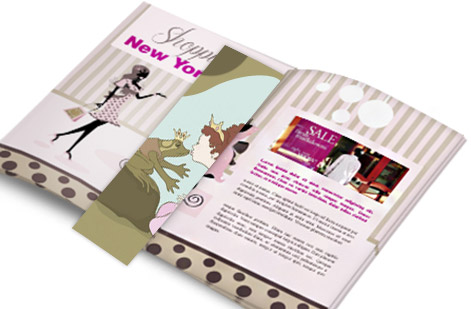
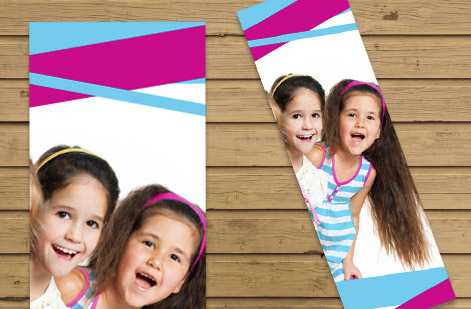
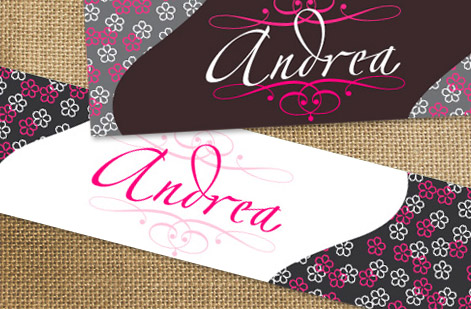
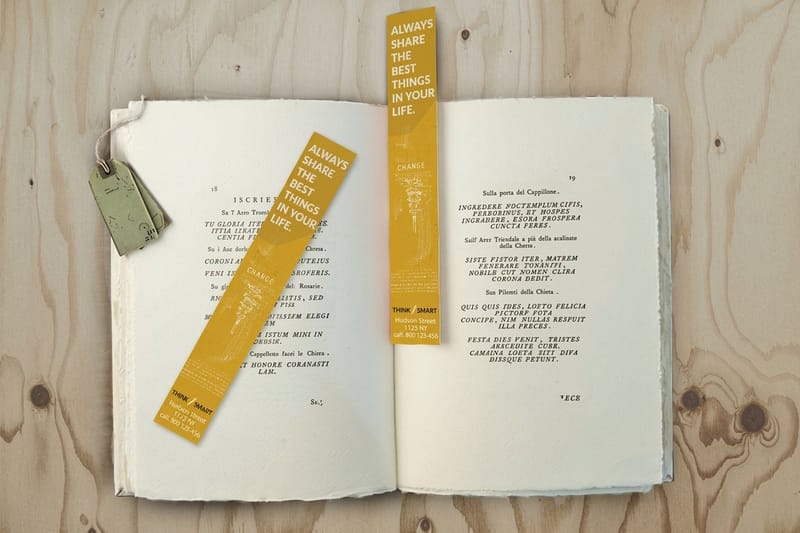
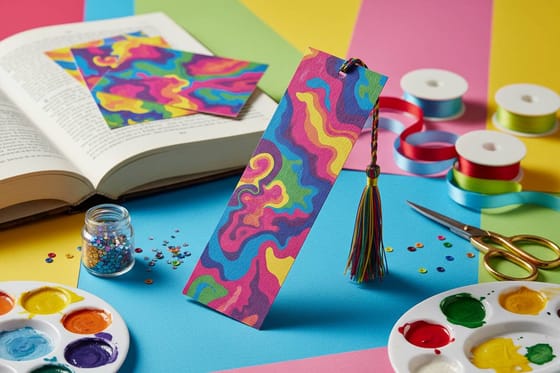
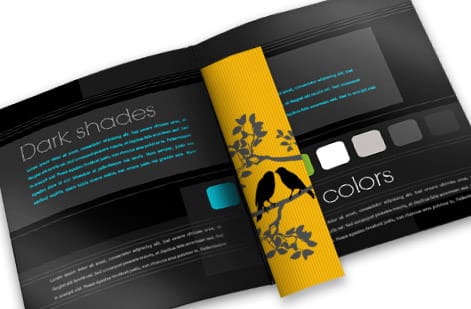
Real bookmarks, printed in-house


Explore more
Where to go next
By the numbers
Bookmark printing you can count on at 4OVER4
Common Questions
Common questions about bookmark design
What is the standard bookmark size?
The most common bookmark size is 2 by 6 inches, a tall, narrow rectangle that fits comfortably between the pages of a book and leaves room for artwork on the front and a message on the back. Other popular sizes include 2 by 7 and 2 by 8 inches for taller layouts and bigger images, and a slimmer 1.5 by 7 inches for a low-profile bookmark. Starting your design from one of these standard sizes means your layout matches what actually prints, so nothing has to be scaled or cropped at the last minute.
How do I design a bookmark step by step?
Begin by choosing a standard size like 2 by 6 inches so your canvas is the real finished shape. Add 0.125 inch of bleed on every side for full-bleed art and keep text 0.125 inch inside the trim in the safe zone. Design both the front and the back, since both faces show as the bookmark slips in and out of a book, and leave room at the top if you plan to add a ribbon or tassel. Choose a finish that fits the feel you want, then export a flattened, press-ready PDF with bleed and order your stock and quantity.
What finishes can I get on a bookmark?
Bookmarks take a wide range of finishes, and on a piece this small the finish is a big part of the design. A soft touch coating gives a smooth, premium hand that feels expensive to hold. Gloss lamination deepens color and adds shine, while matte keeps things understated and easy to read. For something that grabs attention, a lenticular bookmark shifts its image as it tilts. You can also add specialty touches like foil, spot UV, or metallic stock, and a drilled hole with a tassel for a finishing flourish.
How do I choose the right bookmark for my project?
Match the size, stock, and finish to how the bookmark will be used. A giveaway at a book fair benefits from a bold 2 by 8 inch design on a durable laminated stock, while a refined author bookmark might use a 2 by 6 inch cut with a soft touch finish. Consider whether you want a tassel, how many colors your art uses, and whether motion helps your message, which points toward lenticular. Once you know the use and the feel you are after, the size and finish choices fall into place.
What does bookmark printing cost and how is pricing set?
Bookmark printing at 4OVER4 starts around $16, and the per-unit price drops as your quantity climbs, which makes bookmarks an affordable giveaway or add-on. Price is driven by the size, the paper stock, the finish, and the quantity, all set live in the configurator so the total updates as you choose. A simple gloss bookmark costs less than a soft touch or lenticular one, so you can balance the look you want against your budget and see exactly what each option adds before you order.
Get Started
Designed your bookmark? Print one worth keeping.
Order custom bookmarks from 4OVER4.COM on the size, stock, and finish your design calls for. Adjust every option and watch your price update live.
Legal Disclaimer
Gold Standard guarantees apply to all standard orders placed through 4over4.com. Price match requires verifiable proof of a competitor's published price for an equivalent product with matching specifications and turnaround time. Satisfaction guarantee covers manufacturing defects and print quality issues. Contact support with order number and documentation. On-time delivery rate based on tracked orders 1999 to 2026. Individual results may vary based on shipping carrier performance.
