
How to Design Business Cards That Get Remembered


A great business card is a layout problem solved cleanly: the right size, three key lines, a clear hierarchy, readable type, and a stock that feels the way your brand should. Here is how to design one from scratch.
Design a business card by starting from the 3.5 by 2 inch trim size. Add 0.125 inch of bleed and a matching safe margin, work in CMYK at 300 DPI, build a clear hierarchy with your name largest, use no more than two fonts, design the back as well as the front, then pick a stock and finish and export a press-ready PDF or use our free online designer.
Start here
Business card design in one paragraph
A well-designed business card starts from the 3.5 by 2 inch standard and works inward. Set the trim, add bleed and a safe margin, build in CMYK at 300 DPI, give your name one clear focal point, keep to two readable fonts, use both sides, and choose a stock and finish that match your brand. Then design online or export a press-ready PDF and order from 4OVER4.COM. The diagram below maps the three lines every card needs.
Why business card design still decides first impressions

A business card is the one piece of your brand a person holds in their hand and keeps in a pocket. In the few seconds it takes to hand one over, the design is quietly answering questions: are these people organized, are they professional, do they pay attention to detail. A cluttered card raises doubt, and a clean, confident one builds trust before you say a word.
Designing a good card is less about artistic flair than about discipline. Get the size right, place the three critical lines, build a clear hierarchy, choose type and color that read at a small scale, and finish it on a stock that feels the way your brand should feel. This guide walks that process in the order you would actually work, from setup to the final standard business cards order.
If you would rather not build a file from scratch, our free online designer sets the size and bleed for you and lets you drop in text, logos, and colors right in the browser, and our free design templates give you a proven starting layout.
Start with the standard size and three key lines
The US standard business card is 3.5 by 2 inches, and building to that size means your card fits every wallet, cardholder, and card slot people already carry. Set your document to that exact trim first, then add the three lines that make the difference between a clean cut and a clipped one.
The trim line is where the blade cuts at 3.5 by 2 inches. The bleed is 0.125 inch of extra artwork past the trim on every side, so any color or photo that reaches the edge keeps going and no unprinted sliver appears if the cut shifts. The safe margin is 0.125 inch inside the trim, where your name, logo, and contact details must stay to avoid the blade. Our guide on bleed and trim shows how to set these in your software.
Decide orientation while you are here. Landscape reads as classic and professional, portrait feels modern and pops in a stack. For the full breakdown of dimensions and variations, pair this with our business card size guide and the deeper standard vs custom sizes reference.
Build a hierarchy so the eye knows where to land
The most common design mistake is treating every element as equally important, which makes none of them stand out. Give the card one clear focal point and let everything else support it. Your name is almost always that focal point, set largest, followed by your title and company, then the contact details a step smaller and quieter.
Whitespace is a tool, not wasted room. Crowding a card to the edges makes it feel anxious and hard to read, while a little breathing space around the key elements makes the whole thing feel considered and premium. Resist the urge to fill every corner, and let the safe margin do some of that work for you.
Keep the reading order natural: the eye starts top-left and moves down and right, so place your name and role high and your contact details lower. Our top tips on what to include guide covers exactly which details earn a spot and which ones clutter the card.
Choose type and color that read at a small scale
A business card is tiny, so typography that looks fine on a big screen can turn to mud in print. Limit yourself to two fonts, one for your name and one for the details, and keep the smallest text large enough to read comfortably at arm's length. Fine lines and ultra-thin weights tend to break up at card scale, so lean toward clean, legible faces.
Color needs the same care. Design in CMYK from the start so your screen preview reflects how process ink actually prints, and watch the colors that shift most in conversion, especially bright blues and vivid greens. If your brand depends on one exact color, note the spot reference and confirm it against a printed sample. Our guide on CMYK vs RGB explains why this matters.
Keep small text a true single black rather than a rich four-color mix so fine letters stay crisp instead of fuzzy at the edges. The same type discipline underpins a strong, reproducible logo design, which is the other element doing heavy lifting on your card.
Design the front, then put the back to work
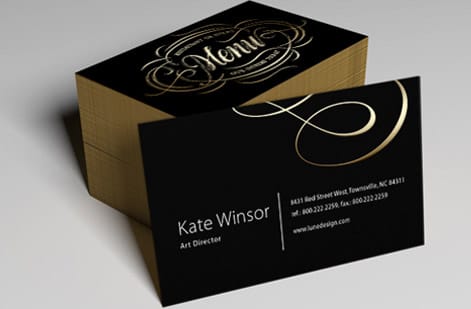
Think of the front as your identity and the back as your billboard. The front carries your name, title, logo, and core contact details, arranged with the hierarchy above. That is where the impression forms, so keep it clean and let the focal point breathe.
The back is the space most cards waste. Put it to work with a short tagline, a list of your services, a QR code that links to your site or portfolio, a social handle, or a small map to your location. Double-sided printing adds very little to the cost and turns a plain name tag into a compact marketing piece that keeps working after the handshake.
Whatever you add to the back, keep it on-brand and uncluttered, and give a QR code enough quiet space around it to scan reliably. If you want ideas on connecting the card to your online presence, see adding social media icons and putting your LinkedIn on a card.
Pick a stock and finish that match the brand
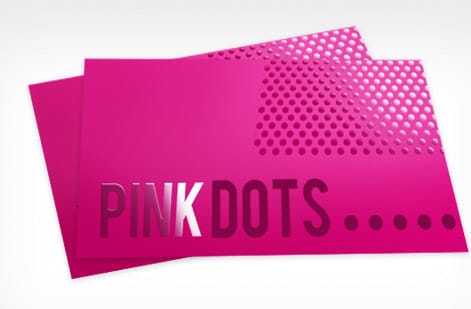
The physical card is part of the design. A 14pt stock is the everyday standard and a 16pt stock feels noticeably more substantial the moment someone picks it up, quietly signaling quality. Heavier stock also resists bending in a wallet, so the card that reaches a prospect still looks sharp.
Finish changes both feel and appearance. Matte reads as understated and modern and takes a pen easily, gloss makes color pop and resists scuffs, soft touch adds a velvety premium hand feel, and raised spot UV gives a logo or accent real texture you can feel. Each one sends a slightly different signal, so match it to how your brand should feel.
Because finish is hard to judge on a screen, order a set of samples or start from our free design templates to see how a layout sits on real stock. For a deeper comparison, our guide on choosing the right cardstock breaks down every weight and texture.
Design it online, then print with 4OVER4
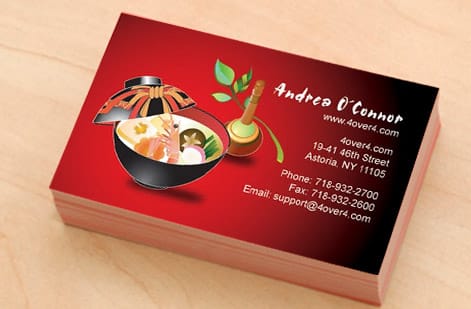
Once the layout is settled, you have two clean paths to a printed card. The first is our free online designer, which sets the 3.5 by 2 inch size and the bleed for you and lets you place text, upload a logo, and set colors right in the browser, then order without ever opening design software. It is the fastest route from idea to card in hand.
The second is to build the file yourself and export a flattened, press-ready CMYK PDF at the right trim size with bleed included, then upload it in the configurator. Either way, you set the stock, finish, corners, and quantity and watch the price update live as you go, so there are no surprises before you commit.
A run of standard business cards starts low per unit and drops further as the quantity climbs, so ordering a healthy stack usually costs little more than a small one. Use the live specs and pricing panel below to lock in your options, or browse the full business cards range for specialty stocks and shapes.
Wally lays out a card that reads in one glance
Structure first, style second
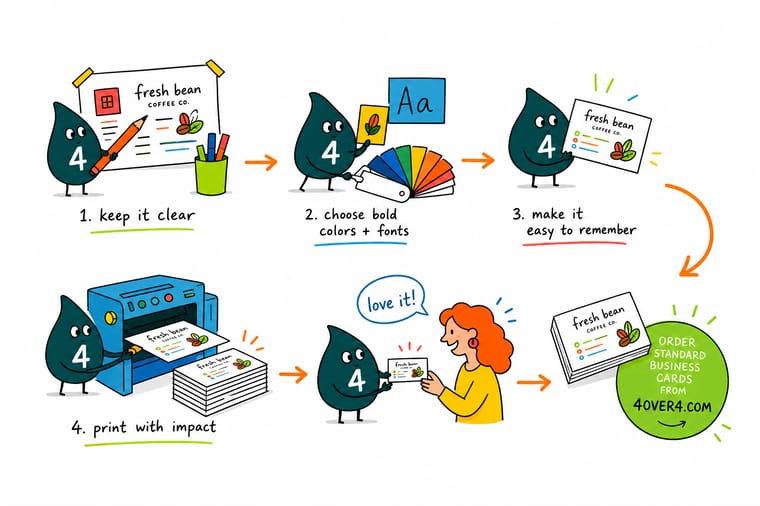
Wally builds every business card from the 3.5 by 2 inch trim out: bleed past the edge, text inside the safe margin, one bold name to anchor the eye, and a stock that feels the part. Set that skeleton right and the styling falls into place. Design it in our free online tool or upload your own PDF, and 4OVER4 prints it exactly as you drew it.
Design and print your cards →Quick reference
The business card file setup, at a glance
Every print-ready business card comes down to the same handful of settings. Match these and your artwork is ready for the press.
| Setting | Get it to | Why it matters |
|---|---|---|
| Trim size | 3.5 x 2 in (US standard) | The size the card is cut to. Build your document at this exact dimension before adding bleed. |
| Bleed | 0.125 in past every edge | Backgrounds and color run to 3.75 x 2.25 in so no white sliver shows if the cut drifts. |
| Safe margin | 0.125 in inside the trim | Keep your name, logo, and contact details clear of the blade so nothing gets clipped. |
| Resolution | 300 DPI at final size | Logos and any photos stay crisp at card scale instead of going soft or pixelated. |
| Color mode | CMYK | Cards print with process ink, so convert from RGB before export to avoid color shifts. |
| Stock | 14pt or 16pt cardstock | Heavier stock feels more substantial in hand and resists bending in a wallet or pocket. |
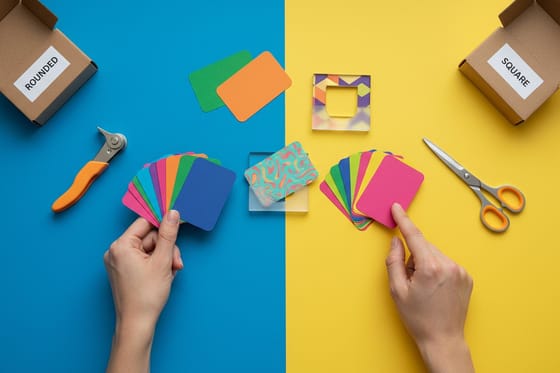
| Corners | Square or 0.25 in rounded | Rounded corners soften the look and wear better on edges; square keeps a sharp, classic frame. |
| File format | Flattened PDF (PDF/X-1a) | A single self-contained PDF with fonts embedded prints exactly as you designed it. |
Step by step
Design a business card in 7 steps
- Set the size and orientation first Start a new document at 3.5 by 2 inches, then decide landscape or portrait. Landscape reads as classic and professional, portrait feels modern and stands out in a stack.
- Add bleed and pull in your safe margin Extend the canvas 0.125 inch on every side for bleed and set guides 0.125 inch inside the trim so you know exactly where text and logos must stay.
- Build a clear visual hierarchy Make your name the largest element, your title and company second, and contact details a step smaller. One focal point reads faster than several competing ones.
- Choose two fonts and lock your colors Pair one font for the name and one for the details, keep the sizes readable at print scale, and set brand colors in CMYK so what you see is what prints.
- Design the front, then use the back Put your identity on the front and put the back to work with a tagline, services list, a QR code, or a social handle. A blank back is wasted real estate.
- Pick your stock and finish Match the feel to the brand: 14pt or 16pt stock, then matte, gloss, soft touch, or raised UV. The finish changes both the hand feel and how colors read.
- Design online or export a press-ready PDF Use our free online designer, which sets the size and bleed for you, or build it yourself and export a flattened CMYK PDF, then upload it to order.
Specs and pricing
Standard business card specs and live pricing
Once your design is ready, the print decisions come down to stock, finish, corners, and quantity. Here are the live specs and price-per-unit for standard business cards at 4OVER4.COM, straight from the configurator.
| Quantity | Price Per Unit | Total |
|---|---|---|
| 100 | 17.6¢ | $17.57 |
| 200 | 11.5¢ | $23.07 |
| 300 | 9.15¢ | $27.46 |
| 400 | 7.96¢ | $31.86 |
| 500 | 7.25¢ | $36.26 |
| 600 | 6.77¢ | $40.64 |
| 700 | 6.43¢ | $45.04 |
| 800 | 6.18¢ | $49.43 |
Print it
Bring your business card design to 4OVER4
See it in use
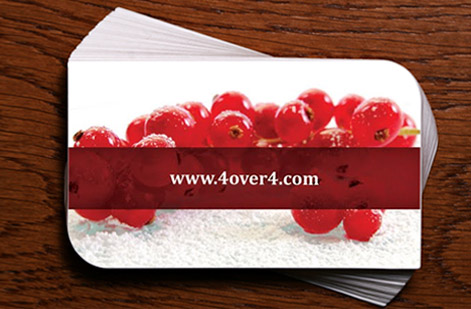
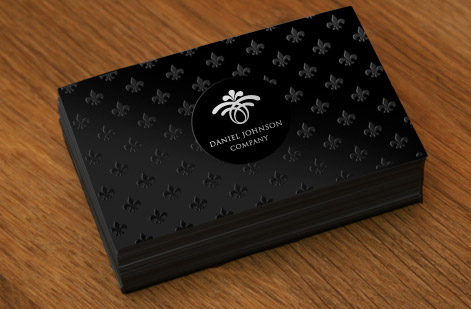
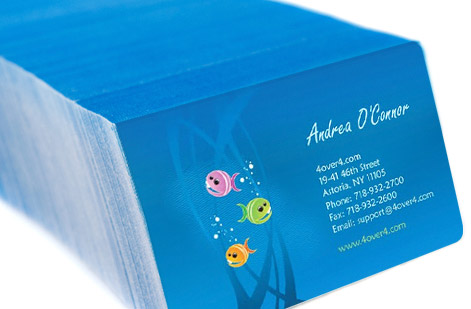
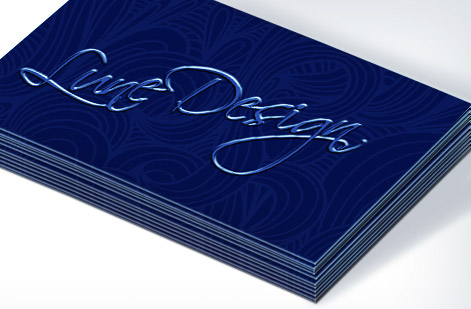
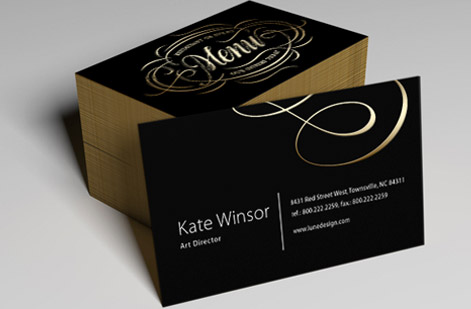
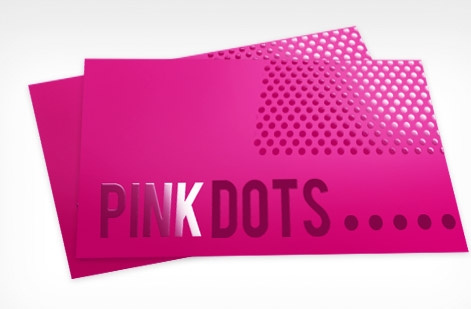
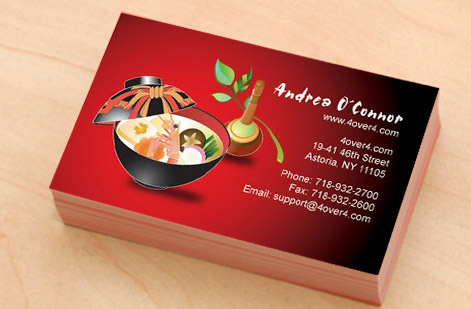
Real business cards, printed in-house
Explore more
Where to go next


By the numbers
Business card printing you can count on at 4OVER4
Common Questions
Common questions about designing business cards
How do I design business cards from scratch?
Start from the standard 3.5 by 2 inch trim size and set your document up with 0.125 inch of bleed on every side and a matching 0.125 inch safe margin inside the trim. Work in CMYK at 300 DPI, build a clear hierarchy with your name largest and contact details smallest, pair no more than two fonts, and design the back as well as the front. When the layout is done, pick your stock and finish, then either use our free online designer or export a flattened, press-ready PDF and upload it to order.
What is the right size for a business card?
The US standard business card is 3.5 by 2 inches, and designing to that size keeps your card fitting every wallet, cardholder, and Rolodex slot people already own. With bleed added, your working file is 3.75 by 2.25 inches, and the safe zone where text should live is 3.25 by 1.75 inches. Rounded-corner, square, and other custom shapes start from the same base dimensions, so getting the standard right first makes every variation easier to lay out.
How do I choose the right stock and finish for my business cards?
Match the physical card to the impression you want to make. A 14pt stock is the everyday standard, while 16pt feels noticeably more substantial in hand. For finish, matte reads as understated and modern and is easy to write on, gloss makes color pop, soft touch adds a velvety premium feel, and raised spot UV highlights a logo or accent with texture. Because the finish changes both how the card feels and how the ink looks, order free paper samples first if the exact feel matters to your brand.
What does it cost to print business cards, and how are prices set?
Designing the card yourself costs nothing, and the print price then scales with a few simple levers: quantity, where a larger run lowers the unit price, plus the stock, the finish, and any special shape or corner. You set each option in the configurator and the total updates live as you go, so you can see exactly what upgrading to 16pt stock or adding soft touch does to the number before you commit. Standard business cards start low per unit and drop further as the quantity climbs.
What sizes, stocks, and finishes are available for business cards?
Standard cards print at 3.5 by 2 inches on 14pt and 16pt cardstock, with square or rounded corners, and finishes that include matte, gloss, high-gloss UV, soft touch, and raised spot UV. Beyond the standard you can go to specialty stocks and shapes, from cotton and kraft to clear plastic, foil accents, and fully custom die-cut outlines. The live specs and pricing panel below shows the exact options and how each one changes the price.
How long do business cards take to print and ship?
Turnaround depends on the stock and finish you choose and the shipping speed you select at checkout. Standard cards move quickly through production, while specialty finishes like foil or soft touch add a little time. You will see the available production and delivery options, along with any faster shipping choices, right in the configurator once you set your specs, so you can plan the order around the date you need the cards in hand.
Should I use both sides of a business card?
Almost always yes. The front carries your identity, your name, title, logo, and core contact details, while the back is prime space most cards leave blank. Put it to work with a short tagline, a list of services, a QR code that links to your site or portfolio, a social handle, or a small map. Double-sided printing adds very little to the cost and turns the card into a compact marketing piece rather than a plain name tag.
Get Started
Ready to design a business card that gets remembered?
Build it in our free online designer or upload your press-ready PDF, then print it on the stock, finish, and shape your brand calls for. Adjust every option and watch your price update live.
Legal Disclaimer
Gold Standard guarantees apply to all standard orders placed through 4over4.com. Price match requires verifiable proof of a competitor's published price for an equivalent product with matching specifications and turnaround time. Satisfaction guarantee covers manufacturing defects and print quality issues. Contact support with order number and documentation. On-time delivery rate based on tracked orders 1999 to 2026. Individual results may vary based on shipping carrier performance.
