
How to Lay Out a Business Card That Reads Clean and Prints Sharp


"A business card has about three seconds and four square inches to make an impression. Here is how to lay one out so it reads clean and prints sharp: the 3.5 by 2 size, the bleed and safe zones, the front-and-back hierarchy, and where a QR code or social handle belongs."
"Lay out a business card on the standard 3.5 by 2 inch canvas: name and title first, company and one or two contact lines next, everything inside a 0.125 inch safe margin with a 0.125 inch bleed on edge art. Give the front a clear hierarchy (name largest), and use the back for a logo, tagline, QR code, or social handle so the front never gets crowded."
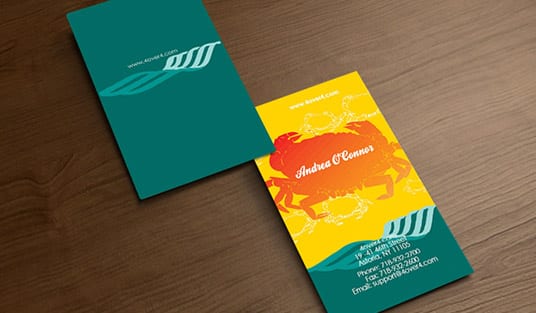
Start here
"Business card layout in one paragraph"
Laying out a business card means arranging your identity and contact details on a 3.5 by 2 inch card so it is instantly readable and prints without clipping. Work at the true size with a 0.125 inch bleed and safe margin, build a clear front hierarchy with your name largest, and use the back for a logo, tagline, QR code, or social handle. Keep everything vital inside the safe zone, and the card reads clean and prints sharp.
The canvas: 3.5 by 2 inches with bleed and safe zones
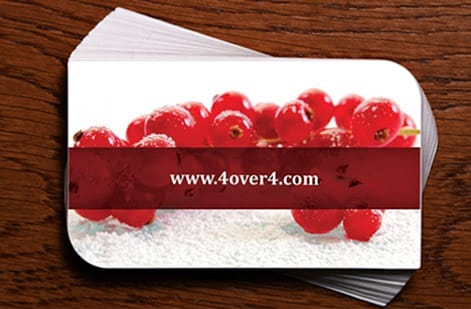
Every layout starts with the true canvas. The US standard business card is 3.5 by 2 inches, sized to fit every wallet and cardholder. Design at that exact trim, then add the two lines that protect your work: a 0.125 inch bleed past every edge for any color or art that runs to the edge, and a 0.125 inch safe margin inside the trim where all your text and logos must stay.
Those two lines are the difference between a card that prints clean and one that comes back with a clipped phone number or a thin white sliver along the edge. Set them up before you place a single element. The mechanics are the same across every print job, and our guide on bleed and trim covers them in full. Once the canvas is right, you can build directly in the online designer on the correct template.
Front hierarchy: guide the eye, do not fill the space

The most common business card mistake is treating four square inches as space to fill. It is not. It is space to direct. Build a clear hierarchy: your name is the anchor and should be the largest text on the card. Below or beside it, your title and company step down in size. Then a tight group of contact details, one to three lines, aligned and grouped so the eye reads them as a block.
Give everything room to breathe. White space is not wasted space, it is what makes a card feel confident and premium instead of cramped. Keep body text at 7 to 9 points minimum so it stays readable in the hand, and lean on one or two typefaces, not four. For the full checklist of what belongs on a card, our guide on what to include on a business card pairs perfectly with this layout.
Use the front and back on purpose
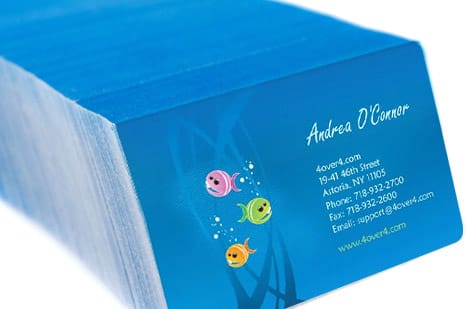
A business card has two faces, and treating them as one job each keeps the whole thing clean. The front carries your identity: name, title, company, and the core contact details in that clear hierarchy. The back carries the extras: a full logo, a tagline, a QR code, a social handle, a small map, or a service list. Splitting the work this way means the front never gets crowded and the back never goes to waste.
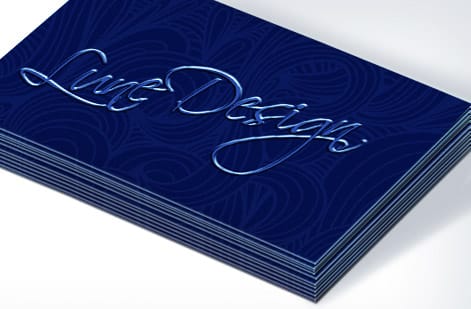
Printing both sides costs a little more but almost always earns it, because you double your usable space without shrinking your type. If you want the card to feel more premium, this is also where finishes live: a spot UV logo or a foil accent on the back reads as a real upgrade. Our guide on proper business card format goes deeper on balancing the two sides.
Where a QR code or social handle belongs
Digital touches earn their place only when they are deliberate. A single QR code that opens your website, a digital vCard, a portfolio, or a booking page turns a paper card into an action. Give it enough size and quiet space to scan reliably, put it on the back, and label what it does so people know why to scan. One QR code with a clear job beats a cluttered grid every time.
Same logic for social: pick the one handle that matters and show it cleanly, rather than lining up five platform icons that dilute the ask. If LinkedIn is your channel, our guide on putting your LinkedIn on a business card shows the tidy way to do it, and business cards with social media icons covers the icon approach without the clutter.
Stock, finish, and printing your layout
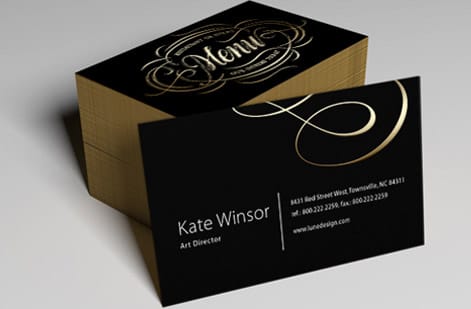
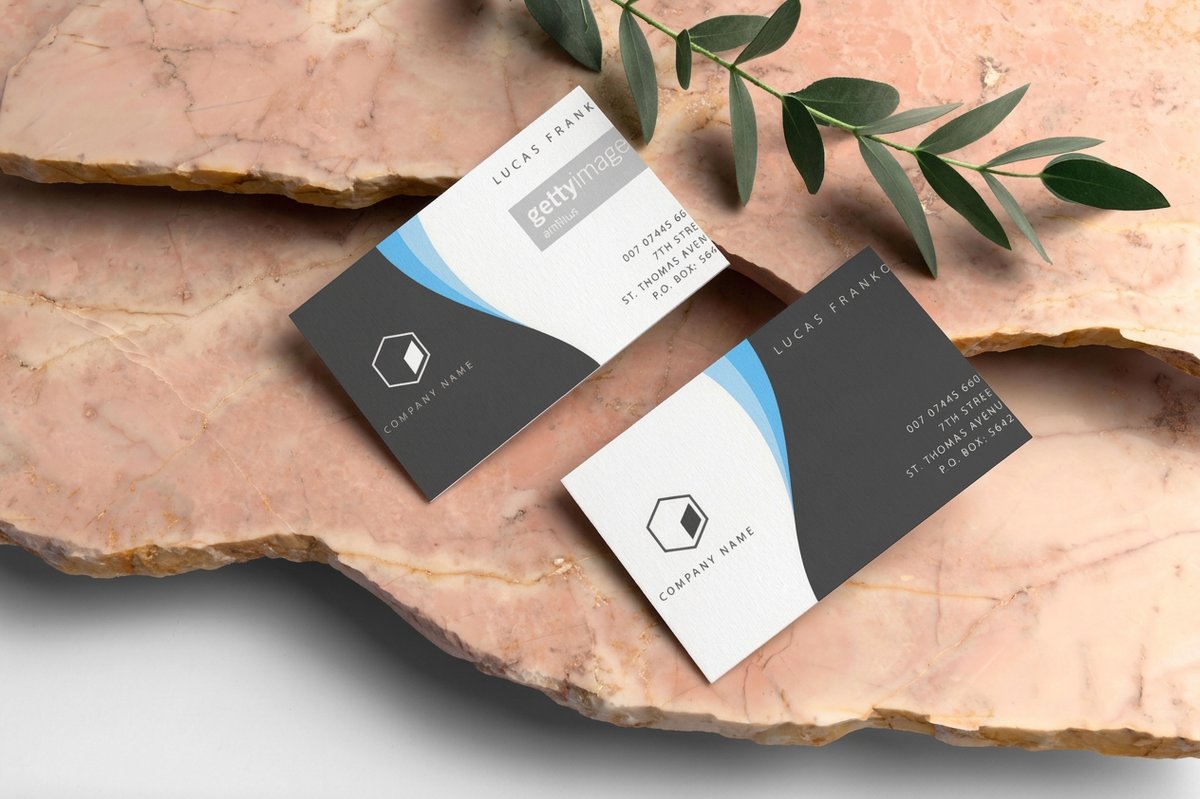
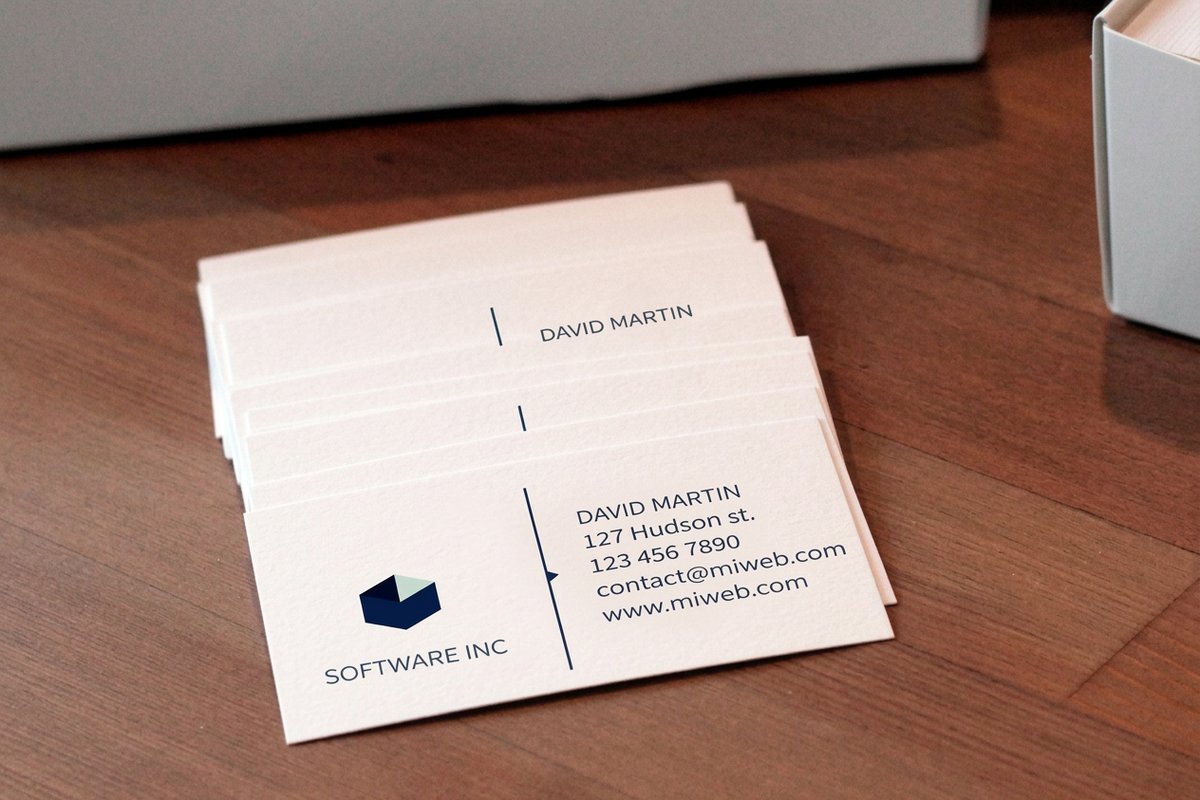
A clean layout deserves a stock that carries it. A classic business card on standard stock is the affordable everyday choice, while premium business cards and finishes like spot UV, foil, soft-touch, or painted edges turn the same layout into a statement. The right cardstock also affects how your design feels in the hand, which our guide on choosing the right cardstock breaks down.
Price scales with stock, finish, sides, and quantity, and updates live as you choose. Order free paper samples to feel the stocks before a big run, then export a flattened, press-ready PDF with bleed and print your layout on the business cards page. Set the layout up right and it will print exactly as you designed it.
Wally lays out the card
Guide the eye, do not fill the space
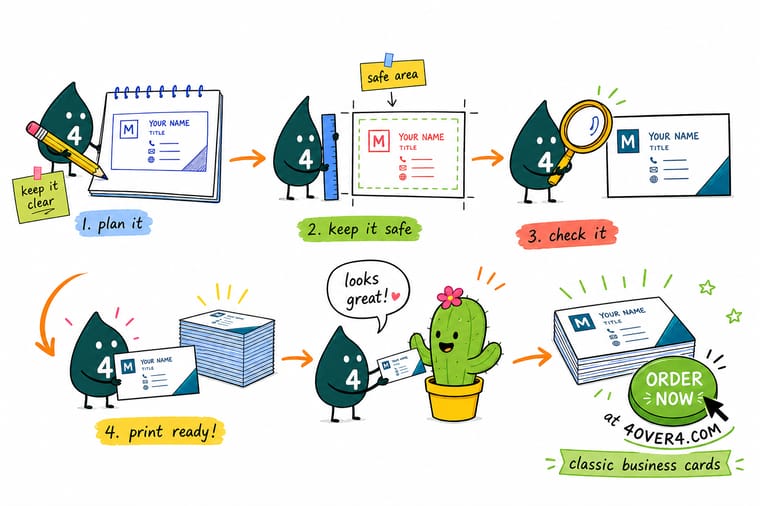
Wally builds the card as a path, not a pile. Name largest so the eye lands there first, then title and company, then a tight group of contact lines, all inside the safe margin. Front carries the identity, back carries the logo, tagline, or one QR code. Set it up at 3.5 by 2 with bleed, keep the type at a readable size, and 4OVER4 prints a card that reads clean and prints sharp.
Order business cards →Quick reference
"Business card layout specs, at a glance"
"Set these before you place a single element and your card lines up on press every time."
| "Element" | "Get it to" | Why it matters |
|---|---|---|
| Trim size | 3.5 x 2 in (US standard) | Fits every wallet, cardholder, and slot; the size to design to. |
| Bleed | 0.125 in past every edge | Edge-to-edge color stays clean if the cut drifts a hair. |
| Safe margin | 0.125 in inside the trim | Keeps names, numbers, and logos clear of the blade. |
| Resolution | 300 DPI at final size | Small type and logos stay crisp instead of fuzzy. |
| Body text | 7 to 9 pt minimum | Readable in the hand without shrinking to unreadable. |
| Color mode | CMYK | Matches how the card actually prints, so colors do not shift. |
Step by step
"How to lay out a business card in 7 steps"
- Set up the canvasStart a 3.5 by 2 inch file with 0.125 inch bleed on every edge and pull a 0.125 inch safe margin inside, before placing anything.
- Place the name firstYour name is the anchor. Make it the largest text and give it room, so the eye lands there before anything else.
- Add title and companySet the title and company below or beside the name at a smaller size, building a clear step down in hierarchy.
- Lay in contact detailsAdd one to three contact lines, phone, email, website, aligned and grouped. Resist listing every channel you own.
- Use the back deliberatelyPut the logo, a tagline, a QR code, or a social handle on the back so the front stays uncrowded.
- Check alignment and marginsAlign everything to a simple grid and confirm nothing vital sits outside the safe margin.
- Proof and exportZoom to 100 percent, check every character, then export a flattened, press-ready PDF with bleed included.
Specs and pricing
"Business card specs and live pricing"
"Once your layout is set, the rest is stock, finish, and quantity. Here are the live specs and price-per-unit for classic business cards at 4OVER4, straight from the configurator."
| Quantity | Price Per Unit | Total |
|---|---|---|
| 100 | 17.6¢ | $17.57 |
| 200 | 11.5¢ | $23.07 |
| 300 | 9.15¢ | $27.46 |
| 400 | 7.96¢ | $31.86 |
| 500 | 7.25¢ | $36.26 |
| 600 | 6.77¢ | $40.64 |
| 700 | 6.43¢ | $45.04 |
| 800 | 6.18¢ | $49.43 |
Order it
"Print your business cards at 4OVER4"
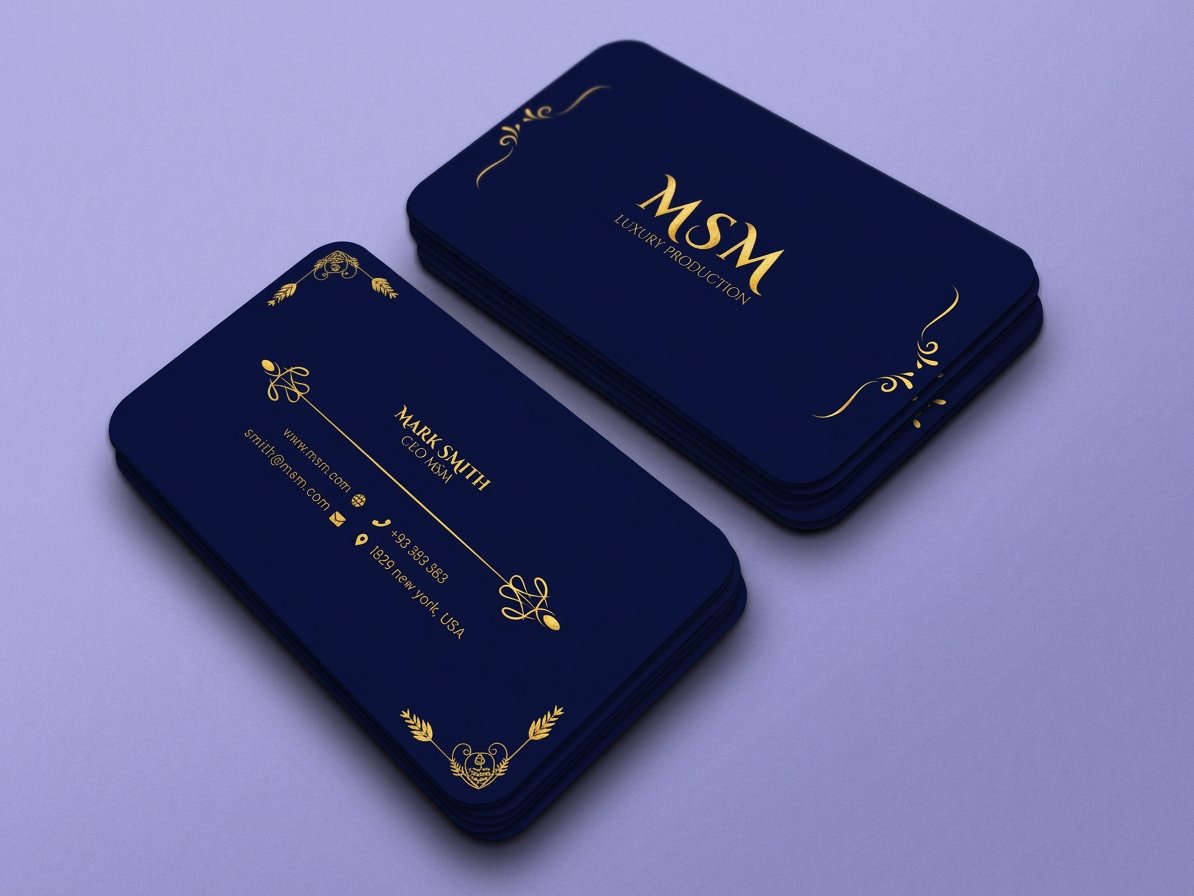
See it in use
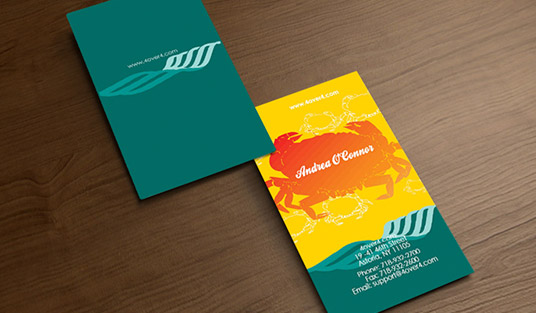
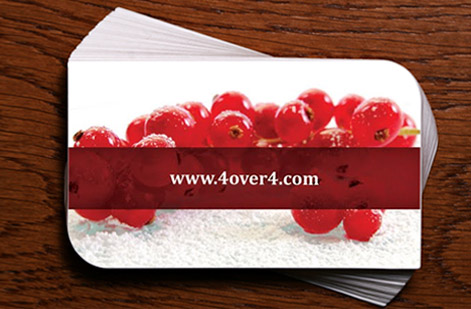
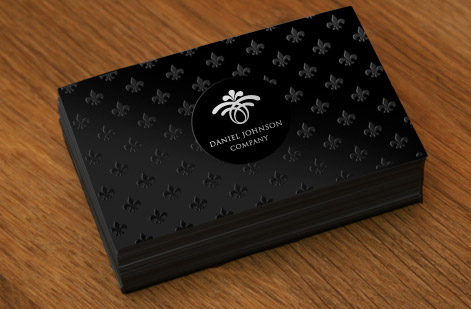
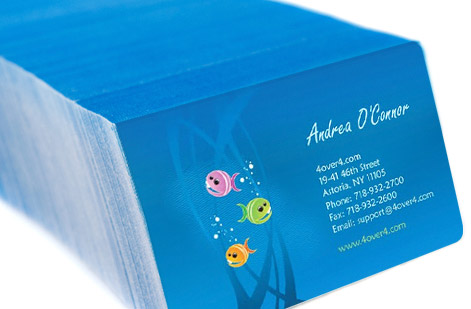
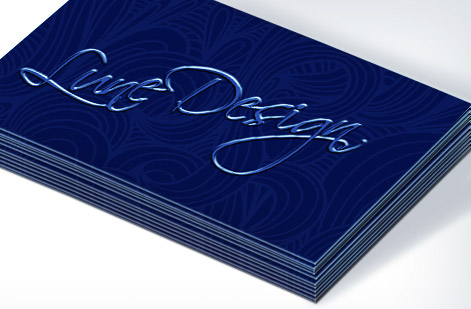
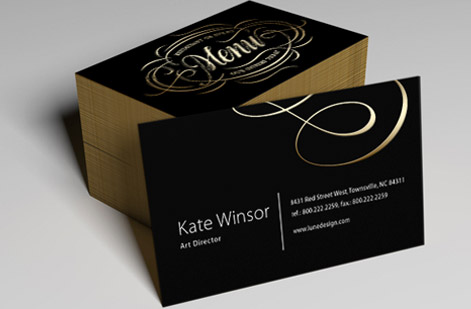
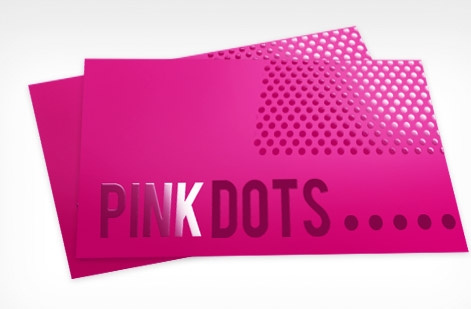
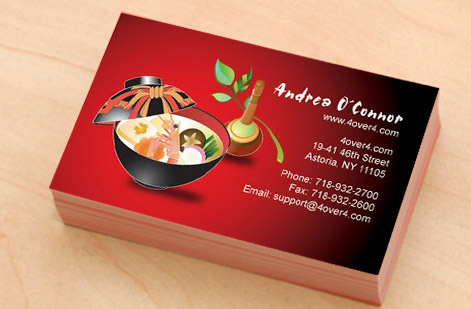
"Real business cards, printed in-house"
Explore more
Where to go next

By the numbers
"Custom business cards you can count on"
Common Questions
"Common questions about business card layout"
What is business card layout?
Business card layout is how you arrange your name, title, company, contact details, and branding on the 3.5 by 2 inch card so it is easy to read and prints without anything getting clipped. It covers the visual hierarchy (what the eye sees first), the grid and alignment that make the card feel organized, the safe margin that keeps text off the trim, the bleed that keeps edge color clean, and the division of work between the front and back. A good layout guides the reader from your name to your contact details in a natural path, rather than dumping everything on one crowded side.
How do I choose the right business card layout?
Match the layout to how much you need to communicate and how the card should feel. A minimal single-sided layout with a strong name and one or two contact lines reads as confident and modern. A two-sided layout gives you room for a logo, tagline, QR code, or social handle on the back while keeping the front clean, which suits most businesses. If you offer a service where a scan matters, build the layout around a single QR code. Start from the hierarchy, name first, then title and company, then contact, and let that decide how much fits on each side.
What does business card printing cost and how are prices set?
Price scales with the card stock, the finish, whether you print one side or both, and the quantity, which is the biggest lever, since a larger run drops the unit price sharply. A classic card on standard stock is inexpensive, while premium stocks and finishes like spot UV, foil, or soft-touch cost more per card but feel far more premium. You set each option in the configurator and the price updates live, so you can see exactly what a heavier stock, a second printed side, or a bigger quantity does before you order.
What sizes, stocks and finishes are available for business cards?
The standard business card is 3.5 by 2 inches, and 4OVER4 also prints square, rounded-corner, and custom-shaped cards. Stocks range from everyday cardstock to ultra-thick, cotton, kraft, and plastic, with finishes including matte, gloss, soft-touch, spot UV, foil, painted edges, and more. That means the same clean layout can print as a simple classic card or a high-end statement piece. The live specs panel on this page shows the current sizes, stocks, and finishes with pricing pulled from the configurator.
How long do business cards take to print and ship?
Turnaround depends on the stock, the finish, and the quantity, and the configurator shows the production time for your exact card before checkout. 4OVER4 prints in-house and ships from Queens, New York, with fast production on standard cards and slightly longer lead times on premium finishes like foil or painted edges. If you need them by a set date, check the estimated ship date in the cart and choose a faster production or shipping option when the timeline is tight.
Should I put a QR code on my business card?
A single QR code can be a great addition when it does one clear job, like opening your website, a digital vCard, a portfolio, or a booking page. The keys are to give it enough size and quiet space to scan reliably, place it on the back so it does not crowd the front, and label what it does so people know why to scan. Avoid stacking a QR code alongside a long list of social icons, because that clutter defeats the purpose. One deliberate scan target beats five competing ones.
Get Started
Ready to print a business card that reads clean?
Lay it out at 3.5 by 2 with a clear hierarchy, use both sides on purpose, and print a card that comes back exactly as you designed it. Adjust every option and watch your price update live.
Legal Disclaimer
Gold Standard guarantees apply to all standard orders placed through 4over4.com. Price match requires verifiable proof of a competitor's published price for an equivalent product with matching specifications and turnaround time. Satisfaction guarantee covers manufacturing defects and print quality issues. Contact support with order number and documentation. On-time delivery rate based on tracked orders 1999 to 2026. Individual results may vary based on shipping carrier performance.
