
Business Card Size and Dimensions in Inches and MM


Business card size and dimensions, every measurement that matters
The US standard business card is 3.5 x 2 inches, 89 x 51 mm, or 1050 x 600 px at 300 DPI, with a 0.125 inch bleed and a 0.125 inch safe zone. That is the trimmed size you hand to someone, and it slips into wallets, cardholders, and scanning apps without a fight. 4OVER4.COM has printed 10 billion+ cards across 60+ paper types since 1999, so we know exactly how a few millimeters change the card in your hand.
Your business card is a tiny billboard, the one marketing piece that moves from your hand to someone else's. Get the size wrong and it will not fit a wallet. Get the bleed wrong and your logo gets clipped. Get the safe zone wrong and your phone number vanishes into the trimmed edge. This business card size dimensions guide walks through every number you need, from standard US cards to international formats, square and folded options, and the file setup that keeps your printer happy.
Whether you are ordering standard business cards for a new startup or planning die-cut shapes for a creative studio, the measurements here apply. You can also see the full lineup on the business cards printing page. Let us get into it.
The standard card
Standard business cards, ready to order
Preset 3.5 by 2 inch cards on premium stock, the fastest way to put your brand in someone's hand.
Why business card dimensions actually matter
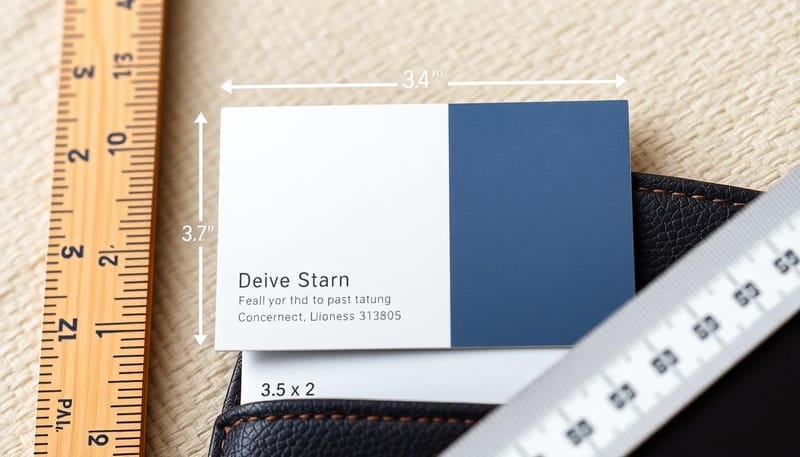
Business card dimensions are not just a technicality. They are a design constraint that shapes how people perceive and use your card. The wrong size creates friction, and the right size creates confidence.
Practicality and fit
Standard business card dimensions of 3.5 x 2 inches exist for a reason. They fit the credit card slots in wallets, they stack neatly in cardholders and display cases, and they slide into pockets without bending. When you hand someone a card at a networking event, you want them to tuck it away easily rather than wrestle with it. Explore the full range of business card printing options to find formats that match these practical standards.
Professional appearance
Cards sized correctly look uniform and intentional. An oversized card sticks out of a cardholder awkwardly, and an undersized card looks like it was printed on the wrong stock. Either way it signals carelessness. Standard dimensions tell people you pay attention to detail, and that matters when you are trying to earn trust in the first ten seconds of a handshake.
Clarity in messaging
A business card carries your name, title, company, phone number, email, and often a website or social handle. That is a lot of information for a small space. The standard size gives you room to present all of it without crowding. Go smaller and the text gets cramped, go bigger and you end up with awkward white space. For layouts that balance information with impact, study these amazing business card designs.
Scanning and digital compatibility
Most business card scanning apps, from CamCard to HubSpot to Microsoft Lens, are calibrated for standard dimensions. They read the card edges to detect boundaries and pull out text, so non-standard sizes can confuse them and drop a phone number or garble an email. If your contacts rely on scanning apps, and many do, standard dimensions keep your information accessible.
Standard US business card dimensions in inches and millimeters
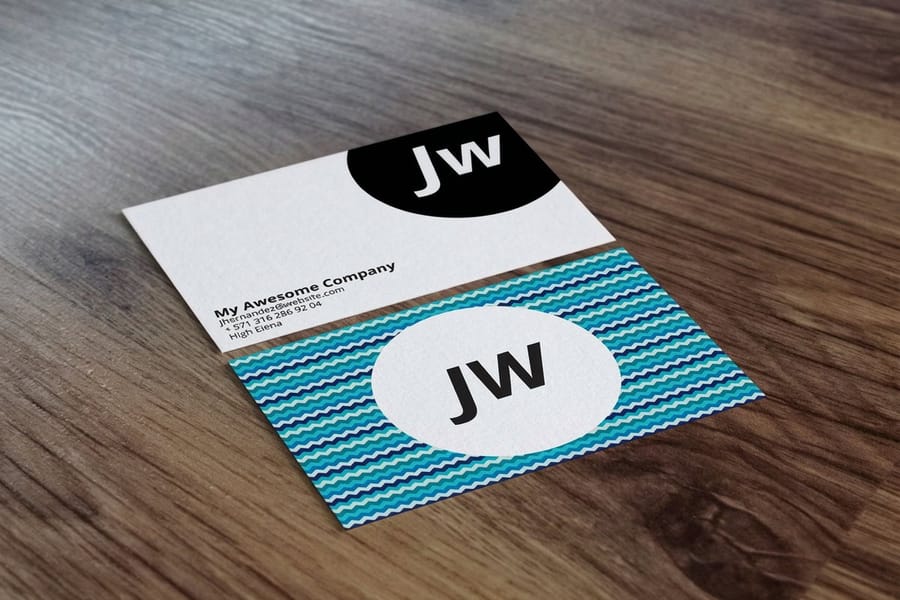
The standard business card size in the United States is 3.5 x 2 inches, which converts to 89 x 51 mm. That is the measurement for the finished, trimmed card, the piece you actually hand to someone. Here is where people get tripped up, because your design file should not be exactly 3.5 x 2 inches. You need to account for two extra zones that protect your artwork during cutting.
Bleed area
The bleed extends your design 0.125 inches, or 3.175 mm, beyond the trim line on all four sides. That makes your file 3.75 x 2.25 inches, which is 95.25 x 57.15 mm. The bleed gets cut off during trimming, but it stops white edges from appearing if the cut shifts a hair. Any background color, pattern, or image that touches the edge needs to run into the bleed.
Safe zone
The safe zone sits 0.125 inches inside the trim line, so your safe area is 3.25 x 1.75 inches, which is 82.55 x 44.45 mm. Keep all text, logos, and important elements inside this boundary. A phone number sitting right on the edge is a recipe for a card people cannot read. For a plain-language rundown of these numbers, our business card size guide lays out every dimension.
Understanding these three zones, trim, bleed, and safe, is the foundation of getting a card back that matches your screen. Miss one and the print comes back wrong.
Quantity and price
Standard business card pricing and specs
Real configurator numbers, the more you order, the lower the per-unit cost drops.
| Quantity | Price Per Unit | Total |
|---|---|---|
| 100 | 17.6¢ | $17.57 |
| 200 | 11.5¢ | $23.07 |
| 300 | 9.15¢ | $27.46 |
| 400 | 7.96¢ | $31.86 |
| 500 | 7.25¢ | $36.26 |
| 600 | 6.77¢ | $40.64 |
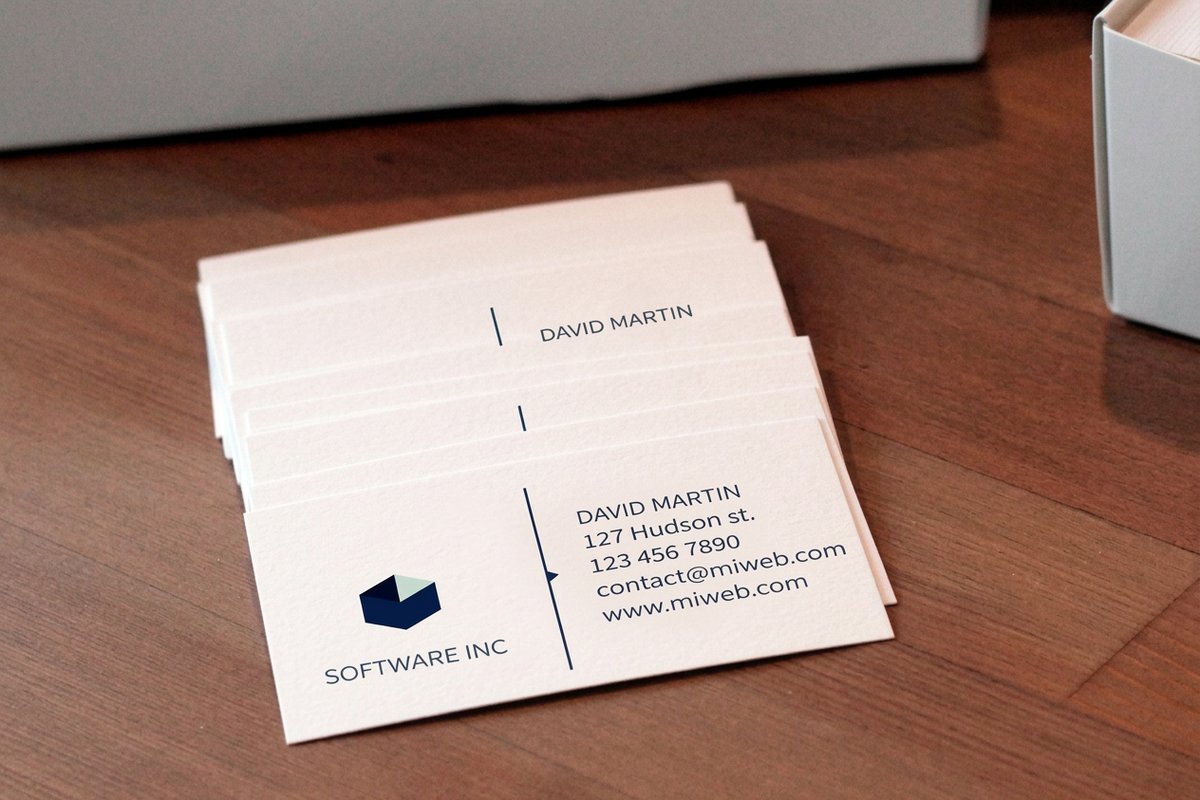
Business card size in pixels at 300 DPI
Print measures in inches, design software measures in pixels, and 300 DPI is the bridge between them. Multiply the inch dimension by 300 and you get the pixel count your file needs at full print quality. Anything less and the card looks soft the moment it comes off the press.
| Size | Inches | Millimeters | Pixels at 300 DPI (trimmed) | Pixels at 300 DPI (with bleed) |
|---|---|---|---|---|
| US standard | 3.5 x 2 | 89 x 51 | 1050 x 600 | 1125 x 675 |
| Square | 2.5 x 2.5 | 64 x 64 | 750 x 750 | 825 x 825 |
| Mini or slim | 3.5 x 1.5 | 89 x 38 | 1050 x 450 | 1125 x 525 |
| European | 3.346 x 2.165 | 85 x 55 | 1004 x 650 | 1079 x 725 |
| Japanese | 3.583 x 2.165 | 91 x 55 | 1075 x 650 | 1150 x 725 |
The bleed column is the one people forget. A US card at 1050 x 600 px is the finished card, but the file you upload should be 1125 x 675 px, because the extra 0.125 inch on each side is 37.5 px of artwork that gets trimmed away. Set the canvas to the bleed size, place your guides at 37.5 px in for the trim and 75 px in for the safe zone, and the numbers do the rest.
Two more settings matter as much as the pixel count. Work in CMYK rather than RGB so the color you see is the color that prints, and export at 300 DPI rather than upscaling a 72 DPI screen graphic, which adds pixels without adding detail. If your logo exists as vector art, place the vector instead of a raster export and resolution stops being a question at all.
International business card sizes by country
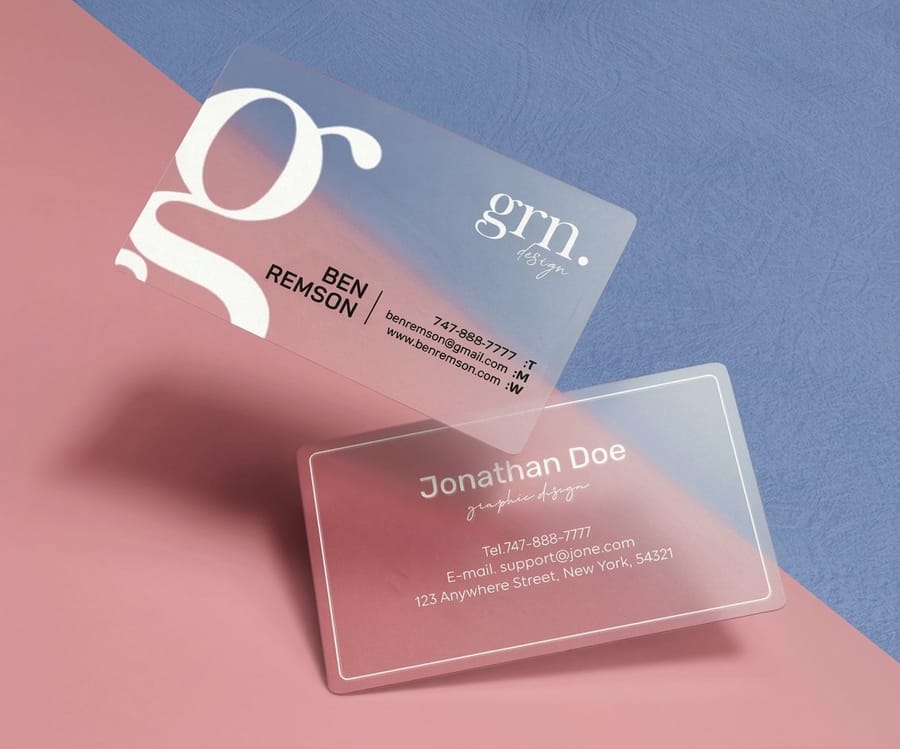
Not every country uses the same card dimensions. If you do business internationally, or print cards for overseas clients, you need the local standard. Handing someone in Japan a US-sized card that will not fit their cardholder sends the wrong message. Here is every common regional size in one view, with the aspect ratio that tells you at a glance how different the proportions really are.
| Country or region | Inches | Millimeters | Aspect ratio | When you would use it |
|---|---|---|---|---|
| United States and Canada | 3.5 x 2 | 89 x 51 | 1.75:1 | The default for North American business, and the size every US wallet slot and cardholder is cut for. |
| Europe (ISO 7810 ID-1) | 3.346 x 2.165 | 85 x 55 | 1.55:1 | Anywhere in the EU and the UK. Narrower and taller than the US card, and identical to a credit card. |
| Japan (Meishi) | 3.583 x 2.165 | 91 x 55 | 1.65:1 | Japanese business, where the card exchange is a formal ritual and the wrong size is noticed. |
| China | 3.543 x 2.126 | 90 x 54 | 1.67:1 | Mainland China. Close enough to the Japanese size that one design usually adapts to both. |
| Australia and New Zealand | 3.543 x 2.165 | 90 x 55 | 1.64:1 | Follows the European convention rather than the US one, so plan for the taller proportion. |
European standard
The most common European business card size is 3.346 x 2.165 inches, which is 85 x 55 mm. It is slightly narrower and taller than the US card. This is the ISO 7810 ID-1 format, the same dimensions as credit cards across Europe, which is why business cards that look like credit cards feel so natural in the hand. For the metric breakdown, our business card dimensions in cm guide covers the conversions.
Japanese standard
Japan uses the Meishi format at 3.582 x 2.165 inches, which is 91 x 55 mm, slightly wider than both the US and European standards. In Japanese business culture the card exchange is a formal ritual, so the correct dimensions show respect for that tradition.
Other regional sizes
China commonly uses 3.543 x 2.126 inches, which is 90 x 54 mm. Australia follows the European ISO standard, and South America varies by country but often aligns with either the US or European size. When in doubt, ask your contact which format they prefer, and compare the choices in our guide to standard versus custom sizes.
Non-standard and creative business card sizes
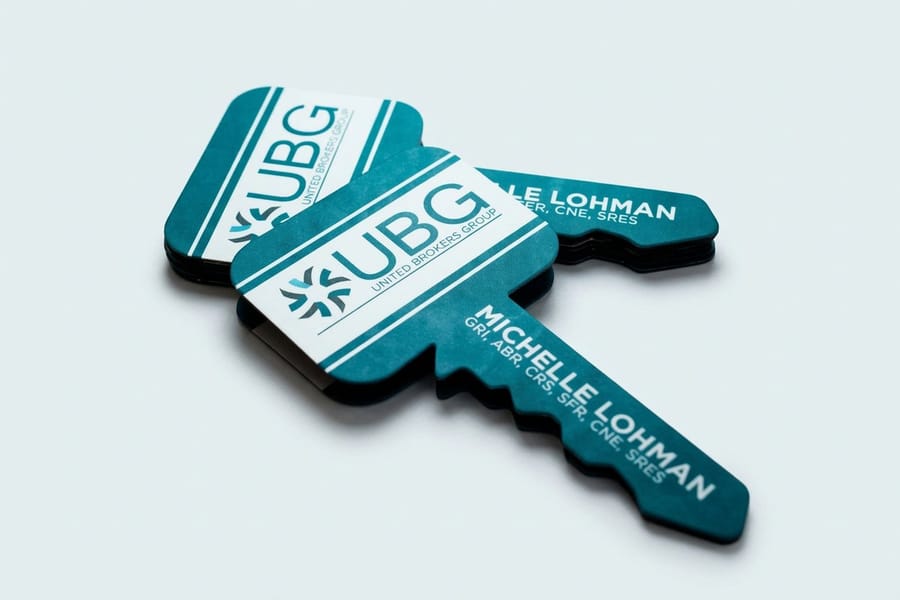
Standard dimensions work for most people, but if your brand is built on standing out, a non-standard size makes a strong impression. Just weigh the trade-offs before you commit.
Square business cards
The most popular square format is 2.5 x 2.5 inches, or 63.5 x 63.5 mm. Square cards are eye-catching and suit photographers, designers, and creative pros, though they do not fit standard cardholders or wallet slots. Our take on whether square business cards are a good idea and our rounded versus square guide help you decide.
Mini and slim business cards
Mini cards measure 3.5 x 1 inch, or 89 x 25 mm, the same width as a standard card but half the height. Slim cards run about 3.5 x 1.75 inches for a sleek, minimalist look. Both are perfect for brands with little to say beyond a name, a handle, and a QR code.
Folded and oversized cards
Folded cards start at 3.5 x 4 inches, or 89 x 102 mm, flat, then fold down to the standard 3.5 x 2 inches, giving you four panels for a mini portfolio or a service list. Artist business cards often use this format to show work samples. Oversized cards go bigger at 3.5 x 2.5 inches or even 4 x 3 inches, which demand attention but sacrifice portability, so they work best as leave-behinds.
Die-cut and custom shapes
Die-cut cards can be any shape, from rounded corners to circles around 2.5 inches in diameter, leaf and organic outlines for artisan brands, or custom shapes like a house or a guitar pick. Most stay within the footprint of a standard card for practicality. 3D lenticular business cards push the idea further with motion built into the surface.
Compare formats
Popular business cards, side by side
Stock, finish, quantity, turnaround, and from-price across our most-ordered cards.
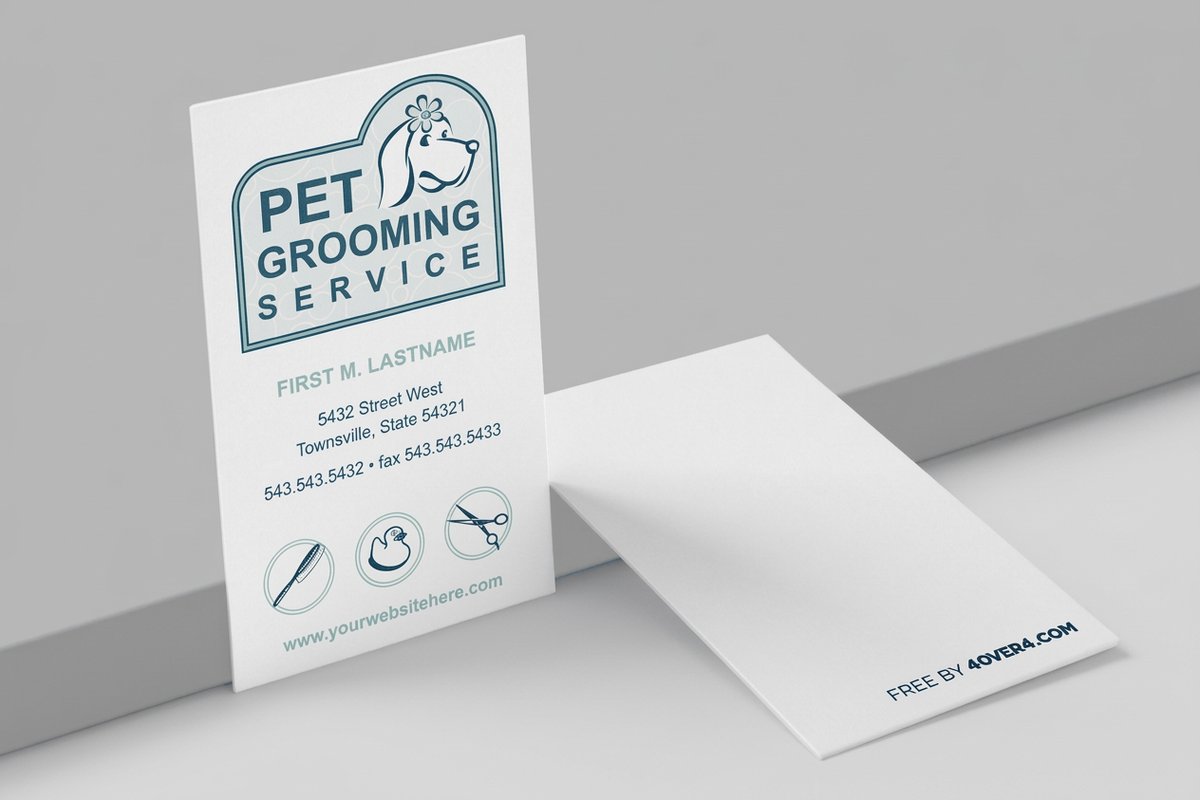 free business cards | Standard Business Cards |  3D Lenticular Business Cards | 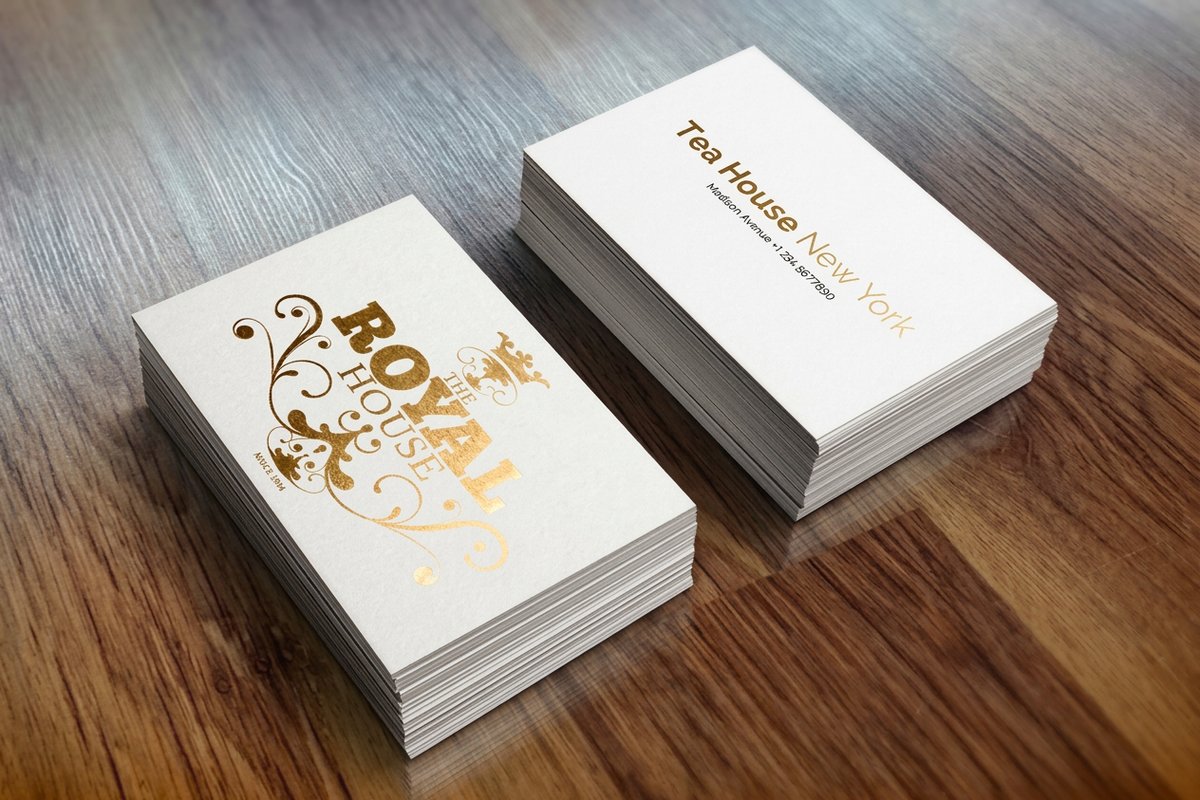 Metallic Foil Business Cards | |
|---|---|---|---|---|
| Min price | Free | $17.57 | $690.88 | $222.13 |
| Paper / stock | 14pt Gloss Cover | 14pt Gloss Cover | 31pt Lenticular Lens | 16 Point Silk Laminated |
| Finish | - | Standard Finish | - | - |
| Size | 2" x 3.5" | 2" x 3.5" | 2" x 3.5" - Vertical | 2" x 3.5" |
| Default qty | 200 | 100 | 500 | 500 |
| Turnaround | 5 business days | 3 business days | 22 business days | 7 business days |
| Rating | ||||
| View & customize | View & customize | View & customize | View & customize |
How to set up your business card file correctly
Knowing the right dimensions is only half the job. Your design file has to be set up properly or the proof comes back looking nothing like what you pictured. Here is how to prepare a file for print.
Resolution
Set your file to 300 DPI minimum. Anything lower and your text looks fuzzy, your logo turns pixelated, and colors lose their edge. Screen resolution of 72 DPI looks fine on a monitor but prints poorly, so design at print resolution from the start rather than upscaling later.
Color mode
Work in CMYK, not RGB. Your screen shows RGB light while printers lay down CMYK ink, and colors shift between the two. That bright neon green on screen can print as a muted olive, so design in CMYK from the beginning. Our guide to the best color profile for printing explains the difference in plain terms.
File format
Submit a PDF with fonts embedded or outlined to prevent font substitution. If you use Illustrator or InDesign, export as PDF/X-1a for the most reliable result. PNG and JPEG work for simple designs but do not support vector elements or spot colors.
Margins and guides
Set up three guides in your design software, the trim line at 3.5 x 2 inches, the bleed line at 3.75 x 2.25 inches, and the safe zone at 3.25 x 1.75 inches. If you design in Photoshop, our business card dimensions in Photoshop guide walks through the exact setup.
Paper stock and thickness, how they interact with size
Dimensions define the shape, and paper stock defines the feel. Together they create the physical experience of holding your card, and that experience matters more than most people expect.
Standard paper stocks
14pt cardstock is the most common choice, about the thickness of a playing card, sturdy and affordable for large runs. 16pt adds noticeable heft you can feel against 14pt. 32pt ultra thick is roughly three times a standard card, rigid and heavy enough that people pause when they take it. That pause is worth the price in a competitive field like real estate or consulting. For a closer look, read our business card thickness guide and our 14pt versus 16pt comparison.
Specialty materials
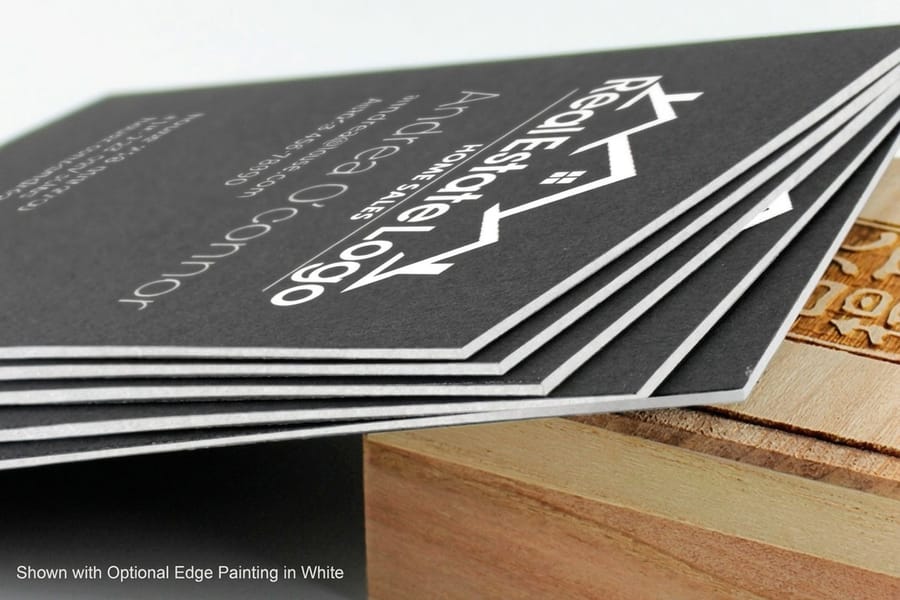
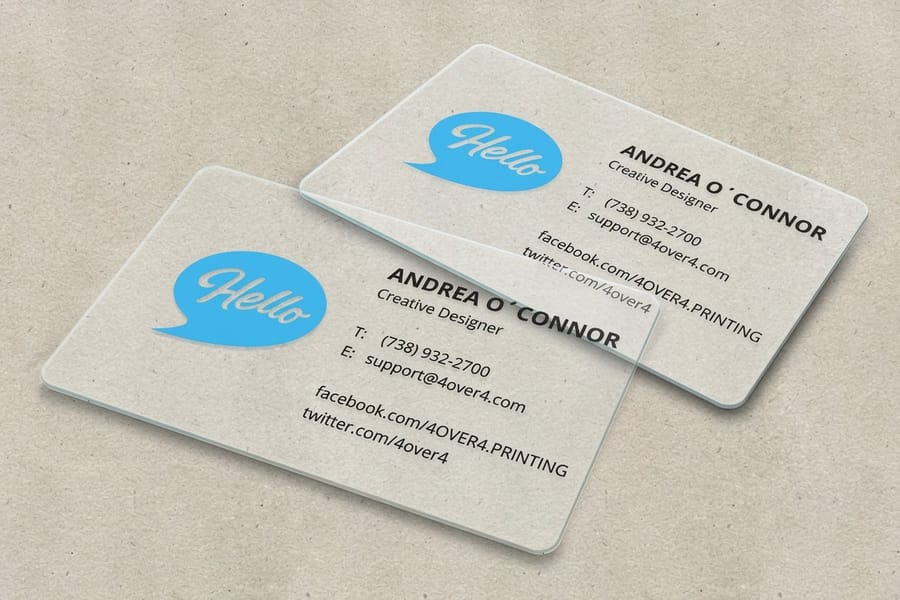
Beyond traditional cardstock, materials like 30mil clear plastic cards deliver a completely different tactile experience, waterproof and nearly indestructible at the same standard dimensions. Black business cards on dark stock create dramatic contrast with white or metallic ink. To match stock to your brand, our guide on choosing the right cardstock is a good next step.
Finish options
Matte, gloss, soft-touch, spot UV, and foil stamping do not change the dimensions, but they change how those dimensions feel. A soft-touch matte finish on a 32pt card feels velvety, while a high-gloss finish on 14pt looks sharp and clean. Match the finish to your brand personality, not just your budget.
Start fast
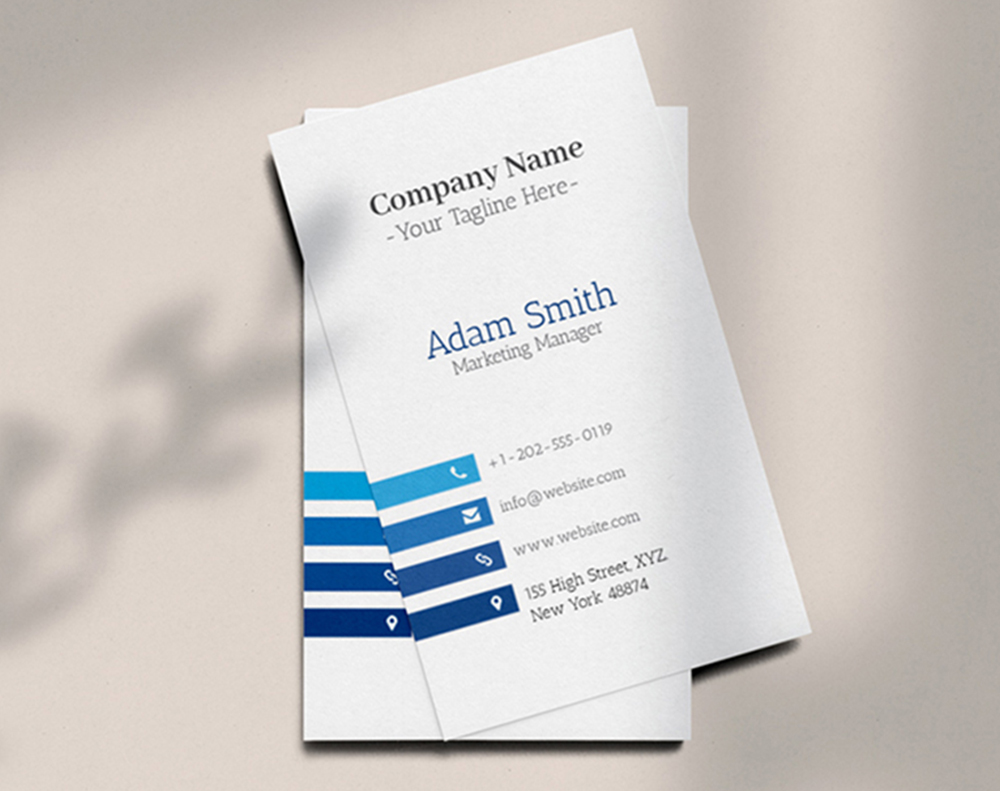
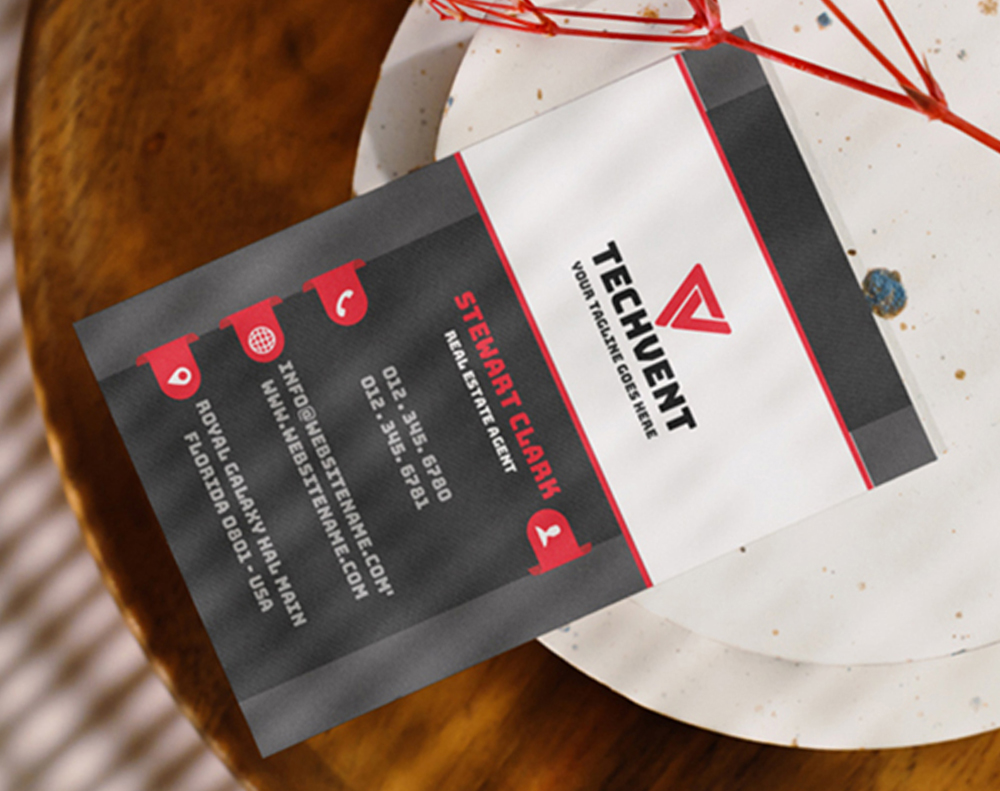
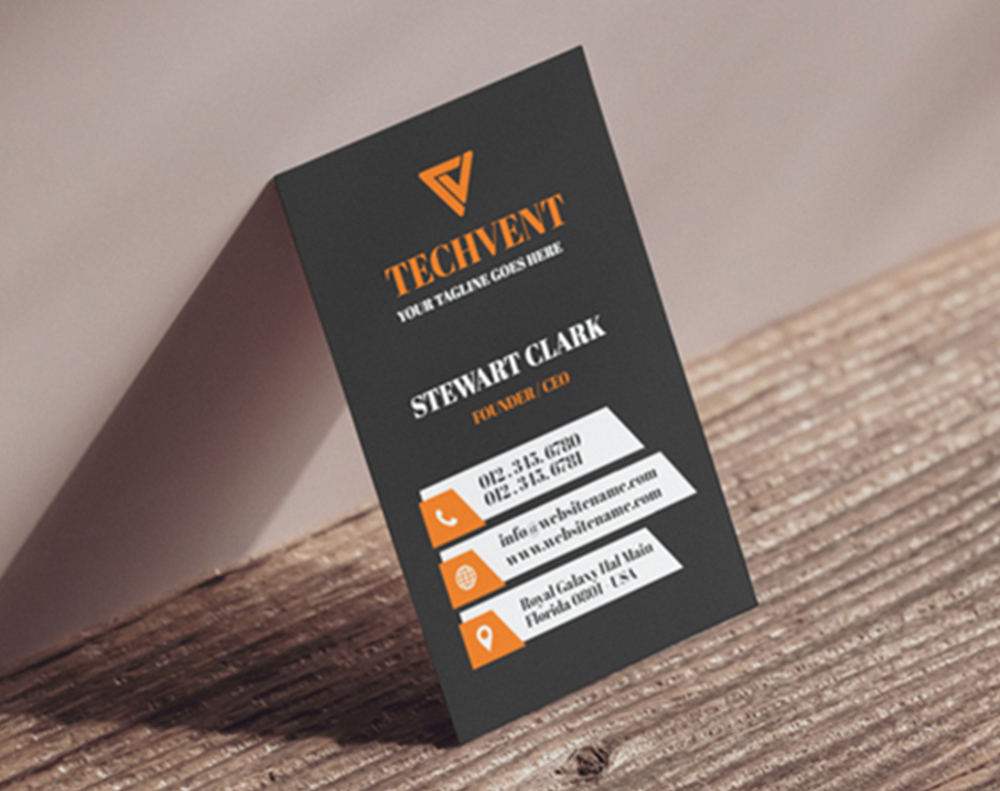
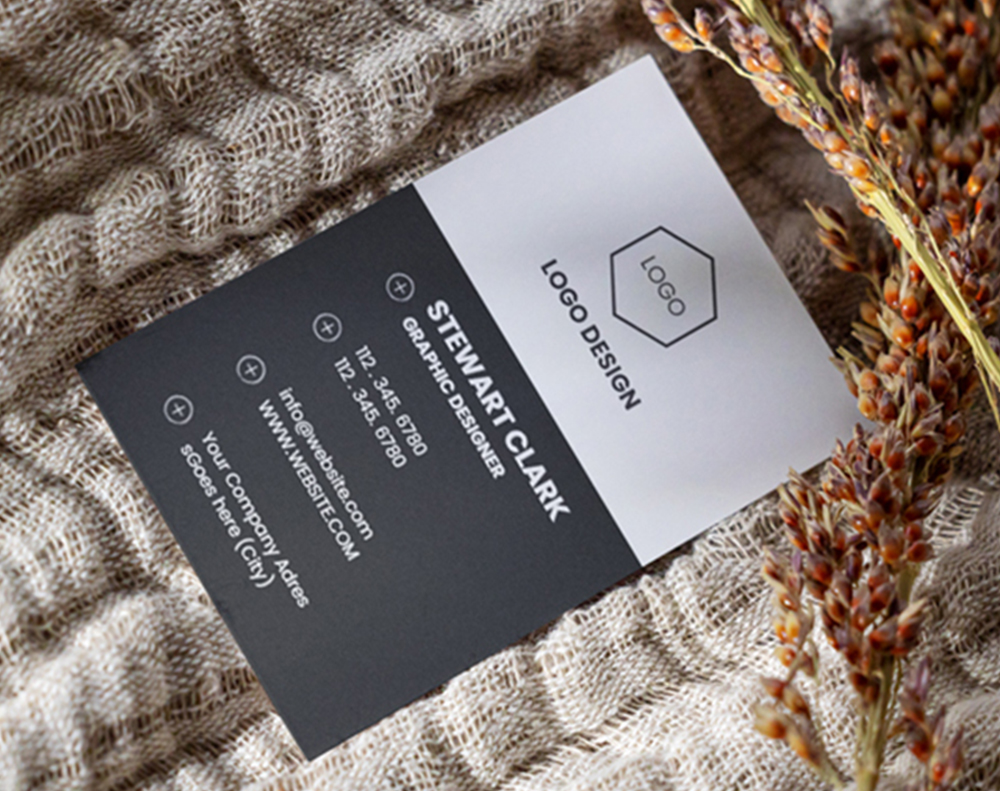
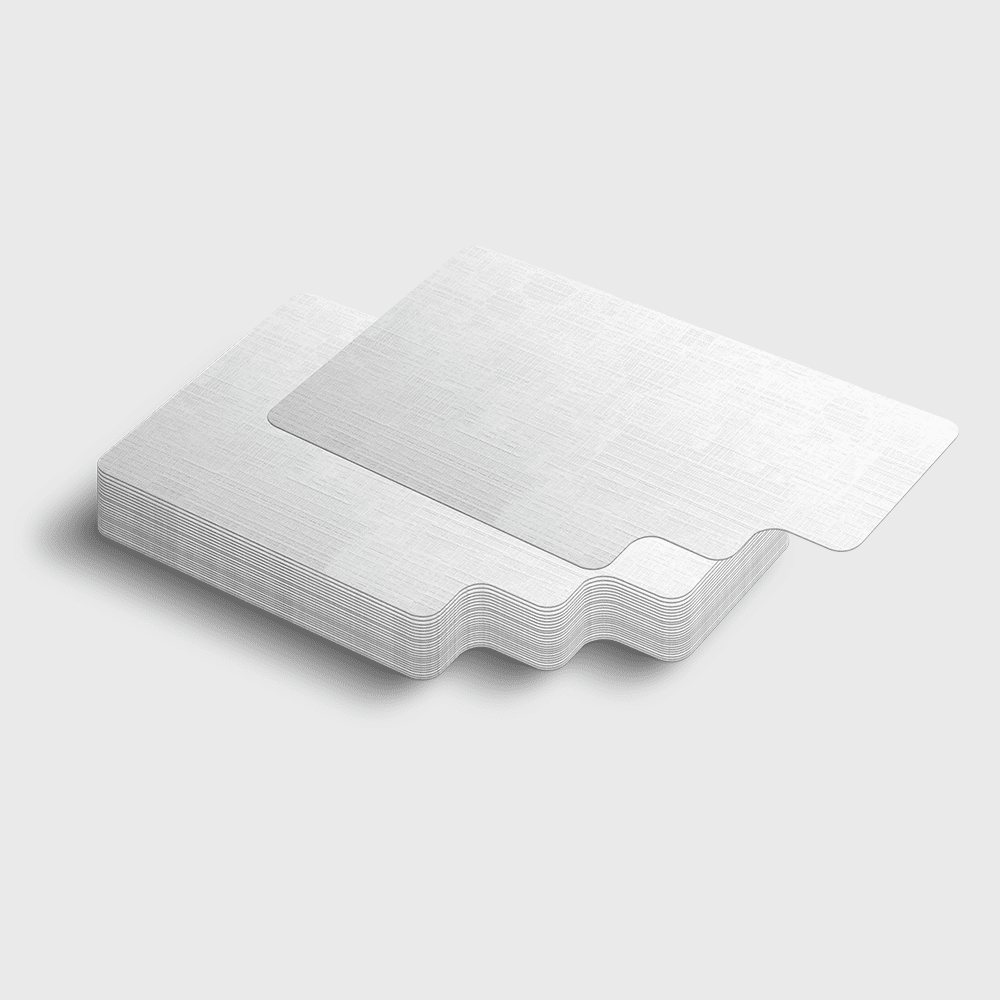
Business card templates and print-ready blanks
Design templates and exact-size blanks so your logo lands inside the cut line.
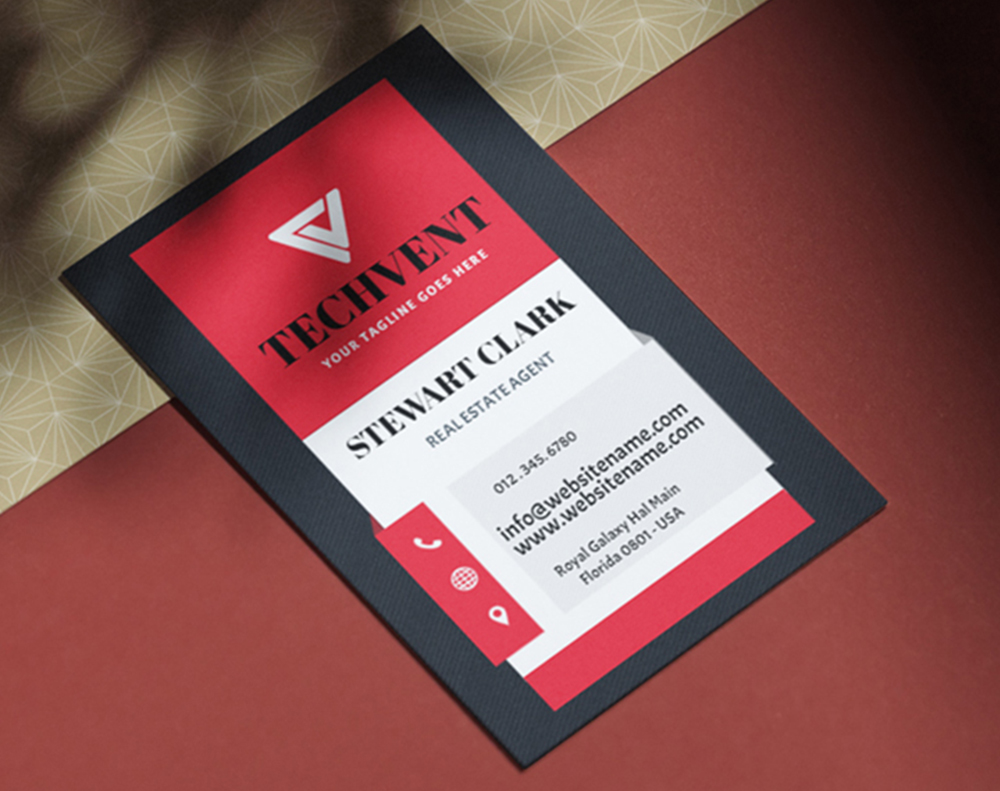
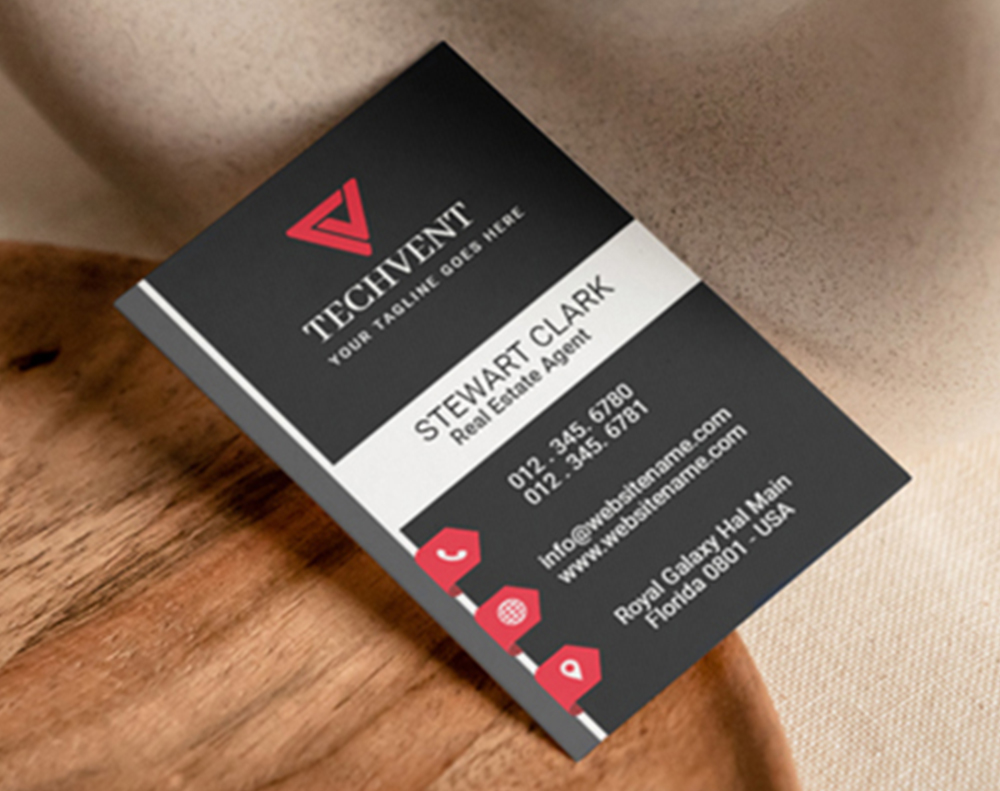
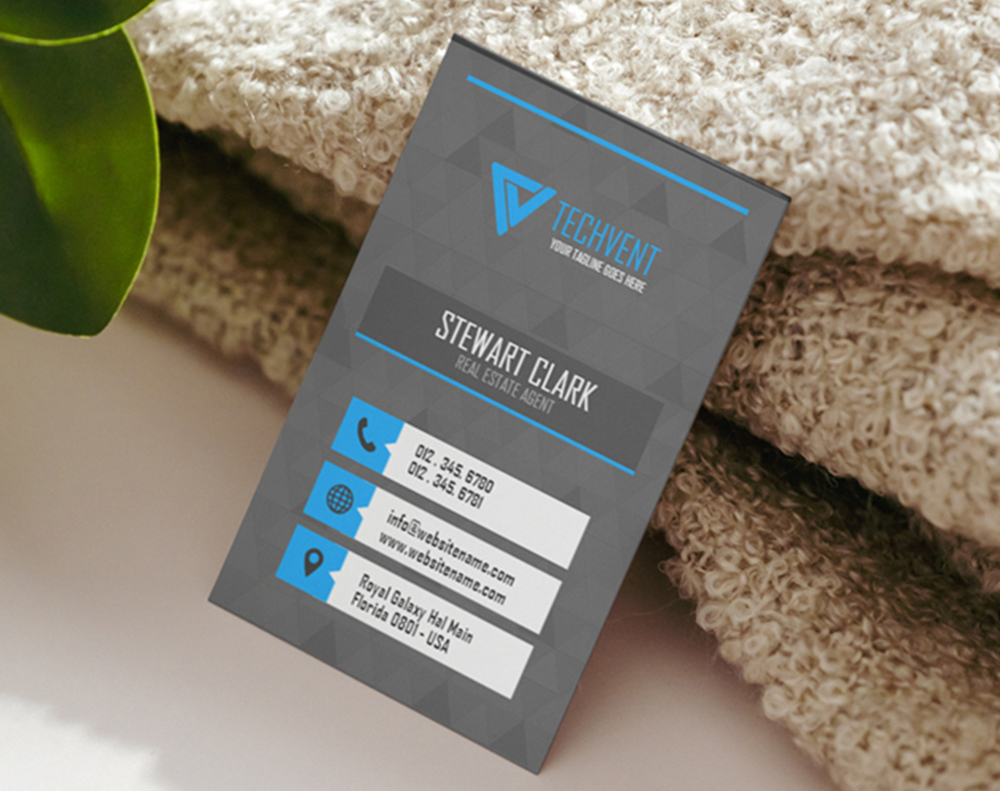
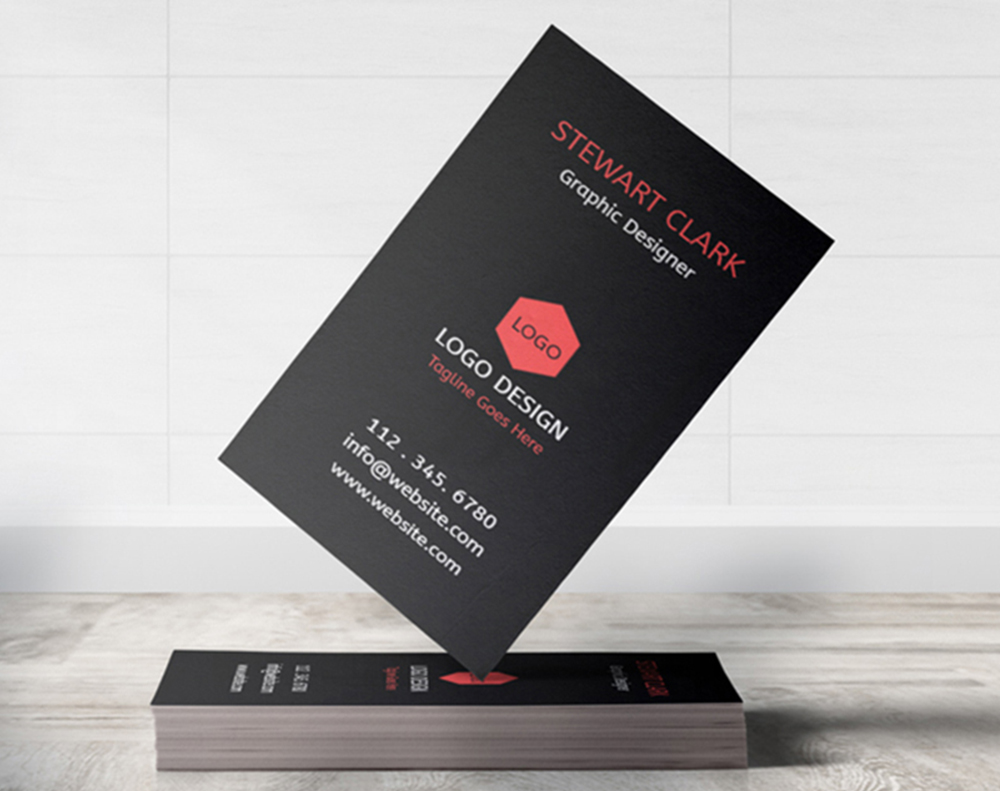





Print this business card size cheat sheet
Everything above, on one screen. Save the image, print it, or pin it next to your monitor while you set up the file.
If you would rather not measure anything at all, open a blank instead. Each one is already built at the trim, bleed and safe zone above, so you drop your artwork in and export.
Print-ready blanks
Business card templates sized for you
Exact-size blanks with the bleed and safe zone already drawn, for every card format in this guide.
Common sizing mistakes that ruin business cards
Even experienced designers hit these snags. Here is what to watch for so your cards come out right the first time.
- No bleed area. The number one mistake. A colored background built to exactly 3.5 x 2 inches leaves thin white lines after the trim, so always extend the background to 3.75 x 2.25 inches.
- Text too close to the edge. An email set 0.05 inches from the trim can lose half its characters when the cut shifts, so keep every element at least 0.125 inches inside the edge.
- Wrong resolution. Designing at 72 DPI prints blurry. Start at 300 DPI, and find higher-quality source images before you begin if yours are low-res.
- RGB instead of CMYK. Bright purple turns muddy and electric blue goes dull once RGB converts to CMYK, so switch early and adjust while you can still see the difference.
One more mistake is ignoring international standards, because US-sized cards stick out at a European trade show. Research your audience before you print, and for how sizing choices shape brand perception across formats, see these logo sticker design ideas.
Two smaller details are easy to overlook. The right font size keeps your details legible inside that small safe zone, and the size of your card itself sends a signal about your brand before anyone reads a word.
Prefer to start from a print-ready layout? Grab a blank sized to exact specs for 3D lenticular business cards or black business cards, each marked with the trim, bleed, and safe zones so your art lines up on the first try.
Wally measures every millimeter
Standard 3.5 by 2 inches, with bleed and safe zone built in
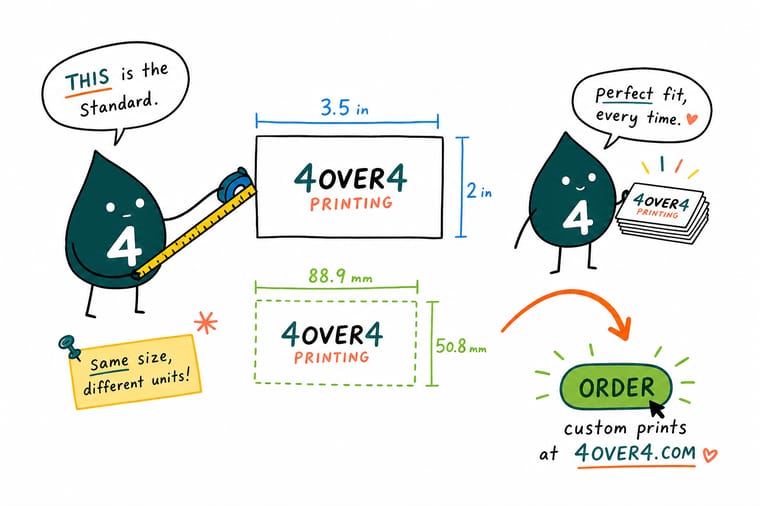
Get the numbers right and your card comes back perfect. Trim at 3.5 by 2 inches, extend the file to 3.75 by 2.25 for bleed, and keep text inside the 3.25 by 1.75 safe zone. Design at 300 DPI in CMYK, pick your stock, and 4OVER4.COM prints it sharp on 60+ papers.
Order business cards →What to remember about business card sizing
Card stock thickness at a glance
- 14pt card stock. The most common choice, about the thickness of a playing card, sturdy and budget friendly for large runs.
- 16pt card stock. Noticeably heavier than 14pt, a comfortable middle ground between price and premium feel.
- 18pt card stock. A step up in rigidity that reads as considered without the full 32pt weight.
- 32pt ultra thick. Roughly three times a standard card, rigid and impossible to ignore when you hand it over.
- Match stock to purpose. Thinner 14pt and 16pt suit casual networking, while 18pt and 32pt fit premium branding.
- Balance brand and budget. Thicker cards cost more to make, so weigh the impression you want against the run size.
Explore more
More ways to size and print your business cards
Every related page on 4OVER4.COM, one card each, so you can keep exploring sizes, stocks, and formats.
 Product Standard Business Cards The 3.5 by 2 inch standard on 60+ premium stocks.
  Hub Business Stationery Cards, letterheads, envelopes, and more in one place.
  Guide Business Card Size Guide Every standard and custom dimension explained.
  Guide Dimensions in Centimeters The global size guide in metric measurements.
 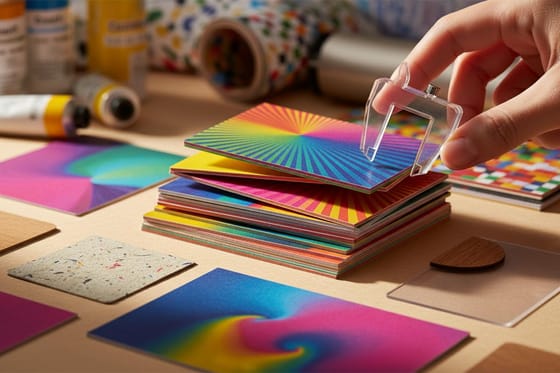 Article Business Card Thickness How 14pt, 16pt, and 32pt change the feel.
 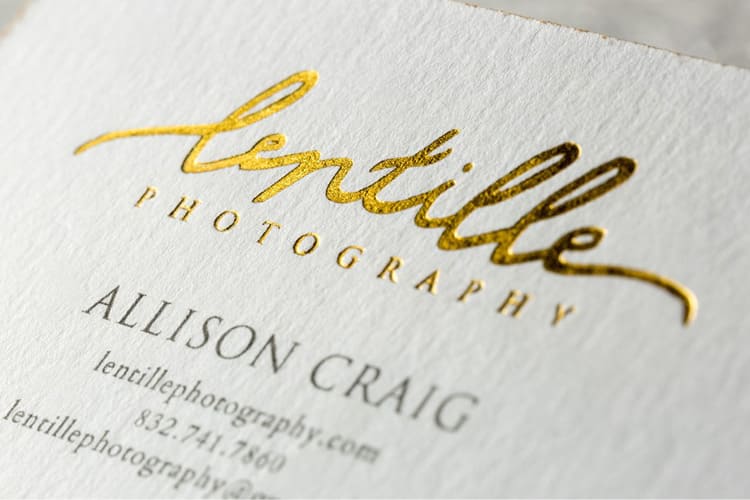 Article Business Card Font Size The optimal type sizes for a small safe zone.
 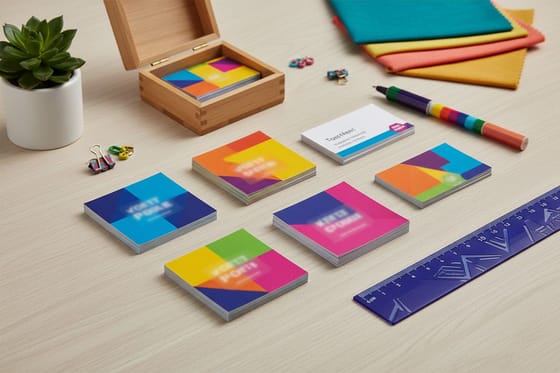 Article Square Business Cards When 2.5 x 2.5 inches beats the rectangle.
  Product 30mil Clear Plastic Cards Transparent, waterproof, standard dimensions.
 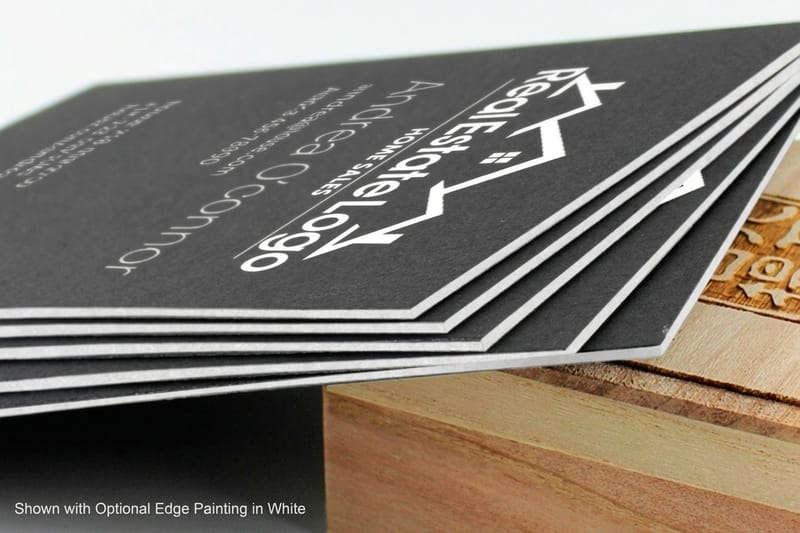 Product Black Business Cards Dark stock that pairs perfectly with foil.
  Collection Business Basics Collection The core prints every brand needs to launch.
 Ready to print your business cards?
Pick your size, drop in your logo or a free template, and 4OVER4.COM prints it sharp on 60+ stocks, as fast as your next meeting.
Common questions about business card size and dimensions
What are the best practices for business card size and dimensions?
Start with the standard 3.5 x 2 inch trim, then add 0.125 inches of bleed on every side so your file measures 3.75 x 2.25 inches. Keep all text and logos inside the safe zone, at least 0.125 inches from the trim, and design at 300 DPI in CMYK. Those steps prevent trimming errors and color shifts. Browse our printing articles for more file prep tips.
How do I choose the right business card size and dimensions?
Match the size to your audience and industry. The US standard of 3.5 x 2 inches works for most professionals, while European contacts expect 85 x 55 mm. Creative fields can explore square or folded formats, and if portability matters most, stay standard. To stand out while keeping the standard footprint, 30mil white plastic cards are waterproof and hard to ignore.
What makes business card dimensions effective for marketing?
The right dimensions keep your card in wallets and cardholders, which means people actually hold onto it. A standard 3.5 x 2 inch card also scans cleanly into contact apps, so your details transfer to a phone in seconds. Pair the correct size with thick stock like 32pt and the card creates a tactile impression that outlasts the handshake.
What size is a business card in pixels?
A US standard business card is 1050 x 600 pixels at 300 DPI once trimmed, and 1125 x 675 pixels with the 0.125 inch bleed included. That bleed is 37.5 pixels on each side. A European card is 1004 x 650 pixels trimmed, and a Japanese card is 1075 x 650. Build the canvas at the bleed size, not the trim size, and place your guides 37.5 pixels in for the trim and 75 pixels in for the safe zone.
What is the standard business card size in mm?
The US standard business card is 89 x 51 mm. Europe uses 85 x 55 mm, the ISO 7810 ID-1 format that credit cards use, Japan uses 91 x 55 mm, China uses 90 x 54 mm, and Australia follows the European convention at 90 x 55 mm. Add 3.175 mm of bleed on every side whichever one you print.
How much bleed does a business card need?
A business card needs 0.125 inches, or 3.175 mm, of bleed on all four sides. On a standard card that makes the file 3.75 x 2.25 inches instead of 3.5 x 2. Any background color or image that touches the edge has to run all the way into the bleed, because the cut can shift a hair and a design that stops at the trim line leaves a white sliver.
How much should I budget for business cards?
Standard cards on 14pt stock start at just a few cents each in bulk from 4OVER4.COM. Moving to 32pt or specialty materials raises the cost but lifts the impression, and non-standard shapes may add a small cutting charge. Planning a run size first helps, and our guide on how many business cards to order makes the math easy.
