
How to Make Personalized Cards That People Keep


Personalizing a card means adding the details that make it feel written for one person: a name, a photo, a message, even a different version for every recipient. Here is how to do it well, whether you are sending five cards or five thousand.
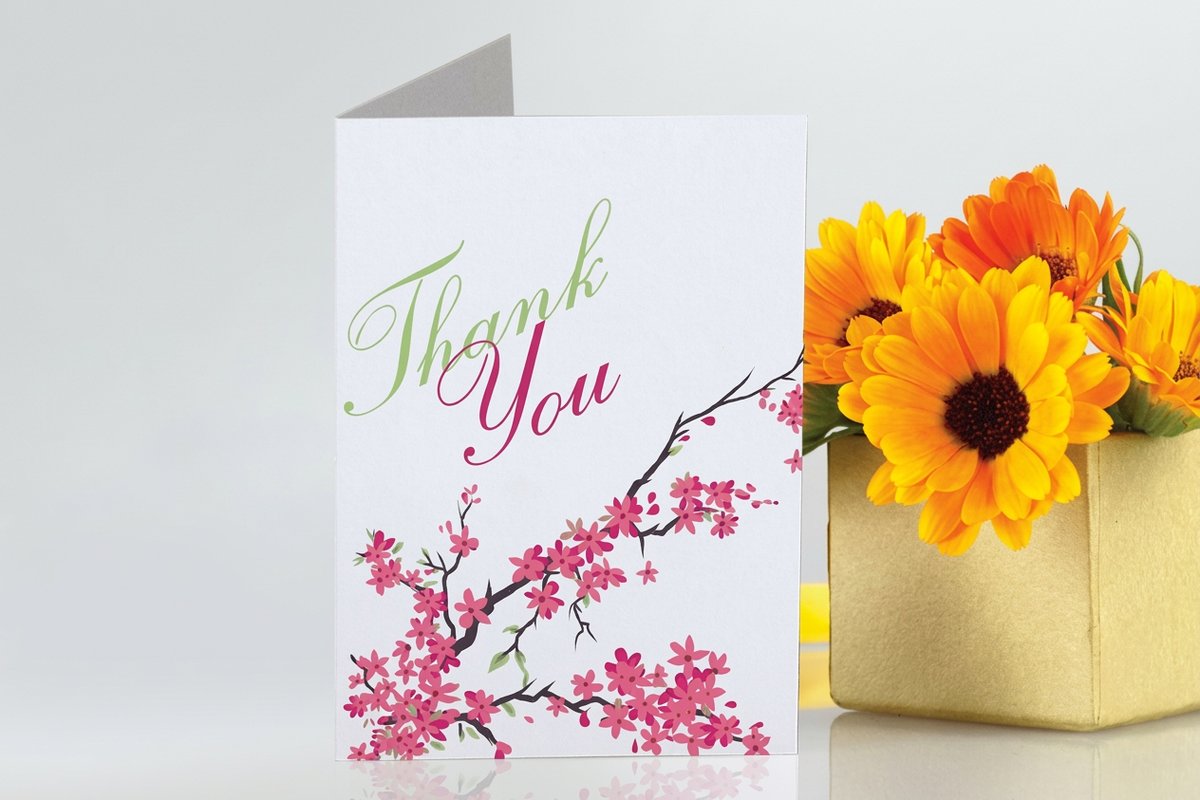
You make a personalized card by starting from a template at the right trim size, then adding the personal layer: a recipient name, a photo, a custom message, or variable data that changes on every copy. For a handful of cards you edit them one by one. For a large run you use variable data printing, which swaps names, images, or offers automatically across the whole batch from a spreadsheet, so each recipient gets a card that feels one to one.
Start here
Making a personalized card in one paragraph
A personalized card is one base design with a personal layer added on top, whether that is a single name or a different name, photo, and offer on every copy. Small batches you personalize by hand. Large batches you personalize with variable data printing, which flows a spreadsheet of details into one file so every recipient gets a card made for them. The workflow below shows the whole path, from template to finished stack.
What personalizing a card really involves
Personalization is the difference between a card that could go to anyone and one that clearly went to a specific person. At its simplest it is a name and a message. At its most powerful it is a card where the photo, the greeting, and even the offer change for every single recipient, so a thousand people each receive something that feels handwritten.
The key mental shift is to treat personalization as a layer. You design one strong base card at the correct trim size, then decide which elements become personal. That base could be a greeting card for a celebration or a postcard for a marketing send, and the same personalization thinking applies to both.
Personalizing a small batch by hand
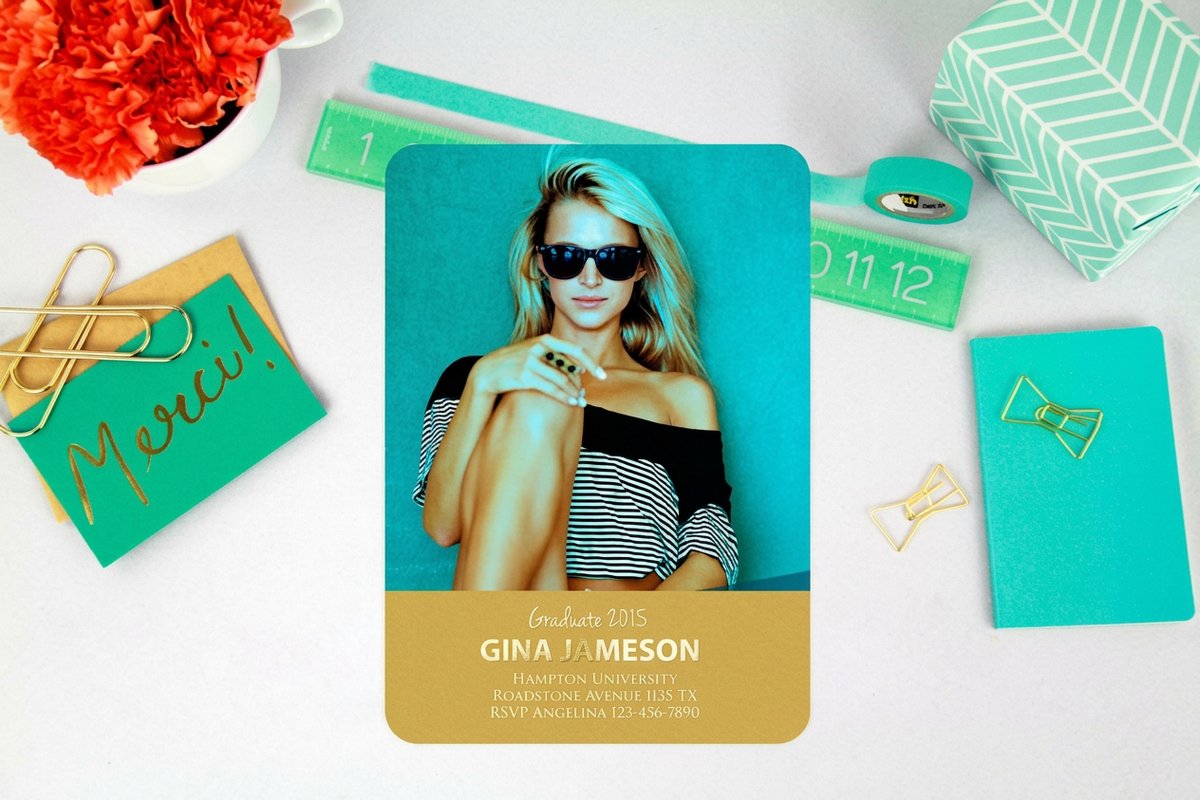
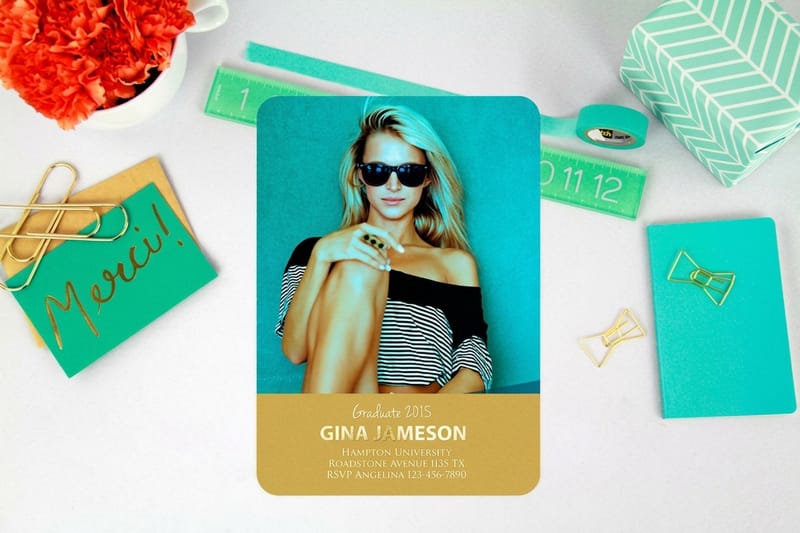
When you only need a few cards, each one different, the simplest route is to duplicate your design and edit the personal fields directly. Change the name, drop in the right photo, adjust the message, and export each as its own press-ready file. It is manual, but for a wedding party, a client gift set, or a small family send, it is fast enough.
Our online design tool at the 4OVER4 designer makes this cleaner by locking your layout while you swap the personal details, and the ready-to-edit templates give you a professional base so you are only ever changing the words and images, never rebuilding the card. Products like invitation cards and folded invitations are ideal for this kind of hand personalization.
Variable data printing for personalization at scale
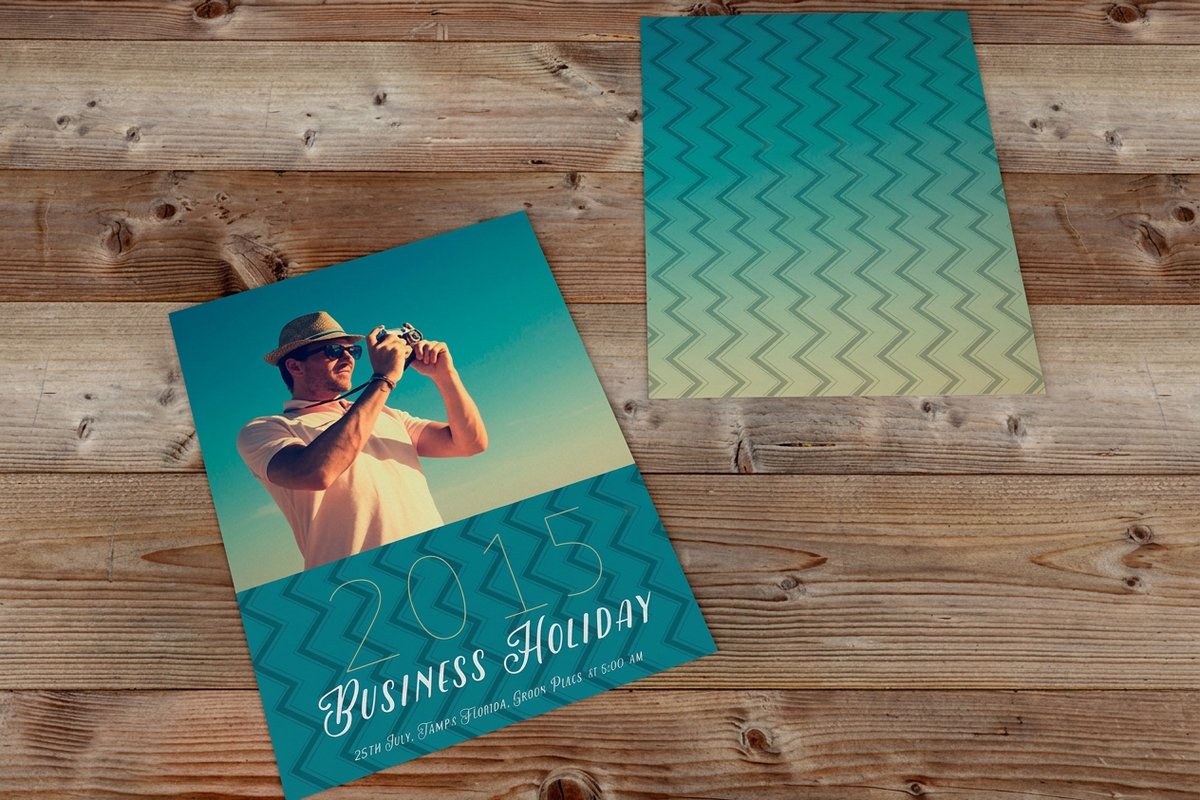
Once you are sending hundreds or thousands of cards, editing one at a time stops making sense. Variable data printing solves it. You build one card with placeholders, then connect a spreadsheet where each row is a recipient. The press flows that data into the placeholders and prints every card uniquely: name, photo, message, or a targeted offer, all changing automatically.
This is what turns a generic mailing into a personal one. A retailer can send postcards that greet each customer by name with an offer tied to their last purchase, and a nonprofit can thank every donor individually. The design discipline is simple: leave each variable field roomy enough for the longest entry in your list, keep the personal photos at full resolution, and proof a few sample rows before the full run.
Getting personal photos to print sharp
Photos are the most common personal element and the most common thing to go wrong. A press needs about 300 DPI at the printed size, and personal photos often come from phones or social media where they have been compressed. Always start from the original, highest quality file rather than a screenshot or a downloaded copy.
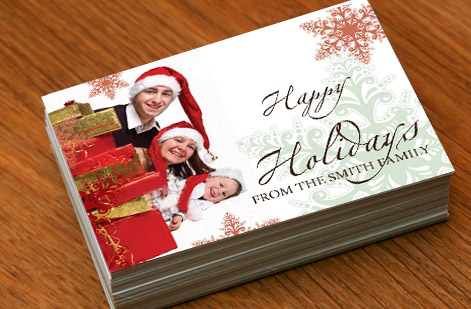
Check every photo at 100 percent zoom in your layout before you export. If it looks soft there, it will look soft on the card, and no filter can add detail that was never captured. For photo-heavy cards, a premium stock like a majestic greeting card gives the image a richer surface to sit on, which makes a good photo look even better.
Stock, size, and finish set the tone
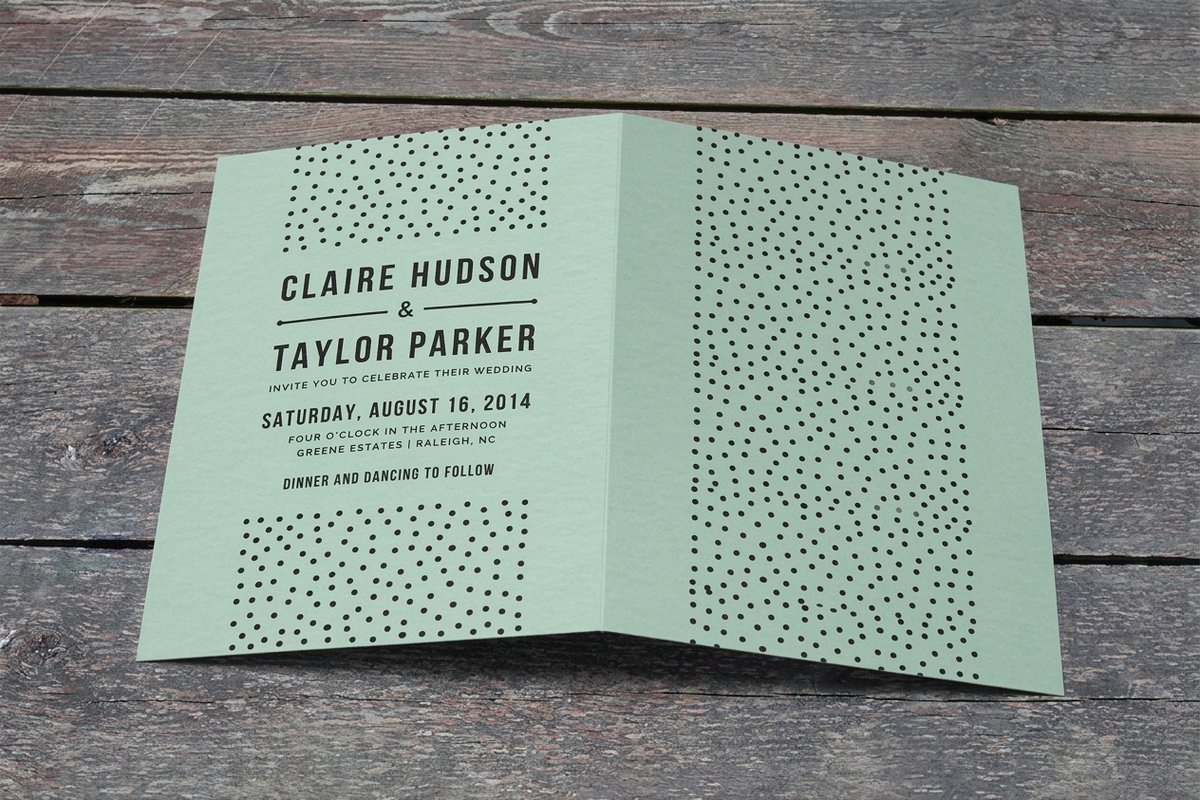
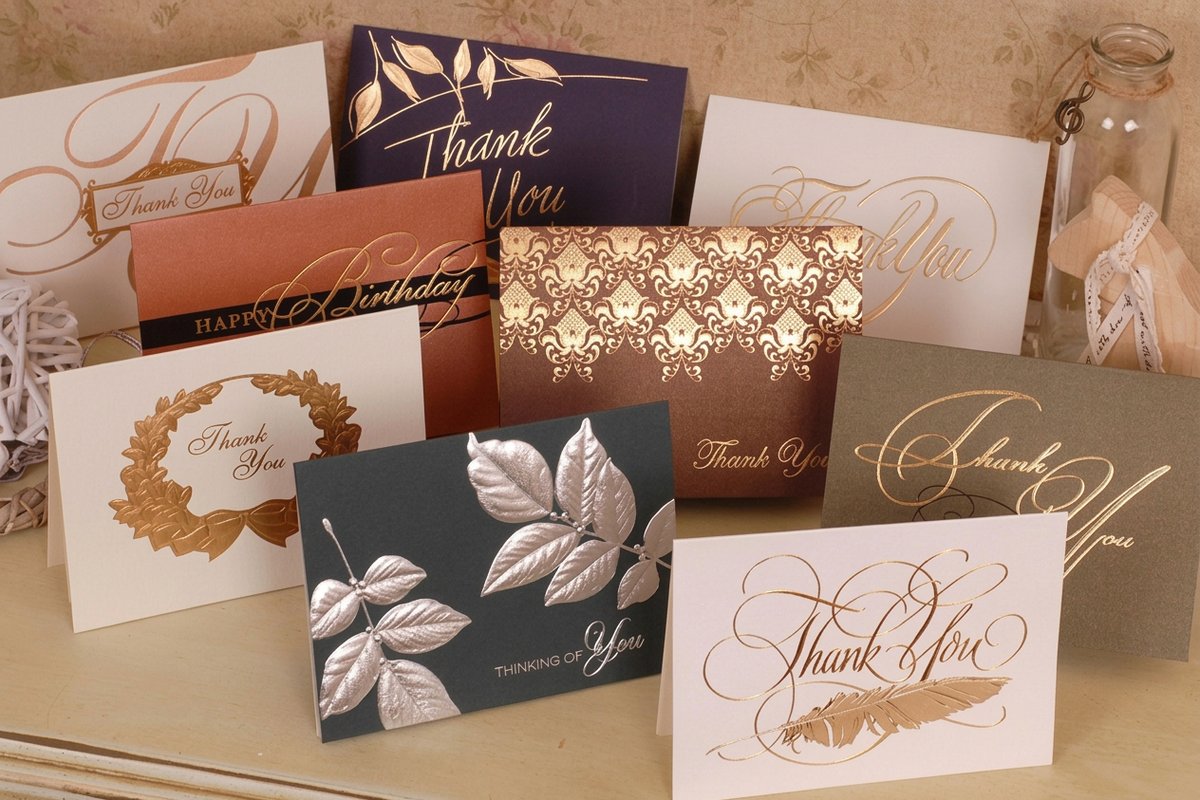
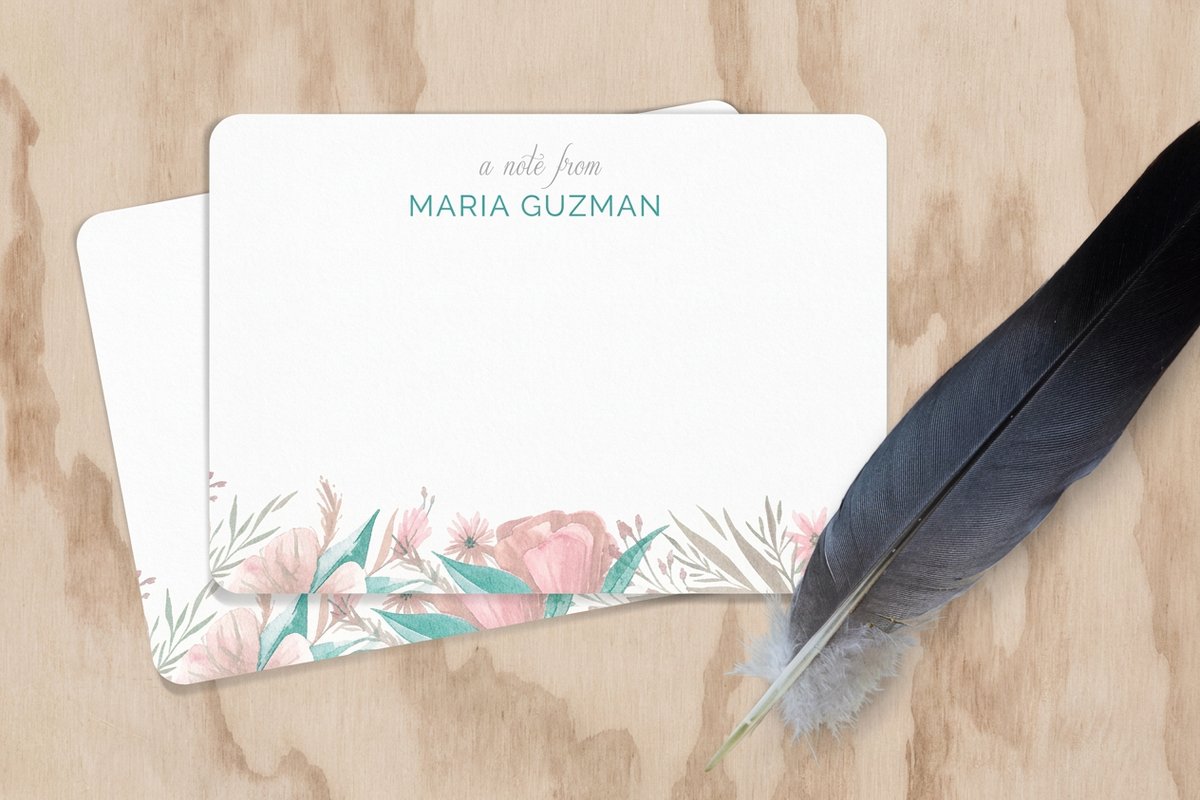
The physical card carries as much feeling as the message. A flat notecard feels crisp and modern, a folded card feels formal and gives you four surfaces to personalize, and a heavier or textured stock signals care the moment it is picked up. Match the format to the occasion: a folded card for a wedding, a sturdy flat card for a business thank you, a bright postcard for a quick marketing hit.
Size matters too, both for impact and for postage if you are mailing. Standard card and postcard sizes keep mailing costs predictable, while an oversized card stands out in a stack but may cost more to send. Browse the full greeting card range or order a flat notecard to feel the stock before committing your whole run.
What personalized cards cost and how price is set
Personalizing a card by editing it yourself adds nothing to the print cost beyond your time. Variable data printing may carry a setup consideration on very large runs, but the base is still the same levers as any card: quantity, size, stock, and finish. More cards lower the per-piece price, heavier stocks and special finishes raise it, and you see all of it live.
Set your options in the configurator and the total updates as you adjust, so you can compare a standard stock against a premium one before you decide. A run of personalized greeting cards starts modestly and drops per unit as the quantity climbs, which makes personalization affordable even at scale.
Wally personalizes every card in the stack
One design, a personal layer on top
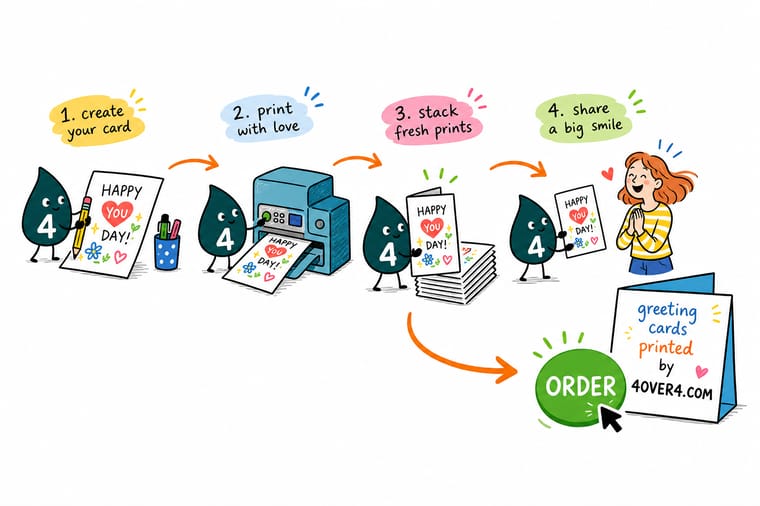
Wally builds one clean card, then adds the personal layer: a name, a photo, a message, or a different version for every recipient using variable data. Keep photos sharp, give each field room for the longest name, and proof a few before the run. Do that and 4OVER4 prints cards that feel written for one person, whether it is five or five thousand.
Order personalized cards →Quick reference
Personalized card setup at a glance
The settings that keep a personalized card, or a whole personalized run, printing cleanly.
| Element | Get it to | Why it matters |
|---|---|---|
| Base design | One template at trim size | Build the card once, then add the personal layer, so the design stays consistent across the set. |
| Photos | 300 DPI at final size | Personal photos must be full resolution from the original file, not a screenshot, to print sharp. |
| Variable fields | Sized for the longest entry | Give names and messages room for the longest value in your data so nothing overflows or clips. |
| Data source | Clean spreadsheet, one row each | Variable data printing flows each row into the card, so accurate, well-formatted data means accurate cards. |
| Bleed and safe margin | 0.125 in each | Keep personal text inside the safe margin and run backgrounds to the bleed so trimming never cuts a name. |
| File format | Press-ready PDF | A flattened PDF with embedded fonts prints your personalization predictably every time. |
Step by step
Make a personalized card in 6 steps
- Design one strong base card Start from a template at the correct trim size and build a clean layout you would be happy to send to anyone. This becomes the foundation for every personal version.
- Decide what becomes personal Choose which elements change: just a name and message for a simple card, or the photo and offer too for a fully tailored one.
- Size the personal fields generously Make each variable area fit the longest name or message in your list so nothing overflows when the data flows in.
- Add photos at full resolution Use original, high quality images and check each at 100 percent zoom so personal photos stay crisp on the printed card.
- Edit by hand or connect your data For a few cards, duplicate and edit each one. For many, use variable data printing to flow a spreadsheet into the design automatically.
- Proof, then print the run Review a few sample versions to confirm the personalization lands correctly, then export press-ready files and place the order.
Specs and pricing
Live greeting card specs and pricing
Here are the live sizes, stocks, and price per unit for greeting cards at 4OVER4, ready to personalize.
| Quantity | Price Per Unit | Total |
|---|---|---|
| 50 | $1.12 | $56.02 |
| 100 | 78.0¢ | $77.99 |
| 200 | 50.0¢ | $99.95 |
| 300 | 40.6¢ | $121.92 |
| 400 | 36.0¢ | $143.89 |
| 500 | 33.2¢ | $165.86 |
| 600 | 31.9¢ | $191.12 |
| 700 | 30.9¢ | $216.38 |
Print it
Print your personalized cards with 4OVER4
See it in use
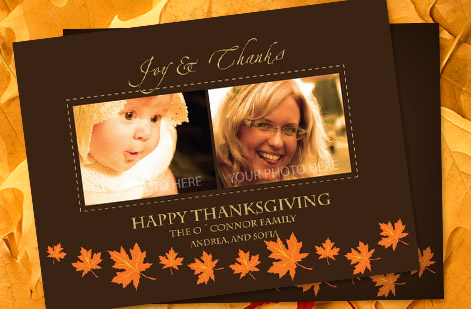
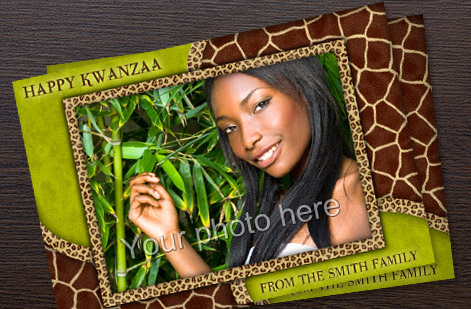
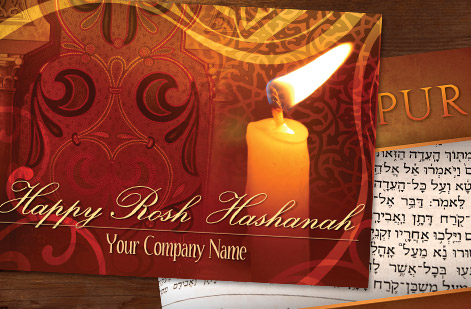
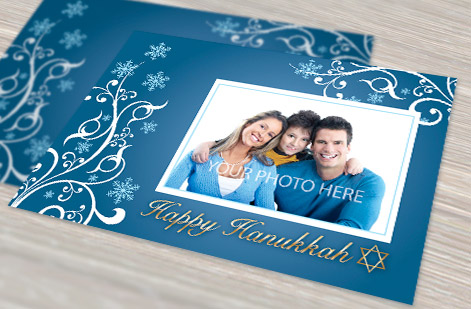
Personalized card work, printed in-house



Explore more
Where to go next
By the numbers
Card printing you can count on at 4OVER4
Common Questions
Common questions about personalized cards
What are personalized cards?
Personalized cards are cards that carry details specific to the recipient rather than a single generic message. That can be as simple as a name and a custom greeting, or as advanced as a card where the photo, message, and offer change on every copy. The personal information sits as a layer on top of one consistent base design, which is what lets a whole batch feel individually made while still coming from a single, well built card file.
How do I choose the right personalized card?
Match the format to the moment. A folded card suits formal occasions like weddings and gives you four surfaces to personalize, a flat notecard feels crisp and modern for thank you notes, and a postcard is ideal for personalized marketing that needs to be quick and mailable. Then decide how much to personalize: a name and message for a light touch, or full variable data with unique photos and offers for a targeted campaign. The occasion and the batch size point you to the right product.
What do personalized cards cost and how is price set?
Personalizing a card yourself adds nothing beyond your design time. The print price follows the same levers as any card: quantity, size, stock, and finish. More cards lower the per-piece cost, while heavier stocks and special finishes raise it. Variable data printing lets you personalize a large run without pricing each card separately, since it flows your data into one file. You set every option in the live configurator and the total updates as you adjust it.
What sizes, stocks, and finishes are available for personalized cards?
Greeting cards come flat or folded in standard sizes, postcards run in common mailable dimensions, and invitations offer both flat and folded formats. Stocks range from clean everyday card to heavy premium and textured options that signal care, plus specialty looks for photo-rich designs. Finishes include matte and gloss coatings and premium touches on select products. Ordering a sample of your chosen stock first lets you feel the card before committing to a full personalized run.
How long do personalized cards take to print and ship?
Turnaround depends on the product, the stock and finish you select, and your shipping choice, since a simple flat notecard moves faster than a folded premium card. Variable data does not necessarily slow production, because the personalization is handled in the file. The product page shows the available production speeds and shipping options for your exact configuration, so you can line the timeline up with an event or mail date before you order.
What is variable data printing for cards?
Variable data printing is the technology that personalizes a large run automatically. You build one card with placeholder fields, then connect a spreadsheet where each row holds one recipient's details. The press flows that data into the placeholders and prints every card uniquely, changing names, photos, messages, or offers from copy to copy. It turns a generic mailing into a personal one at scale, and the only design rule is to size each field for the longest value and keep any personal images at full resolution.
Get Started
Ready to send cards that feel personal?
Bring your design to 4OVER4, add the names, photos, and messages that matter, and print a batch where every card feels made for its recipient. Adjust every option and watch your price update live.
Legal Disclaimer
Gold Standard guarantees apply to all standard orders placed through 4over4.com. Price match requires verifiable proof of a competitor's published price for an equivalent product with matching specifications and turnaround time. Satisfaction guarantee covers manufacturing defects and print quality issues. Contact support with order number and documentation. On-time delivery rate based on tracked orders 1999 to 2026. Individual results may vary based on shipping carrier performance.
